

I build and sell WordPress themes (Themnific and Dannci). The conclusion of this post favors themes, so weigh it accordingly. Page builders are legitimate tools, and the post says where they win.
Theme, Page Builder, or Both?
Most site owners ask the same question before they spend any money: “Do I need a theme, a page builder, or both?” The confusion is reasonable. Marketing blurs the categories, with builders selling themselves as “design freedom” and themes selling themselves as “ready-made.” Both claims are partly true, and neither tells you what you are actually buying.
This post separates the two so you can see where design decisions get made on a WordPress site. By the end, you will know which layer to choose first and which one you can add later if you need it. If you want to design a WordPress website without coding, the order of those choices matters more than the brand names.
The short answer: most of the design is decided by the theme. A page builder changes how much you can override it.
Where Does Design Actually Happen?
A WordPress site has four layers, and each one does a different job. Confusing them is the most common reason people buy the wrong product first.
- Theme: controls layout, typography, spacing, the color system, the header and footer, post and archive templates, and responsive behavior (how the site adapts to phones and tablets).
- Page builder: a drag-and-drop interface for arranging content blocks within or over the theme’s layouts.
- Block editor (Gutenberg): the editor built into WordPress. It handles page and post content without extra software, and its capabilities keep growing.
- Plugins: add functionality such as forms, directories, and booking. They are not a design tool, so a plugin will not fix a weak layout.
The distinction beginners miss is this: a builder gives you the tools to design, while a theme gives you a finished design system. If you install a builder on a blank theme, you start with tools and no decisions made. If you install a theme, the decisions about spacing, type, and page structure already exist, and you fill them with content.
Here is how the layers stack:
- Theme (structure and style)
- Content layer (blocks or builder)
- Plugins (function)
What a Theme Gives You Without Code
A theme gives you a working site structure before you write a single page. Most premium themes include demo import, which loads a pre-built layout onto your site so you can replace the placeholder text and images with your own. A common mistake is skipping the cleanup afterward and leaving demo content live, so check every page and menu after you import.
Day-to-day styling happens in the Customizer or the theme’s own options panel. There you set the logo, colors, fonts, header style, sidebar position, and layout toggles without touching PHP or CSS (the code). The changes apply across the whole site at once, which keeps the design consistent. You edit one setting instead of fifty pages.
Themes also cover page types that builders often leave unsolved: archives, single posts, search results, the 404 page, and category pages. These templates matter on any site that publishes regularly, because visitors land on them constantly. As you add content, the design stays coherent because every new post inherits the same template.
The limit is that you work within the theme’s options. If the theme offers three header styles and you want a fourth, you cannot build it by clicking. Unusual layouts need a page builder or custom code.
What a Page Builder Gives You Without Code
A page builder gives you visual control over individual pages. You drag sections into place, adjust columns, and see the result as you edit. It suits landing pages, one-off layouts, and marketing pages where each page needs its own structure.
The costs deserve plain statements, because they are easy to miss at purchase time:
- Performance overhead: builders typically load extra CSS and JavaScript and add more layers to the page markup (often called DOM bloat). Test your pages after building them, not just the demo.
- Lock-in: builders store content in their own markup. If you deactivate the builder later, pages will break or show raw shortcodes.
- Learning curve: a builder has more controls than a theme’s options panel, and more controls mean more ways to produce inconsistent design across pages.
- Maintenance: a builder is another license and another update to keep current.
A builder also needs a design eye. Freedom without a design system tends to produce messy results, such as mismatched spacing, three different button styles, and headings that change size from page to page. If you do not have design experience, the builder’s flexibility works against you.
Themes vs. Page Builders: Comparison Table
The table compares a theme-led setup (a theme does most of the design work, and the block editor handles content) with a builder-led setup (a page builder does most of the layout work).
| Theme-led | Builder-led | |
|---|---|---|
| Speed to launch | Faster: import a demo and replace content | Slower: you build layouts page by page |
| Design consistency | High: one design system applies site-wide | Depends on the person building the pages |
| Layout flexibility | Limited to the theme’s options | High: control over each page |
| Performance | Depends on the theme; test the demo | Extra CSS/JS and markup are typical |
| Lock-in risk | Lower: content stays in standard blocks | Higher: content sits in builder markup |
| Learning curve | Lower: options panel and block editor | Higher: more controls to learn |
| Good fit for | Content-driven sites, brochure sites | Landing pages, marketing funnels, custom layouts |
| Typical cost | Theme license | Builder license, often alongside a theme |
The Decision Framework
Your site type should decide this, not the tool’s marketing. Find the scenario closest to yours:
- Content-driven site (blog, magazine, directory, local info): go theme-led. Archives and templates matter most here, and a theme supplies them.
- Service business or simple brochure site: go theme-led, plus the block editor for page content.
- Many unique landing pages or marketing funnels: use a builder on a lightweight theme, so the builder does the page work without a heavy theme underneath.
- Agency or designer who wants full control: use a builder or a block-based theme.
- “I just want it to look professional fast”: go theme-led and then the builder if it offers suitable pre-made layouts.
Some sites use both. A lightweight theme handles the site structure, and a builder handles a handful of select pages, such as a campaign landing page. That keeps most of the site on the theme’s templates and limits the builder’s footprint.
Why the Niche Matters When Picking a Theme
General-purpose “multipurpose” themes shift the design work back onto you. They offer hundreds of options and hold no opinion about what your site should look like. You end up making the decisions a theme was supposed to make for you.
A niche theme ships with the right structure already in place: the right page types, content layouts, and conventions for that kind of site. A restaurant theme starts with menu and hours layouts, while a directory theme starts with listings and search. You spend your time on content instead of building structure.
Check these five items before buying any theme:
- The demo matches your content type, not just the look. A good-looking demo built for a different site type will need rework.
- Templates exist for the page types you need. Confirm archives, single posts, and any special pages are included.
- Performance holds up. Run the demo through PageSpeed Insights before you buy.
- Update history and support are visible. Look for recent updates and a clear support channel.
Examples by Niche
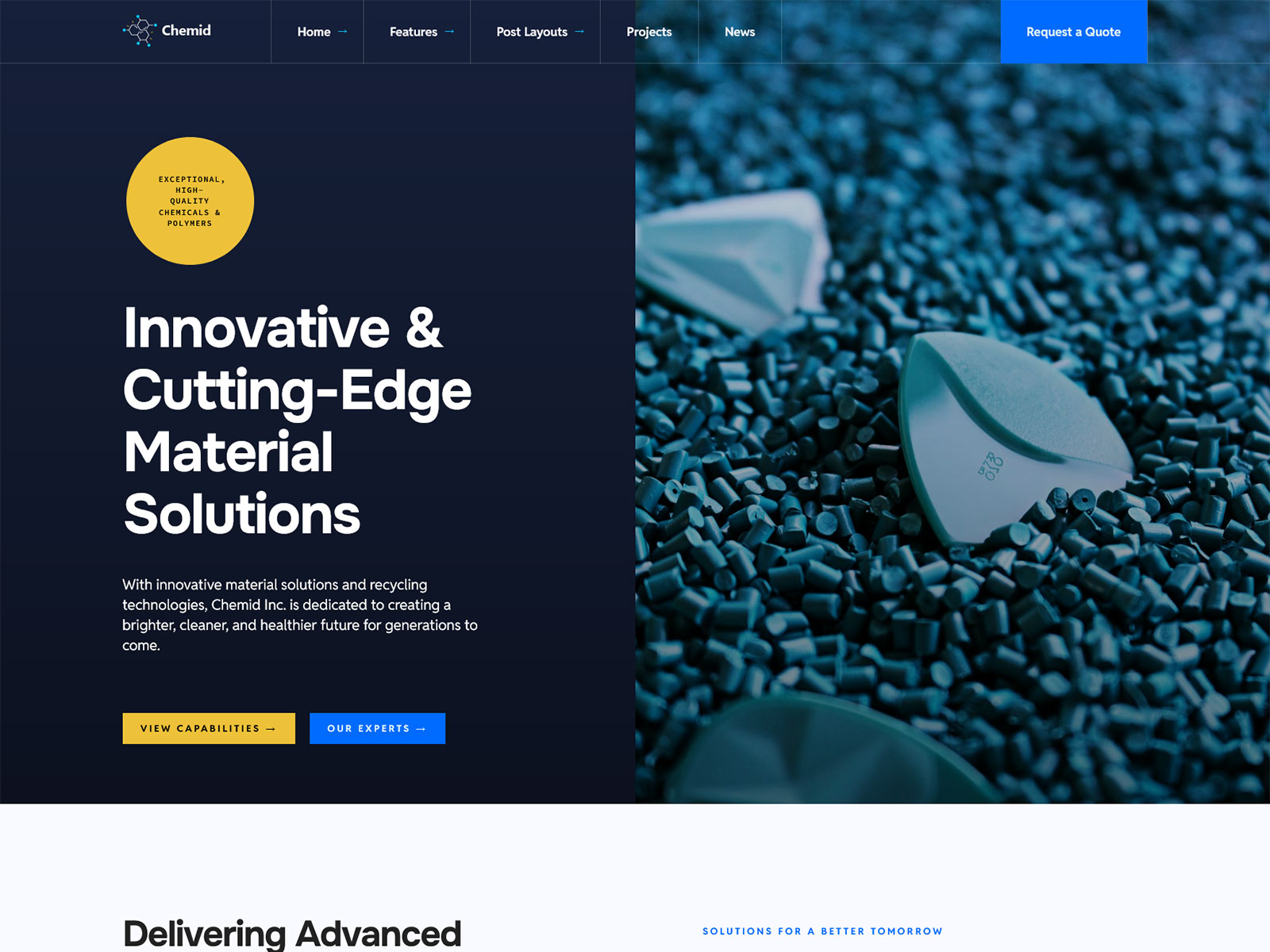
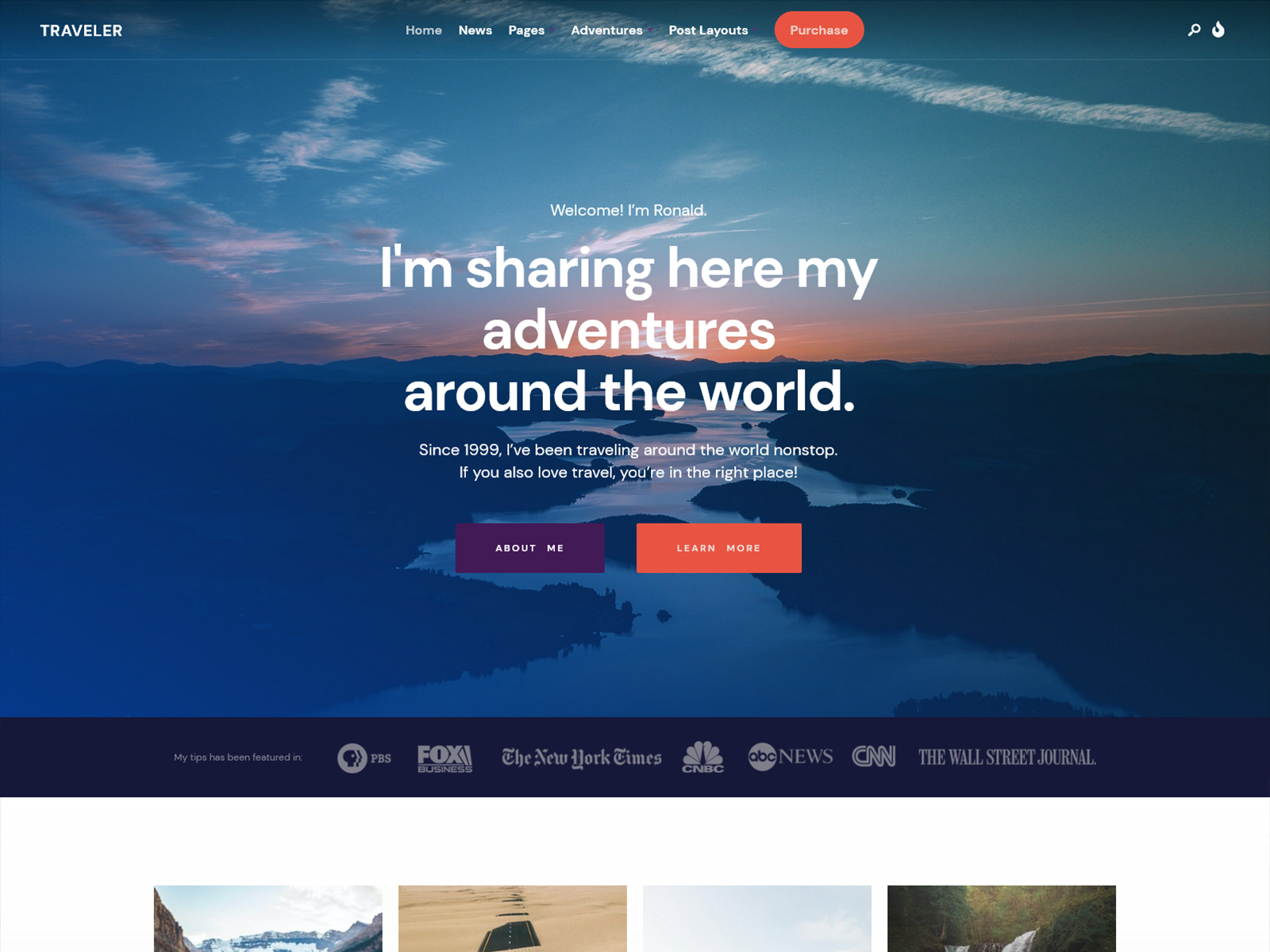
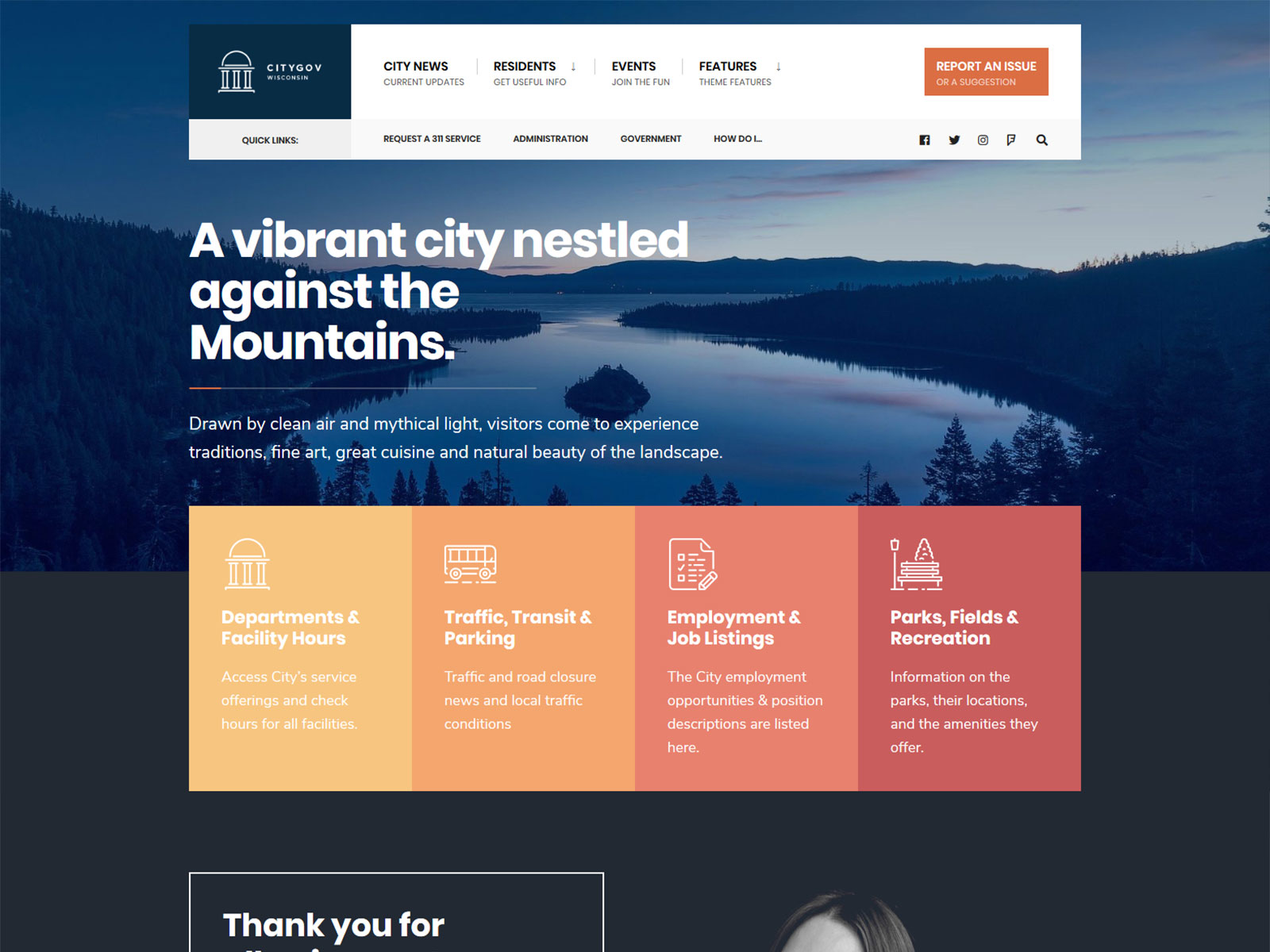
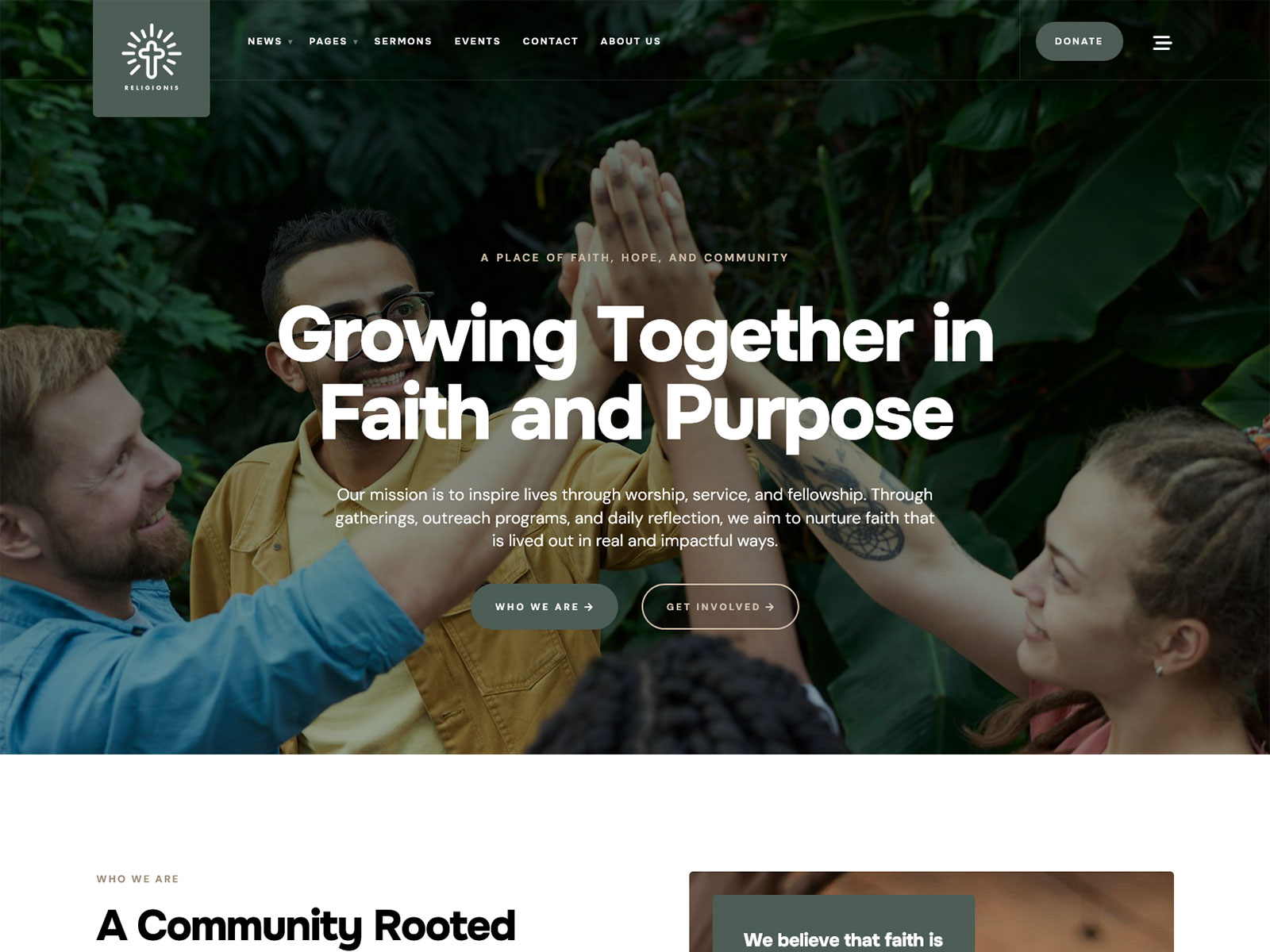
These are short descriptions of what each theme’s structure solves. They are my own products, so the same conflict of interest applies here.
- Municipal and local government: The structure handles announcements, documents, and department pages.
- Editorial and magazine: The layout hierarchy and category archives organize frequent publishing.
- Personal Brand: Project grids and case study pages present work in a consistent format.
- Nonprofit: They include support for donation and event plugins.
- Corporate: Menus, business hours, and projects have dedicated places in the layout.
A No-Code Design Workflow
Follow these steps in order. The sequence prevents the most common mistake, which is buying tools before you know what the site needs.
- Define your site type and list the pages you need.
- Pick a theme that matches the site type.
- Add a page builder only if a specific need is not met or the theme requires it.
- Import the demo and replace the placeholder content.
- Set colors, fonts, and logo in the Customizer.
- Build your main pages.
- Test on mobile and check page speed.
Common Mistakes
Four mistakes account for most of the frustration site owners report:
- Buying a builder before choosing a theme. You end up designing structure by hand that a theme would have supplied.
- Choosing a theme by demo screenshot rather than template coverage. A screenshot shows one page. It does not tell you whether the theme includes archives, search results, or a 404 template.
- Stacking a builder, a heavy multipurpose theme, and addon packs. Each layer adds CSS, JavaScript, and update work, and conflicts between them are harder to trace.
- Over-customizing until updates break the design. The more you override, the more likely a theme update will clash with your changes. Keep overrides to the Customizer and theme options where you can.
FAQ
Can I design a WordPress site without any code at all?
Yes. A theme’s demo import, theme options, and the block editor or page builder cover most no-code design work. You will reach a limit when you want a layout the theme does not offer, and at that point you need a page builder or custom code.
Do I need a page builder if I use a premium theme?
Not by default. A premium theme provides the design system, and the block editor handles content. Add a builder only when a specific page needs a layout the theme cannot produce.
Is Gutenberg enough?
For content-driven sites and simple brochure sites, often yes. Pair it with a theme that supplies the templates and styling. If you need many unique landing pages with custom layouts, you may want a builder on top.
Will a page builder slow my site down?
It can. Builders typically add extra CSS, JavaScript, and page markup, which adds weight to each page. Test your finished pages in PageSpeed Insights, and keep the builder limited to the pages that need it.
Can I switch themes later without losing content?
Your posts and pages stay in WordPress when you switch themes. The design changes, though, because the new theme brings its own layouts and styling. Content built inside a page builder can break if you deactivate the builder, so switching is easier when your content lives in standard blocks.
Theme vs. template vs. page builder: what’s the difference?
A theme is the full design system for your site, including layout, typography, color, and templates. A template is one page layout within that system, such as the archive or single post template. A page builder is a drag-and-drop tool for arranging content on pages.
Conclusion
The theme sets the design system, and the builder is optional tooling on top. For content-driven sites, a niche theme and the block editor cover the work with fewer moving parts. Add a builder when a specific page needs it.
Ready to choose? Browse Themnific themes by niche and pick the one that matches your content type. If you are not ready to buy, the free themes on Dannci are a way to start.
Dannci builds and sells WordPress themes through Themnific, where he works on the theme code, documentation, and site architecture directly rather than delegating it. He also maintains Dannci, a free-theme project, and has published theme profiles on ThemeForest. He writes about WordPress theme security, accessibility, and maintenance based on the code he ships, not general industry commentary.
Last modified: