

The story behind AI Prompt Manager and PromptPress: what I built, what I killed, and why a reusable prompt is really a form.
Your best prompt lives in a Google Doc, an old chat or a Slack thread. You dig it out, paste it, swap the client name, miss one spot, and send the AI last month’s product.
I run Themnific alone, and I think most prompt tools solve the wrong part of this. Storage is easy. The hard part is getting the next person to reuse a good prompt without breaking it. My take: a reusable prompt is a form with the fields missing.
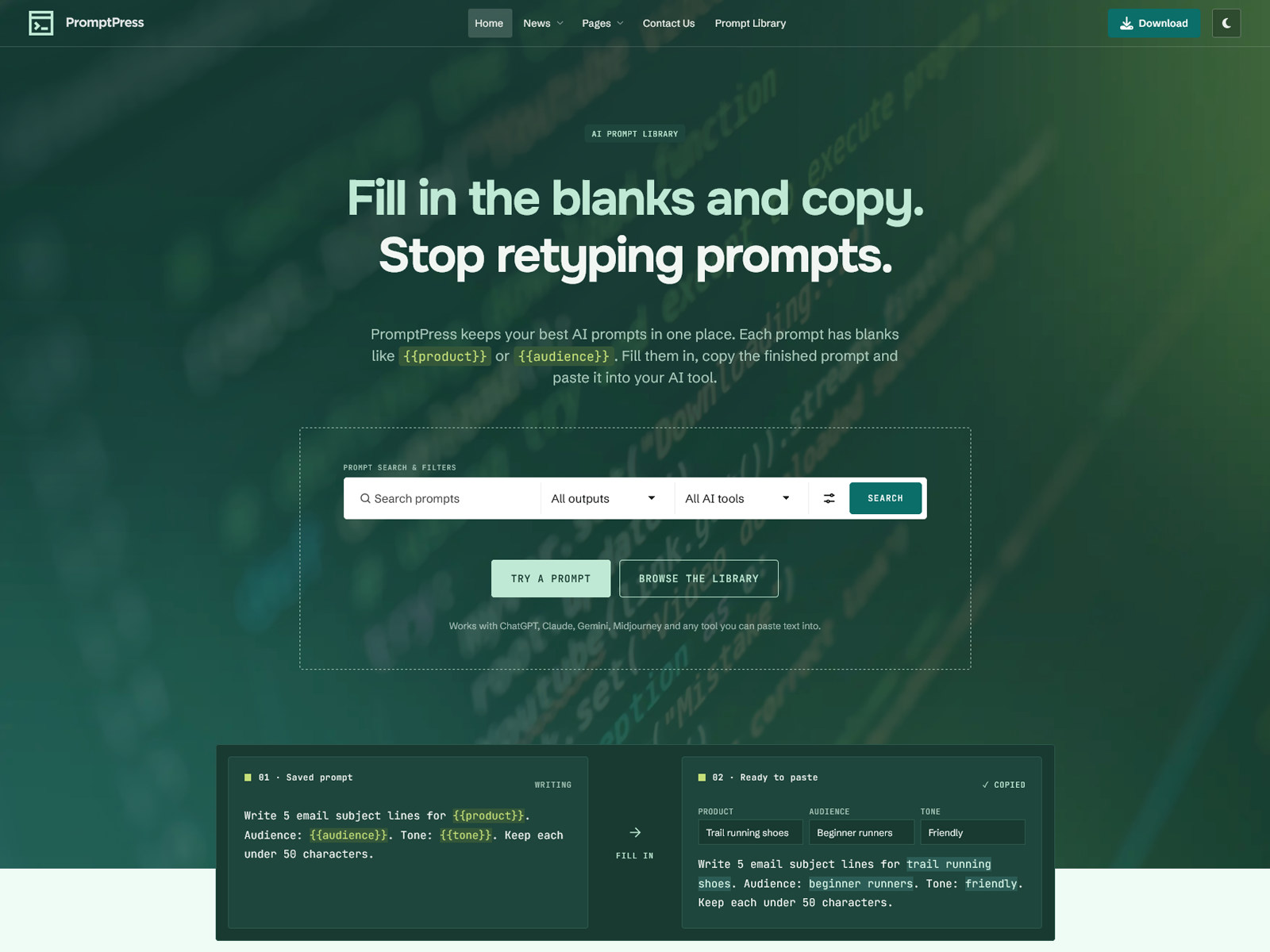
So I built the fields. AI Prompt Manager is a WordPress plugin that turns {{product}} or {{audience}} into form fields. You fill them in, preview the result, copy it and paste it into ChatGPT, Claude, Gemini or Midjourney. PromptPress is the theme built around it.
Neither one contains any AI. You need no API key, no credits and no usage fees. In 2026 that sounds like a missing feature. I call it the best decision in the project.
My first plan was too clever
I started with a premium theme and a paid add-on for managing prompts across projects, task types, AI tools and personas. It would work in public, in private, or both. Early versions leaned hard into composition: pick a persona, pick a context, assemble.
Then I changed the pitch. Most people want to find a good prompt and use it. Few want to architect one. So the product now leads with one job: publish a prompt library on your WordPress site. Composition stayed, but it moved into the power features, and you can switch those off.
The plugin wasn’t public yet, so I could break the data model without hurting a single customer. I did that more than once.
My changelog is mostly a list of things I removed
The roadmap reads like progress. The changelog tells the truth.
- Personas and contexts. These were separate systems until 1.3. One reusable block replaced both. Tags went too, folded into task types and later (again) changed into use cases.
- Two settings that lived for one version each. “Apply public defaults for visitors” arrived in 1.2 and left in 1.3. “Let visitors customize” arrived in 1.3 and left in 1.4.
- Including every attached block. Attach three client contexts to a prompt and all three landed in the copied text. Now several blocks of one type become a dropdown. That mistake became the best agency feature on the sales page: pick the client, copy the prompt.
- The copy button on cards. Copying a template with its blanks still empty helps nobody. Since 1.5, cards say “Assemble prompt” and open the form first.
- A separate card design per prompt type. I wanted masonry for images and table rows for code. By 1.5 I had one card structure with a different lead: a language tile for code, a round thumbnail for images, a use-case label for text.
The names went as well. In 1.6, Kind became Output, Task type became Use case, and Snippets became Instructions. Only the labels changed, and the code kept its slugs. “Kind” made sense to me and to nobody buying the product.
“Inherit everything from the theme” met real themes
My original rule for the plugin’s front end: stay almost unstyled and let the theme decide. I put the CSS inside @layer apm and wrapped it in :where(), so any theme could win without !important. It looked tidy.
Then theme resets arrived. Unlayered CSS beats layered CSS every time, so a rule like div, h2, a { margin: 0; padding: 0; border: 0 } wiped the plugin’s spacing, borders and centring.
Version 1.7 adds a default skin that sits outside the layer on purpose. Themes with their own prompt styling opt out with one line of add_theme_support(), and PromptPress does. I still like the layered approach. A plugin sold to people with unknown themes can’t rely on it alone.
So why does a theme exist at all?
The plugin works with any theme, classic or block. PromptPress exists for people starting from zero who want the finished library in one import.
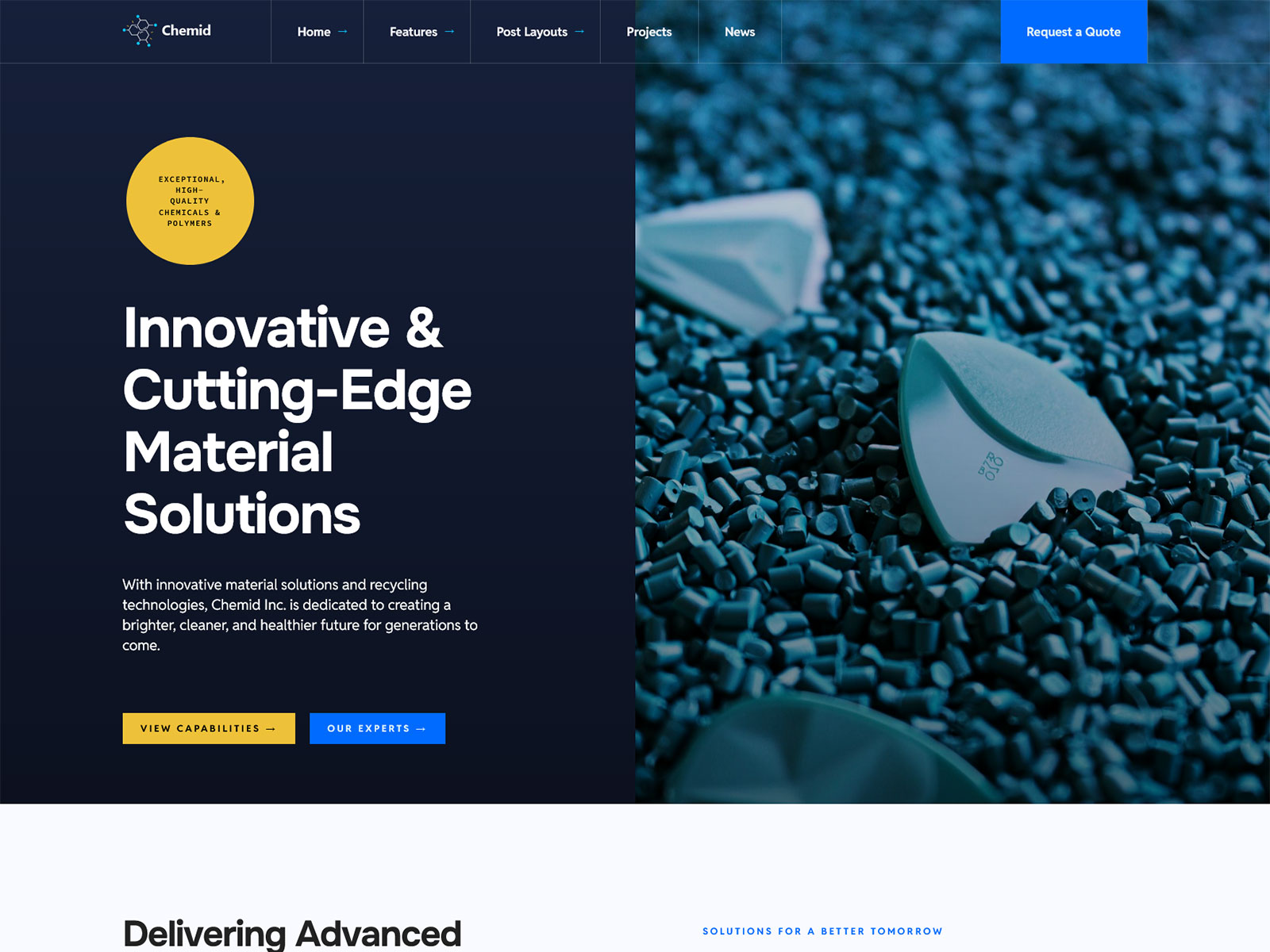
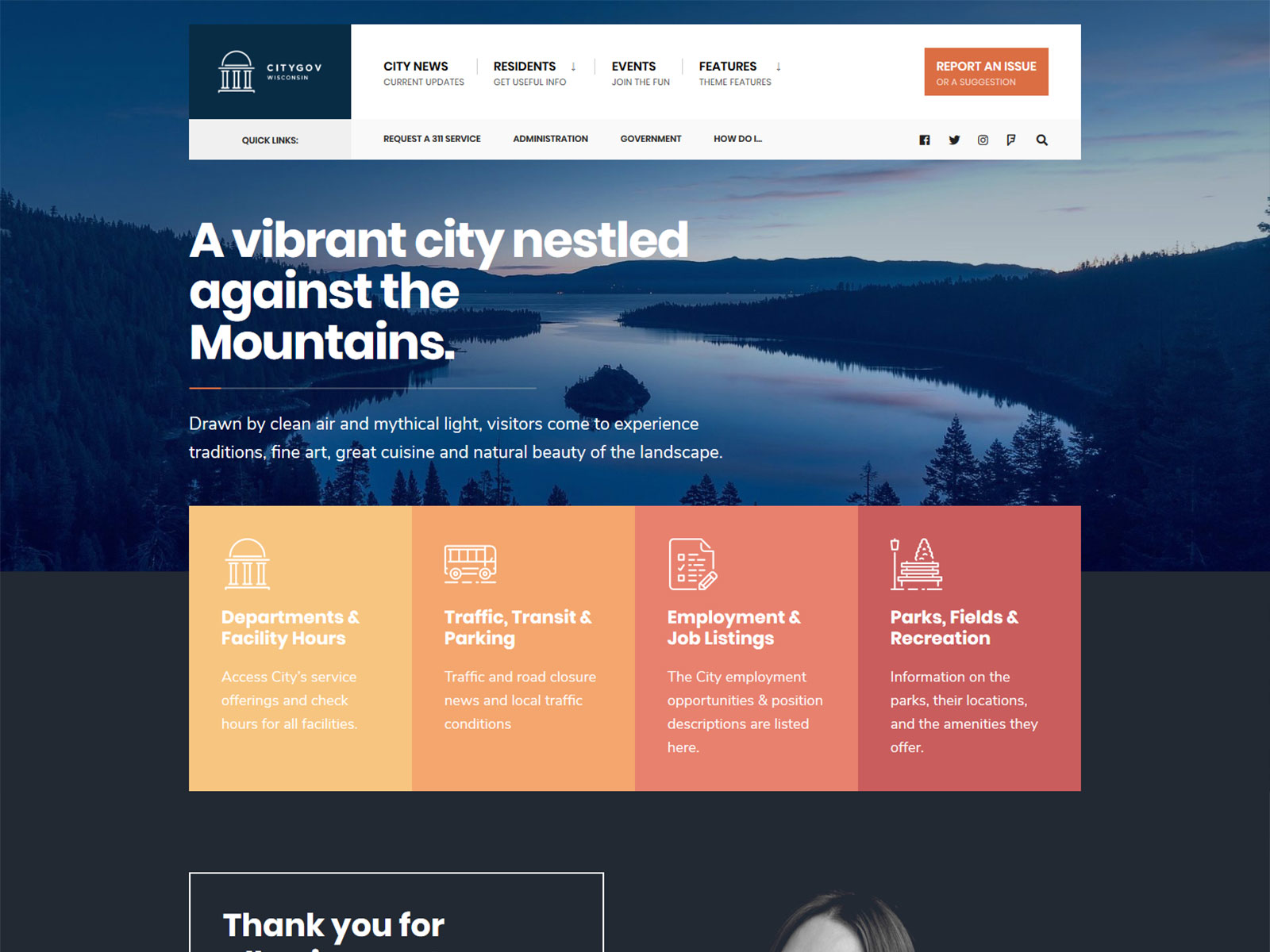
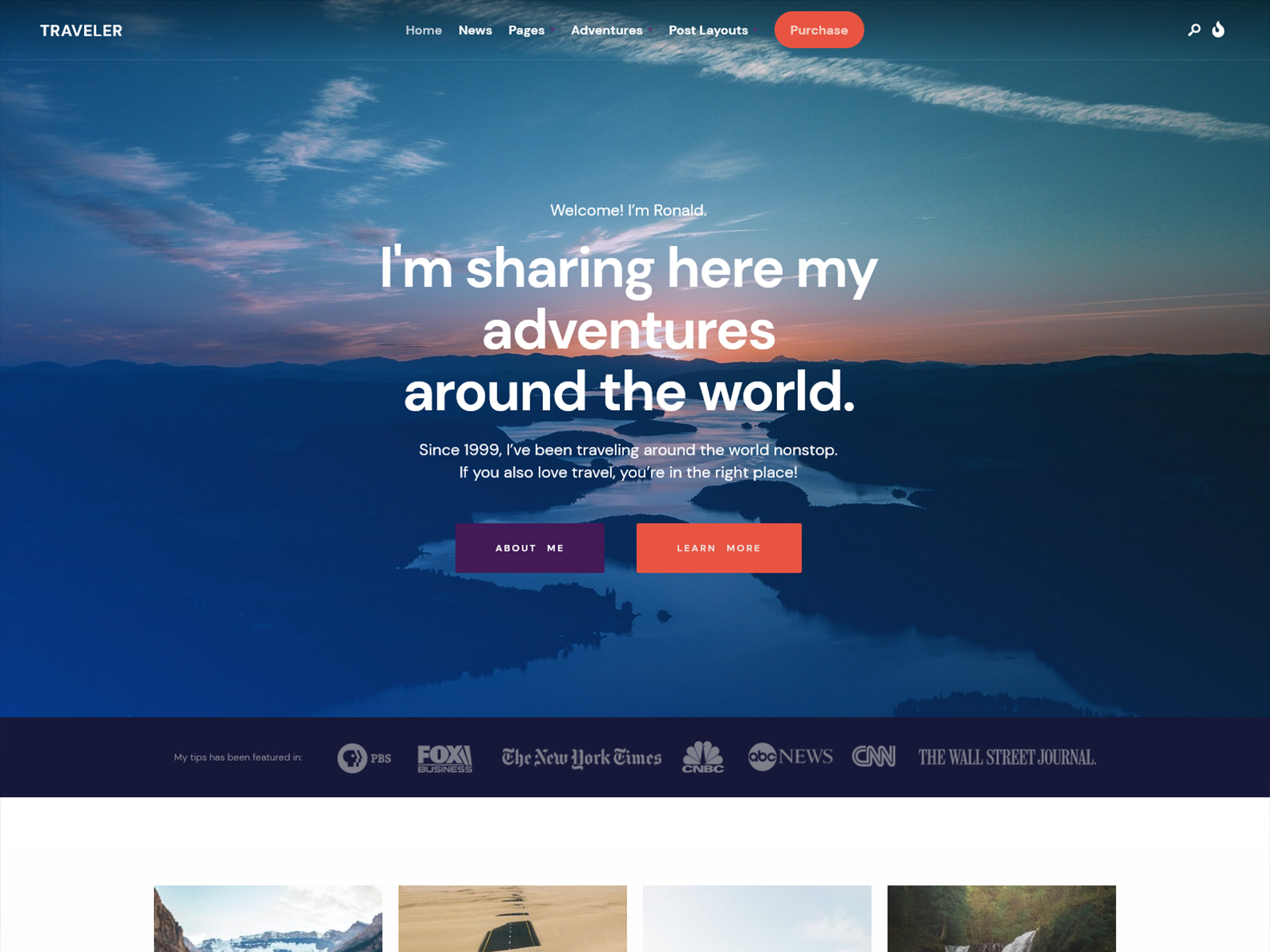
I took my existing PromptPress theme and cut what a prompt site doesn’t need. Portfolio and Events Manager went, and inline SVG replaced Font Awesome. Redux, Elementor and WooCommerce support stayed. Then I built around the library: a prompt page with a properties sidebar and related prompts, light and dark mode, and a one-click demo import.
I also ate my own cooking. I built the demo homepage as plain HTML, section by section, then converted it to Elementor with my HTML to Elementor plugin. The brief for its copy was simple: explain the product to people who don’t care about any of the above.
The demo exposed the downside of a safe default. A prompt without a visibility value counts as private. That protects your work, but one missing value in a demo file means a public prompt disappears on import. Every public prompt and instruction in that file has to say so explicitly.
The boring choices I’d defend
- Private by default. A prompt only reaches visitors when you mark it public. Private and team Instructions never reach visitors, and neither do their names.
- Prompts stay plain text. The plugin stores what you type and escapes it on output, so a shortcode inside a prompt never runs.
- Private images stay private. Result images of non-public prompts move to a protected folder, get a random name and go through a permission check.
- Copies stay cheap. Each logged copy is one INSERT into a small table, and a daily cron job adds up the totals. Postmeta stays untouched, so caches do too.
- Your prompts belong to WordPress. They sit in their own post type, so they stay when you switch themes.
What it won’t do
It doesn’t run prompts or show AI answers on your site. You still paste the result into your AI tool, and if you want a chatbot, you need to look elsewhere. ¯\_(ツ)_/¯
The rest is small print I’d rather you read now:
- Image prompts don’t use Instructions.
- Usage counts cover logged-in copies of assembled prompts, and they update once a day.
- Nginx and IIS need a manual rule to block direct access to protected images.
- I haven’t tested multisite, persistent object caches, page-cache plugins, RTL, or Yoast and Rank Math sitemaps yet.
- Both products are new, so neither has a long track record.
Which one should you buy?
If you already like your theme, buy AI Prompt Manager and skip PromptPress. It costs $9 as an intro price, and the regular price will be $19.
If you’re starting a prompt library from scratch, buy PromptPress. The theme includes the plugin, and its intro price is $29.
You can decide without spending anything. Open the live demo, fill in one prompt and paste it into your AI tool. If that doesn’t save you time, close the tab.
Last modified: