

Disclosure: I’m Dannci, a theme developer at Themnific, where I sell premium WordPress themes. That’s worth knowing upfront, because it means I have a stake in this answer. What follows is what I’d tell you even if I didn’t sell anything at all.
The real question isn’t which is better
Most people searching “free WordPress themes vs. premium” already have an answer they’re hoping to confirm. Either they’ve installed a free theme and hit a wall, and they’re looking for permission to spend money, or they’ve priced out a premium theme and they’re looking for a reason not to. Both are reasonable starting points, but neither is the actual question.
The actual question is which is better for what you’re building right now, with the budget, timeline, and technical comfort you actually have. A free theme and a premium one aren’t different tiers of the same product. They’re built around different assumptions about who’s using them and what the site needs to do. Comparing them head to head, as if one just has “more” than the other, misses why the gap exists in the first place.
If you’re at the point of Googling this, you’ve probably already run into a limitation. Maybe the customizer doesn’t let you change something that felt like it should be changeable. Maybe you added a plugin to get a feature and it broke your layout. That friction is real information, not just a nuisance, and it’s worth paying attention to before you decide anything.
What “free” actually costs
Free WordPress themes don’t cost money, but they aren’t free of cost. The expenses just show up somewhere other than a checkout page, and most site owners don’t notice until they’ve already paid them.
Time cost is the first one. Free themes tend to cover the basics and leave the rest to you. If the theme doesn’t have a layout option you need, your options are to live without it or find a plugin that adds it, then spend time configuring that plugin to look like it belongs. Stack enough of these workarounds and you’ve spent hours reconstructing something a purpose-built theme would have included on day one.
Support cost is the second. Free themes on the WordPress.org repository usually have a support forum where the developer may or may not answer questions, with no guaranteed response time. If something breaks after a core or plugin update, you’re often troubleshooting alone or waiting on a volunteer. That’s fine for a low-stakes project. It’s a real problem if the site needs to be back up the same day.
Security and maintenance are the quieter risks. Some free themes are maintained for years. Others get published, get a burst of downloads, and then sit untouched while WordPress itself keeps updating around them. An abandoned theme doesn’t fail immediately, it just stops getting patched, and the risk compounds every month it goes unmaintained. Before installing any free theme, check the “last updated” date in its repository listing, not just its download count.
Design ceiling shows up last but matters most for how the site looks day to day. Free themes are usually built to suit as many use cases as possible, which means the customizer options are broad but shallow: a color picker, a logo upload, a handful of layout toggles. That’s enough for a generic site. It’s rarely enough once you have a specific idea of how you want a section to look, and you’ll find yourself either accepting the default or reaching for a page builder plugin to get around the theme’s limits, which is its own added complexity.
That plugin stacking deserves its own mention. It’s common to see a free theme paired with five or six plugins doing the work a premium theme’s built-in features would have done: a slider plugin, a portfolio plugin, a forms plugin, a custom CSS plugin. Each one is another thing to keep updated, another potential conflict, and another layer between you and understanding why something on your site looks the way it does.
What premium actually buys, and what it doesn’t
Premium themes solve some of the above, but not automatically and not completely. Paying for a theme buys you specific things, and it’s worth being precise about which ones.
A dedicated support window is the most concrete benefit. Most premium theme sellers, including Themnific, bundle a fixed period of direct support with a purchase (commonly around six months) rather than an open-ended promise. That’s a real improvement over a forum with no guarantee, but it’s still a window, not a lifetime service contract, and it’s worth checking exactly how long that window is before you buy.
An update commitment is the second, but it comes with a note: it depends entirely on the developer, not the price tag. A $79 theme from an active developer can be maintained better than a $150 theme from someone who’s moved on to other projects. Price is not a proxy for reliability. The changelog is.
Premium themes also tend to have a narrower feature scope done well, rather than a broad scope done adequately. A theme built for restaurant sites will have menu layouts, reservation-friendly page structures, and food-specific content types already worked out, instead of leaving you to bolt those on with plugins. That’s the actual value: not more features in general, but the right features for one kind of site, built to work together.
What premium doesn’t guarantee is better code. A paid theme can still be bloated, poorly documented, or built by someone who stopped supporting it after the first year, the same as a free one. What price mostly buys is better incentive alignment: a developer who’s selling a theme has a reason to keep it working, where a hobbyist who published a free theme for fun does not. That’s a meaningful difference, but it’s not a certainty, and it’s why the checklist later in this article matters regardless of which direction you’re leaning.
When free is genuinely the right call
None of the above means premium is the default correct choice. There are project types where a free theme is the sensible decision, not a compromise.
- A simple brochure site with a handful of static pages and no plans to grow
- A one-off project, like a landing page for a single event
- A learning or testing environment where you’re evaluating WordPress itself, not building something to launch
- A budget-zero nonprofit or personal blog with no monetization and no revenue to protect
The pattern across all of these is the same: the site doesn’t make money and doesn’t need to scale. If that describes what you’re building, spending on a premium theme is solving a problem you don’t have yet. Overbuying doesn’t make the site better, it just adds cost without adding anything the project actually needs.
When premium earns its price
The flip side is just as specific. Premium tends to earn its cost in three situations.
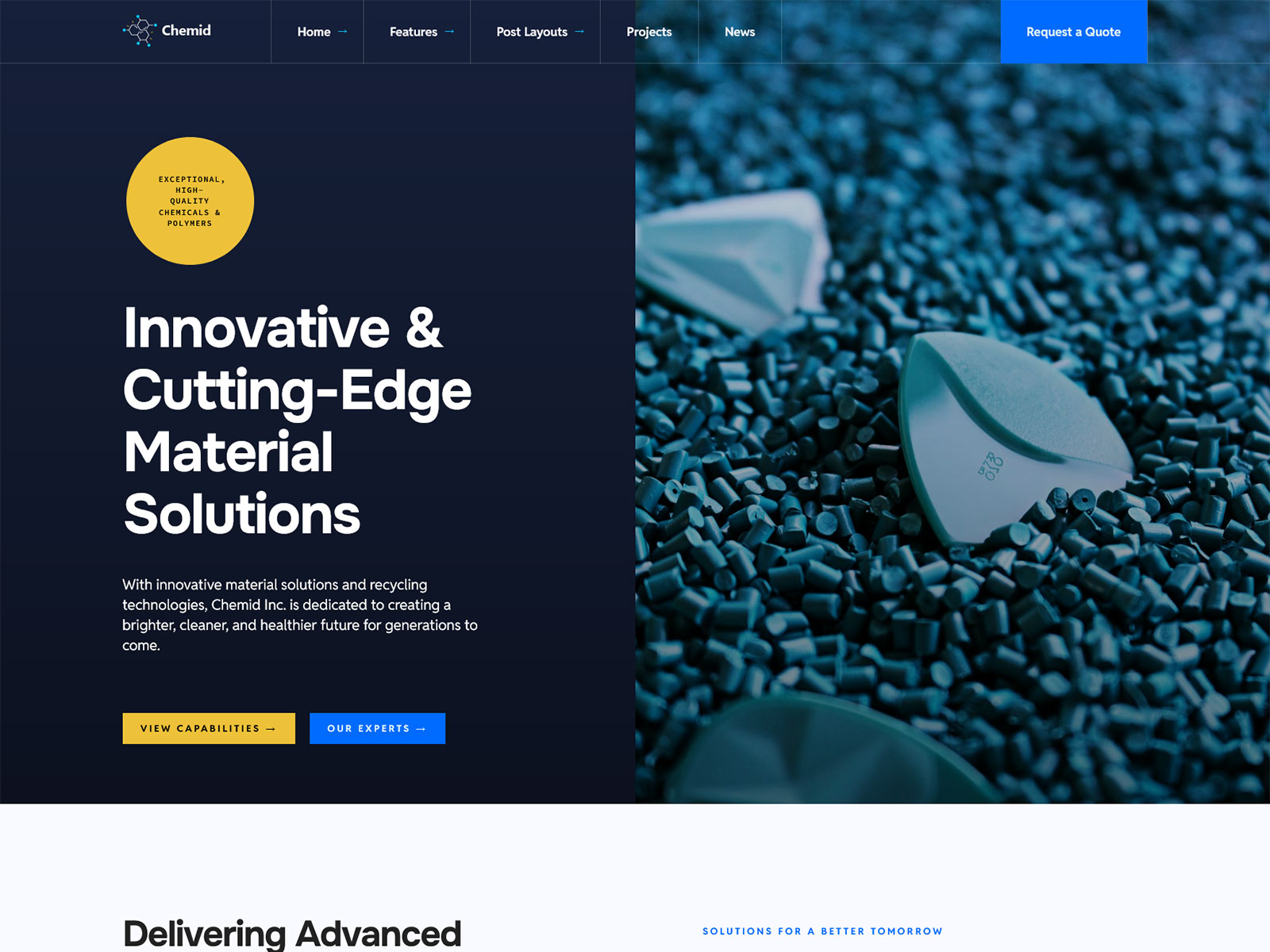
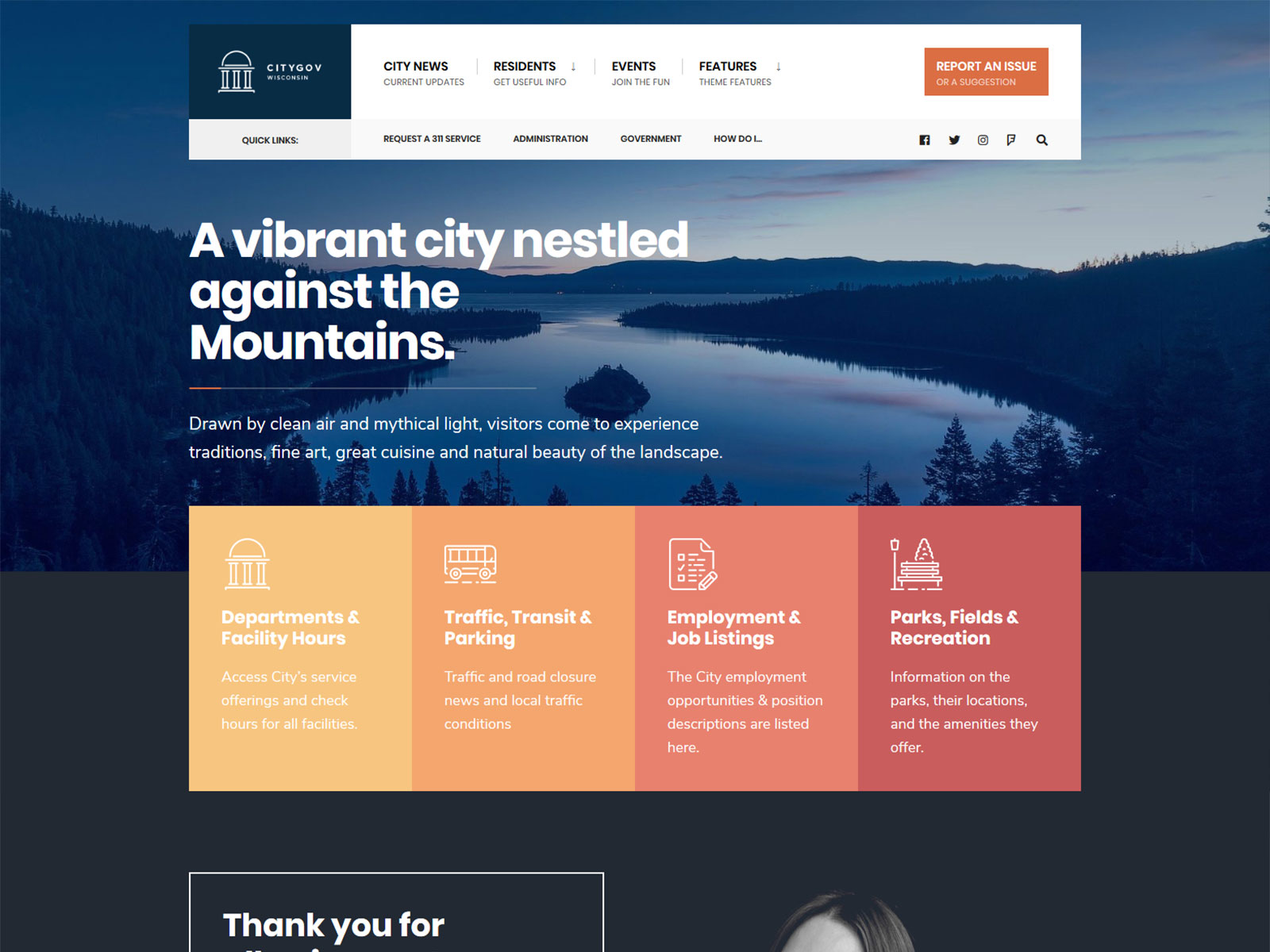
The first is niche functionality that would otherwise take three or four separate plugins to assemble, such as a business directory, a restaurant menu system, or a municipal or government site with accessibility and structure requirements built in. These are the kinds of themes where the alternative isn’t “use a free theme instead,” it’s “rebuild this feature set yourself with plugins and hope they don’t conflict.”
The second is client work, where support windows and documentation aren’t a nice-to-have but part of what you’re delivering. If you’re handing a site off to a client who isn’t technical, a documented, supported theme gives them somewhere to go when something goes wrong that isn’t you.
The third is any site where downtime or a security failure has real cost, whether that’s lost sales, lost trust, or a compliance problem. On these sites, the support window and update cadence aren’t convenience features, they’re risk management.
A practical decision framework
Rather than weighing free against premium in the abstract, ask a few direct questions about the specific project in front of you.
- Does this site generate revenue, directly or indirectly?
- Does it need a feature set that a free theme plus plugins can’t reasonably replicate?
- How comfortable are you troubleshooting theme or plugin conflicts yourself?
- Who is responsible for maintaining this site a year from now, and do they have the time?
There’s no scoring system here. If most of your answers point toward “this matters” and “I don’t have the time to handle it myself,” that’s a reasonable signal to pay for a supported theme. If most point the other way, a free theme is a defensible choice, not a downgrade.
What to check before buying any premium theme
Whatever you decide, this checklist applies regardless of which theme or developer you’re considering, including ours.
- Update history, visible in the changelog. Look for a recent update, not just a recent release date.
- Demo import reliability, meaning whether the one-click demo import actually reproduces the demo site, or leaves out content and requires manual rebuilding.
- Support ticket response times, which some marketplaces display and some sellers state directly. If neither is available, that’s information too.
- License terms, specifically whether the license covers one site or multiple, and whether it includes future updates or only the version you bought.
Checking these four things takes a few minutes and tells you more about whether a theme is worth the price than any feature list on the sales page.
The framing to drop
“Free vs. premium” is a convenient headline, but it’s a distraction from the question that actually matters: does this theme fit what your project needs to do, right now and over the next year. A free theme that fits is a better choice than a premium theme that doesn’t, and the reverse is just as true.
If you’ve gone through the checklist above and landed on needing something with niche functionality already built in, take a look at Themnific’s theme categories for the kind of narrower, purpose-built options this article describes. If you land on free, that’s a fine outcome too. It just means you’ve made the decision on the actual merits instead of the price tag alone.
Dannci builds and sells WordPress themes through Themnific, where he works on the theme code, documentation, and site architecture directly rather than delegating it. He also maintains Dannci, a free-theme project, and has published theme profiles on ThemeForest. He writes about WordPress theme security, accessibility, and maintenance based on the code he ships, not general industry commentary.
Last modified: