

Dannci is the founder and developer behind Themnific, a WordPress theme shop building premium themes across municipal, editorial, and local business niches. He designs and codes every theme’s CPT and taxonomy architecture, documentation, and support process directly, rather than delegating them to a separate team. His work focuses on building themes that non-technical site owners can manage without ongoing developer support, with particular attention to accessibility, clear documentation, and long-term maintainability.
The Hidden Cost of Choosing the Wrong Theme
Attractive demos often hide maintenance complexity. A homepage that looks polished in a preview can still rely on a tangle of settings panels, unfamiliar builders, and options that only make sense to the person who built them. Non-technical users usually discover these problems months after launch, once the excitement of the initial setup has worn off and they need to make a routine change on their own.
Poor documentation creates dependency on developers. When a theme ships without clear guides, every small task, from updating a headline to swapping an image, turns into a support ticket or a paid favor. Weak support increases downtime and frustration, especially when a site owner hits a plugin conflict or a broken layout right before a launch date or a busy season.
Accessibility issues can limit usability and future growth. A theme that ignores basic accessibility practices restricts who can comfortably use the site today, and it can make future redesigns or plugin updates harder to implement cleanly.
What This Guide Covers
This guide looks at the practical signals that indicate whether a WordPress theme will stay manageable over time. It covers documentation evaluation, accessibility standards, support quality assessment, update and maintenance considerations, and a list of questions to ask before buying.
Why Maintainability Matters More Than Features
A Theme Is a Long-Term Tool, Not a One-Time Purchase
A theme purchase is a one-time transaction, but the relationship with that theme is not. Site owners edit pages, add content, install plugins, and troubleshoot issues for as long as the theme stays active, often for years. A theme that is hard to manage does not become easier with time; it just accumulates more content built on top of a difficult foundation.
Common Mistake: Shopping by Demo Design Alone
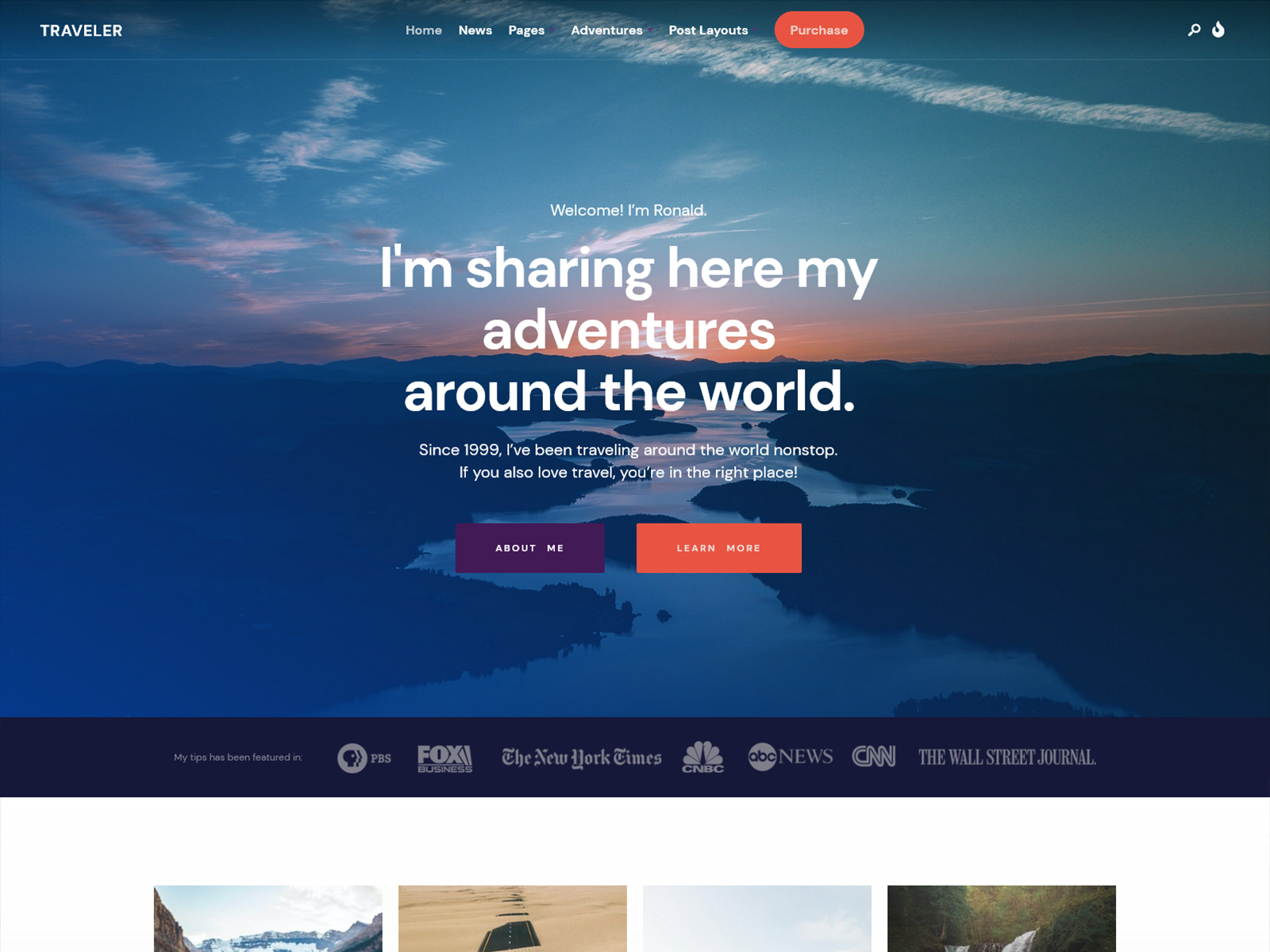
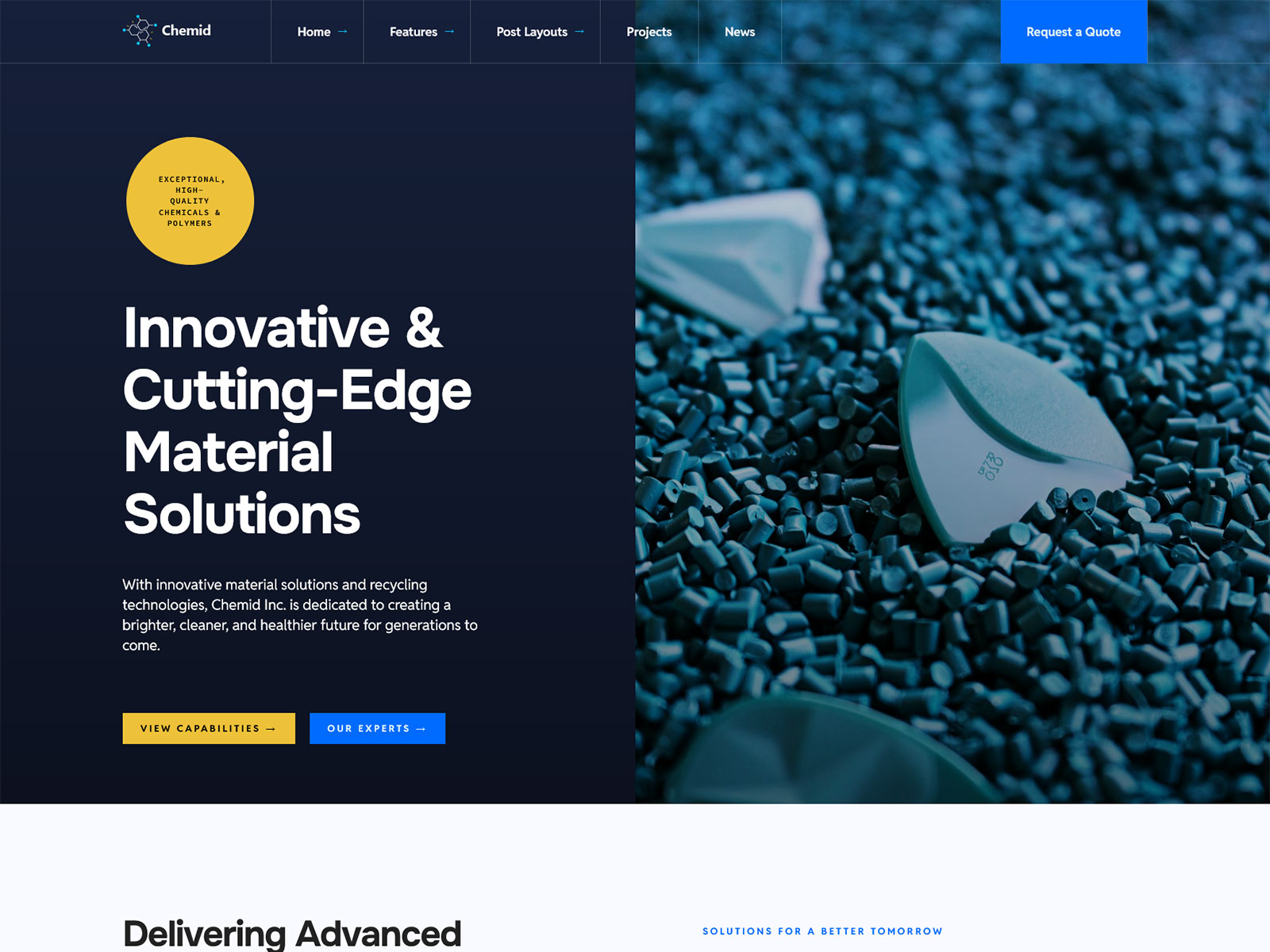
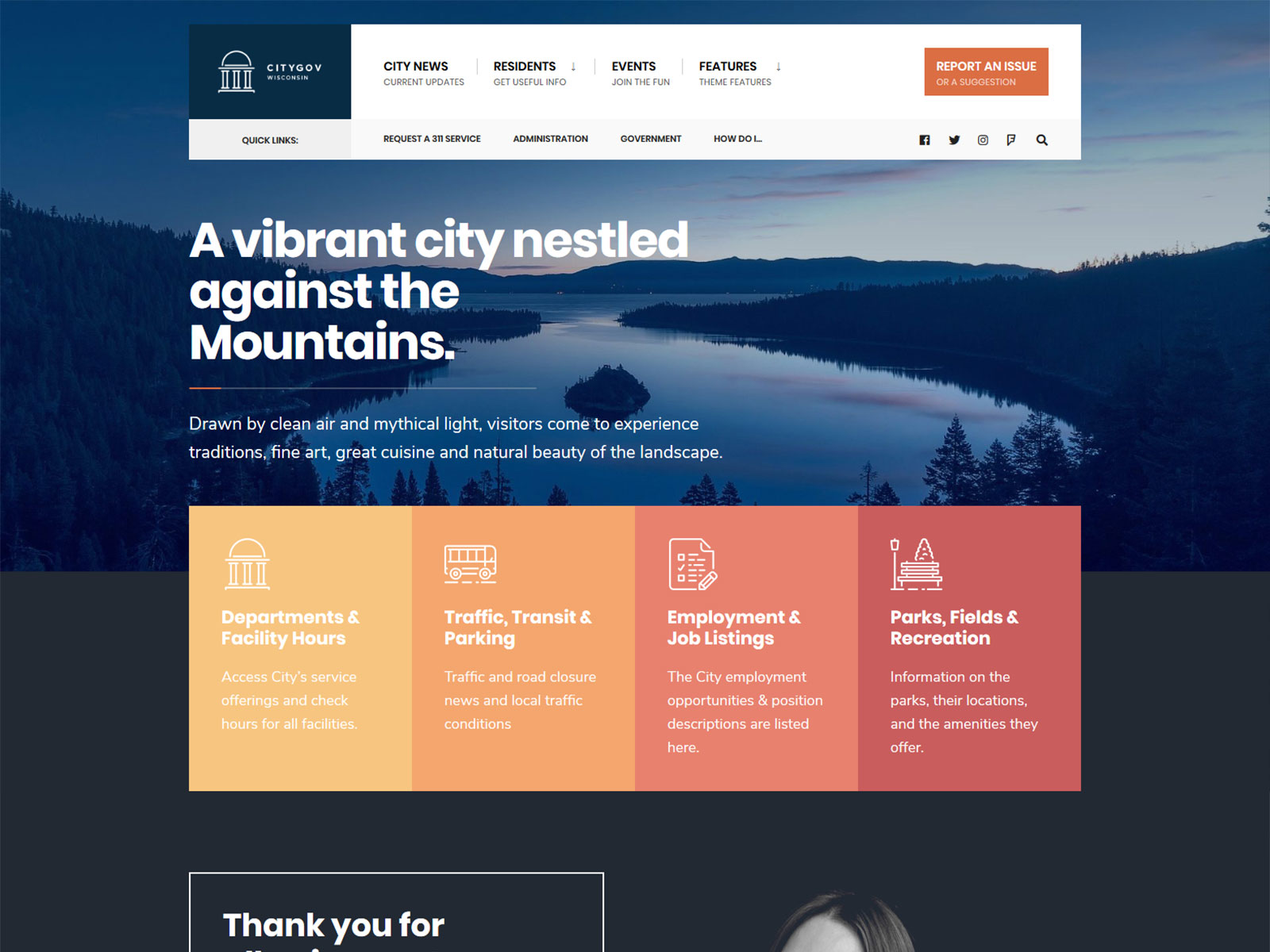
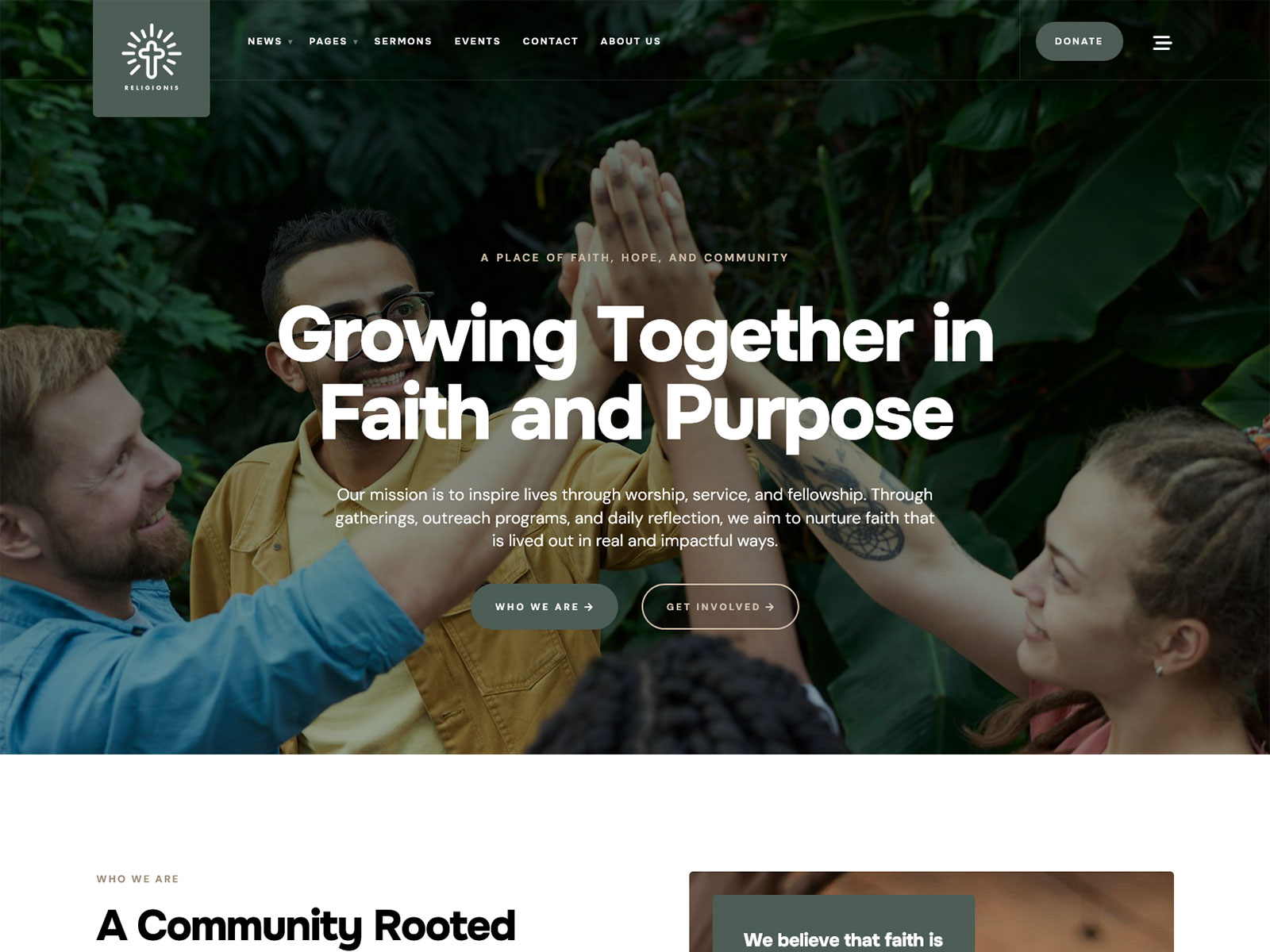
Visual appeal and usability are two different qualities, and a demo only shows the first one. A homepage demo is built once, styled carefully, and photographed at its best. It says nothing about how the same theme behaves when a site owner replaces every image, rewrites every headline, and adds new pages that were not part of the original demo.
Demo content can hide complexity because it is pre-filled with sample text and images arranged in exactly the right spots. The real test starts when a site owner has to recreate that same layout with their own content, using whatever tools the theme provides for that purpose.
Feature overload creates learning barriers. A theme with dozens of layout options, animation toggles, and custom widgets might look impressive in a features list, but each additional option is something the site owner has to understand, or ignore and hope does not break anything.
The Real Cost of Difficult Maintenance
The cost of a hard-to-manage theme shows up in ordinary, recurring tasks:
- Updating content that requires digging through nested settings panels instead of using the standard WordPress editor
- Replacing images that break layout spacing or aspect ratios when swapped
- Editing layouts that depend on a proprietary page builder with its own learning curve
- Managing menus that behave differently across desktop and mobile without clear settings
- Troubleshooting issues with no clear starting point for figuring out what went wrong
Signs a Theme May Be Too Complex
A few patterns tend to show up together in themes that become difficult to manage:
- Excessive customization panels covering the same design decisions in multiple places
- Proprietary builders that lock content into a format specific to that theme
- Hundreds of options presented without explanation of what they do
- Technical terminology throughout the interface, aimed at developers rather than site owners
Expert Insight
Simplicity often results in lower ownership costs over several years, not because a simple theme does less, but because it asks less of the person maintaining it. A theme with a smaller, well-organized set of options is easier to learn once and remember later, while a theme with an overwhelming settings interface has to be relearned every time the site owner returns to make a change.
Documentation Is the First Support System
Why Documentation Matters More Than Most Buyers Realize
Documentation is often treated as an afterthought during a purchase decision, yet it is the resource a site owner will use most often after the sale. Good documentation reduces dependence on support because it lets a site owner solve their own problem instead of waiting for a reply. This matters for a low-maintenance WordPress theme, since the whole point of choosing one is spending less time managing the site.
Good documentation supports self-service problem solving, faster onboarding for anyone new to the theme, and lower frustration when something does not work as expected on the first attempt.
What Quality Theme Documentation Should Include
Setup guides should walk through the full initial process. A useful checklist includes:
- Installation steps
- Demo import instructions
- Homepage setup
- Menu creation
- Widget management
Content editing tutorials should explain the tasks a site owner will repeat constantly, including updating text, replacing images, editing headers, and managing blog posts. These are the tasks that come up every week, not just during setup.
Troubleshooting resources should address the problems that actually occur, such as missing layouts after a demo import, failed demo import attempts, and plugin conflicts that alter how a page displays.
Visual instructions make written steps easier to follow. Screenshots, videos, and step-by-step walkthroughs let a site owner confirm they are in the right place before they make a change, which matters more for someone who does not read code or admin interfaces every day.
Documentation Red Flags
Watch for these warning signs when reviewing a theme’s documentation before buying:
- Missing tutorials for common tasks like content editing or troubleshooting
- Generic explanations that could apply to any theme rather than this one specifically
- Broken links inside the documentation itself
- Technical language used without any clarification for non-developers
Practical Evaluation Method
Before buying, open the documentation and try to complete one real task using only the written instructions, such as changing the homepage image or adding a new menu item. If the steps are clear enough to follow without guessing, the documentation is doing its job. If the instructions skip steps or assume prior knowledge the buyer does not have, that gap will show up again after purchase, usually at a less convenient time.
Accessibility Is Also a Maintenance Advantage
Accessibility Helps Both Visitors and Site Owners
Accessibility is usually framed as a visitor-facing concern, but it also affects how easy a theme is to manage day to day. Accessibility in a WordPress theme covers keyboard navigation, readable typography, sufficient color contrast, and semantic structure, meaning the underlying HTML follows a logical, meaningful order rather than just a visual one.
Why Non-Technical Owners Benefit from Accessible Themes
Accessible systems encourage easier content management, because they push toward proper heading structures, better image handling with descriptive alt text, and clear navigation patterns. A site owner adding a new blog post to an accessible theme is more likely to be guided toward correct heading levels and complete image fields, simply because the theme is built around that structure.
Better future scalability follows from the same foundation. A theme built on accessible, semantic markup tends to support easier redesigns, since the content structure does not have to be untangled from decorative code. It also reaches a broader audience and stays compatible with evolving standards, since accessibility requirements tend to tighten over time rather than loosen.
Accessibility Features Worth Looking For
Navigation accessibility includes keyboard-friendly menus that can be operated without a mouse, visible focus indicators showing which element is currently selected, and skip links that let users jump past repeated navigation to the main content.
Content accessibility includes a logical heading hierarchy from H1 through H3, accessible forms with proper field labeling, and clear labels on every interactive element.
Mobile accessibility includes touch-friendly controls sized for fingers rather than a mouse cursor, readable text that does not require zooming, and responsive layouts that adjust cleanly across screen sizes.
Accessibility Questions to Ask Theme Authors
- Has the theme been tested with keyboard-only navigation?
- Does the color palette meet standard contrast ratios?
- Are heading levels applied consistently across the demo content?
- Are form fields labeled in a way a screen reader can announce?
Common Accessibility Claims vs Reality
An “accessibility-ready” label on a theme listing is a starting point, not a guarantee. The label typically reflects a self-reported checklist by the theme author, not an independent audit. Buyers should verify independently by testing keyboard navigation and checking contrast on the actual demo, rather than assuming the label covers every page template. Testing matters because accessibility can vary between a homepage template and a blog archive template within the same theme.
Expert Perspective
Accessibility often reflects overall product quality and development discipline. A theme built with attention to semantic structure and keyboard behavior usually reflects the same care in its underlying code, which tends to correlate with fewer bugs and a more predictable editing experience overall.
Support Quality Often Determines Ownership Experience
Why Support Becomes Critical After Launch
Most questions appear weeks or months later, once the site owner has moved past initial setup and into daily operation. Common examples include plugin compatibility questions, layout adjustments after adding new content types, confusion around updates, and requests for features the site owner assumed were included.
Types of Theme Support
Ticket-based support offers direct, personalized answers, but response times vary widely between theme authors and can slow down during busy periods.
Knowledge bases let a site owner search for an answer immediately, without waiting on a reply, though they only help if the specific issue has already been documented.
Video libraries are useful for visual learners working through setup tasks, but they age quickly if the admin interface changes and the videos are not updated.
Community forums can surface answers from other users who hit the same problem, though answer quality depends on how active the community actually is, and incorrect advice can circulate as easily as correct advice.
How to Evaluate Support Before Purchase
Response times matter most in the first few days after a purchase, when setup questions are most likely to come up. A reasonable expectation is a first reply within one to two business days, though this varies by theme author and support team size.
Quality of answers matters as much as speed. Look for detailed explanations rather than one-line replies, screenshots that show the actual fix, and a willingness to follow up if the first answer does not resolve the issue.
Consistency across many reviews matters more than one glowing testimonial, since a single good review is not enough to judge an entire support operation. A pattern across dozens of reviews is a far more reliable signal than one highlighted comment on a sales page.
Support Red Flags
- Unanswered tickets sitting in public support forums for weeks
- Sparse documentation that pushes every question into a ticket
- Long response delays reported consistently across reviews
- Defensive communication in visible support threads, where the author dismisses the user’s issue instead of addressing it
Case Example
A site owner who hits a plugin conflict right before a product launch has very different outcomes depending on the support behind their theme. With responsive support and a searchable knowledge base, the same conflict might be resolved within a day through a documented fix. Without it, the site owner is left testing plugins one at a time, sometimes losing hours to a problem that support could have solved in minutes.
Update Strategy and Long-Term Reliability
A Theme Should Improve Over Time
Regular updates matter for security, since outdated theme code can become a target as vulnerabilities are discovered and left unpatched. They matter for compatibility with newer plugins and browsers, for overall stability as bugs get fixed, and for support of new WordPress releases as the platform itself evolves.
What to Check Before Buying
Update frequency is worth checking directly in the changelog. Look for a consistent release history rather than a single burst of updates followed by long silence, along with signs of ongoing maintenance such as recent bug fixes or compatibility patches.
Compatibility information should state support for the latest WordPress versions, commonly used plugins, and current PHP versions. A theme that has not confirmed compatibility with a recent WordPress release is a signal worth investigating further before purchase.
Changelog transparency matters because a detailed changelog shows exactly what changed and why, which helps a site owner understand whether an update fixed something relevant to their site or introduced a change they should watch for.
Warning Signs
Infrequent updates, vague update notes that only say “bug fixes” without detail, and long maintenance gaps between releases all suggest a theme that may not keep pace with WordPress itself over time.
The Relationship Between Theme Quality and Support Burden
Better Themes Require Less Help
The overall quality of a theme’s construction has a direct relationship with how much outside help a site owner will need later. A well-built theme tends to explain itself, while a poorly organized one tends to generate a steady stream of questions.
Characteristics of Low-Maintenance Themes
- Clear settings with plain-language labels
- Predictable behavior across different page types
- Consistent design patterns used throughout the theme
- Reliable integrations with common plugins
Characteristics of High-Maintenance Themes
- Complex option structures spread across multiple settings screens
- Multiple overlapping systems that control the same design element in different places
- Custom frameworks that do not follow standard WordPress conventions
- Poor organization that makes related settings hard to find
The Maintenance Pyramid
Maintainability builds in layers, each one supporting the next.
The foundation layer covers accessibility, clean code, and adherence to WordPress standards. This is the structural layer that everything else depends on.
The operational layer covers documentation, updates, and support, the systems that keep the theme functioning correctly and help site owners when something goes wrong.
The user layer covers ease of editing, daily management, and content publishing, the parts of the experience a site owner interacts with most often. A weak foundation layer eventually shows up as friction in the user layer, even if the visible editing experience looks fine at first.
Questions to Ask Before Purchasing Any WordPress Theme
Documentation Questions
- Can I view documentation before purchase?
- Are tutorials included?
- Is setup fully documented from start to finish?
Accessibility Questions
- Has the theme been accessibility tested?
- Which accessibility practices are supported?
- Are accessibility improvements part of ongoing updates?
Support Questions
- What support is included with the purchase?
- How long does support last after buying?
- What issues are covered under that support?
Maintenance Questions
- How often are updates released?
- How long has the product been actively maintained?
- What does the update history show over the past year?
Expert Recommendations
Prioritize These Factors
- Clear documentation
- Reliable support
- Accessibility foundations
- Consistent updates
- Ease of use
Consider These Factors Second
- Demo design
- Animation effects
- Large feature lists
- Visual extras
These second-tier factors are not unimportant, but they matter far less once the site is live and the site owner is focused on running it rather than shopping for it.
Conclusion
The Best Theme Is the One You Can Manage Yourself
Documentation reduces confusion by giving a site owner a clear reference for common tasks instead of a guessing game. Accessibility improves usability for visitors and makes ongoing content management more consistent for the site owner. Support reduces risk when something breaks unexpectedly, and updates protect the long-term investment by keeping the theme compatible with a WordPress ecosystem that keeps changing. Simplicity often outperforms feature overload, since a theme that does less, clearly, tends to age better than one that tries to do everything.
Final Takeaway
A maintainable WordPress theme should help non-technical owners confidently update content, solve common issues, and keep their websites running without constant developer assistance. The strongest themes combine clear documentation, accessible design practices, dependable support, and a proven maintenance record.
Dannci is the founder and developer behind Themnific, a WordPress theme shop building premium themes across municipal, editorial, and local business niches. He designs and codes every theme’s CPT and taxonomy architecture, documentation, and support process directly, rather than delegating them to a separate team. His work focuses on building themes that non-technical site owners can manage without ongoing developer support, with particular attention to accessibility, clear documentation, and long-term maintainability.
Last modified: