

Dannci builds and sells WordPress themes through Themnific, where he works on the theme code, documentation, and site architecture directly rather than delegating it. He also maintains Dannci, a free-theme project, and has published theme profiles on ThemeForest. He writes about WordPress theme security, accessibility, and maintenance based on the code he ships, not general industry commentary.
Most beginner guides describe WordPress as a single product you buy or sign up for. That framing causes most of the early confusion. WordPress is not one thing. It’s four separate pieces: hosting, a domain, the WordPress core software, and a theme with plugins layered on top. Each piece is often sold by a different company, configured separately, and can fail independently of the others.
New site owners are usually told to “just install WordPress” without anyone explaining what that install sits on top of, or what happens if one of the four pieces is missing, expired, or misconfigured. That gap is where most setup problems start, not in the theme or the content, but in not understanding how the four pieces fit together. This guide names each piece, explains what it does on its own, and then shows how they connect into a working site.
The Four Pieces of a WordPress Site
1. Hosting
Hosting is server space you rent to store your website’s files and database. Think of it as land you rent: your site is the structure built on it, and the hosting company is the landlord who keeps the ground stable, provides electricity (server uptime), and controls who else has access to the plot. You pay for hosting on a recurring basis, usually monthly or yearly, and the price generally scales with how much storage, traffic, and processing power your site needs.
A common mistake is assuming that better hosting fixes a slow or poorly built site. Hosting affects server response time, but a bloated theme or an overloaded plugin stack will still slow a site down on expensive hosting. Hosting also does not include a domain name or the WordPress software itself. If you cancel your hosting plan, your site’s files and database go with it, which is why backups matter regardless of which host you use.
2. Domain
A domain is the address people type to reach your site (for example, themnific.com). It’s a separate purchase from hosting, often bought through a different company entirely, called a domain registrar. Sticking with the land analogy: if hosting is the plot of land, the domain is the street address that tells visitors where to find it. You register a domain for a set period, usually one year at a time, and it has to be renewed or you lose it, sometimes to someone else who registers it after it expires.
A domain by itself does nothing. It has no files, no database, and no WordPress installation behind it until you point it at a hosting account. This is where beginners get stuck: they buy a domain, buy hosting separately, and don’t realize a manual step: pointing the domain’s DNS settings at the host has to happen before the two are connected.
3. WordPress core (the software)
WordPress core is the free, open-source software that actually runs the site: the code that stores your content, manages users, and generates web pages when someone visits. It’s installed onto your hosting account, either manually or through a one-click installer most hosts provide. WordPress core by itself produces a plain site (default theme) with no unique design and only the built-in default features.
WordPress core is maintained and updated by the WordPress project, and those updates patch security issues and add features to the software’s base. Core updates are different from theme or plugin updates, and a site owner has to keep all three current, because an outdated core can create compatibility problems with newer themes and plugins even when those pieces are current.
4. Themes and plugins
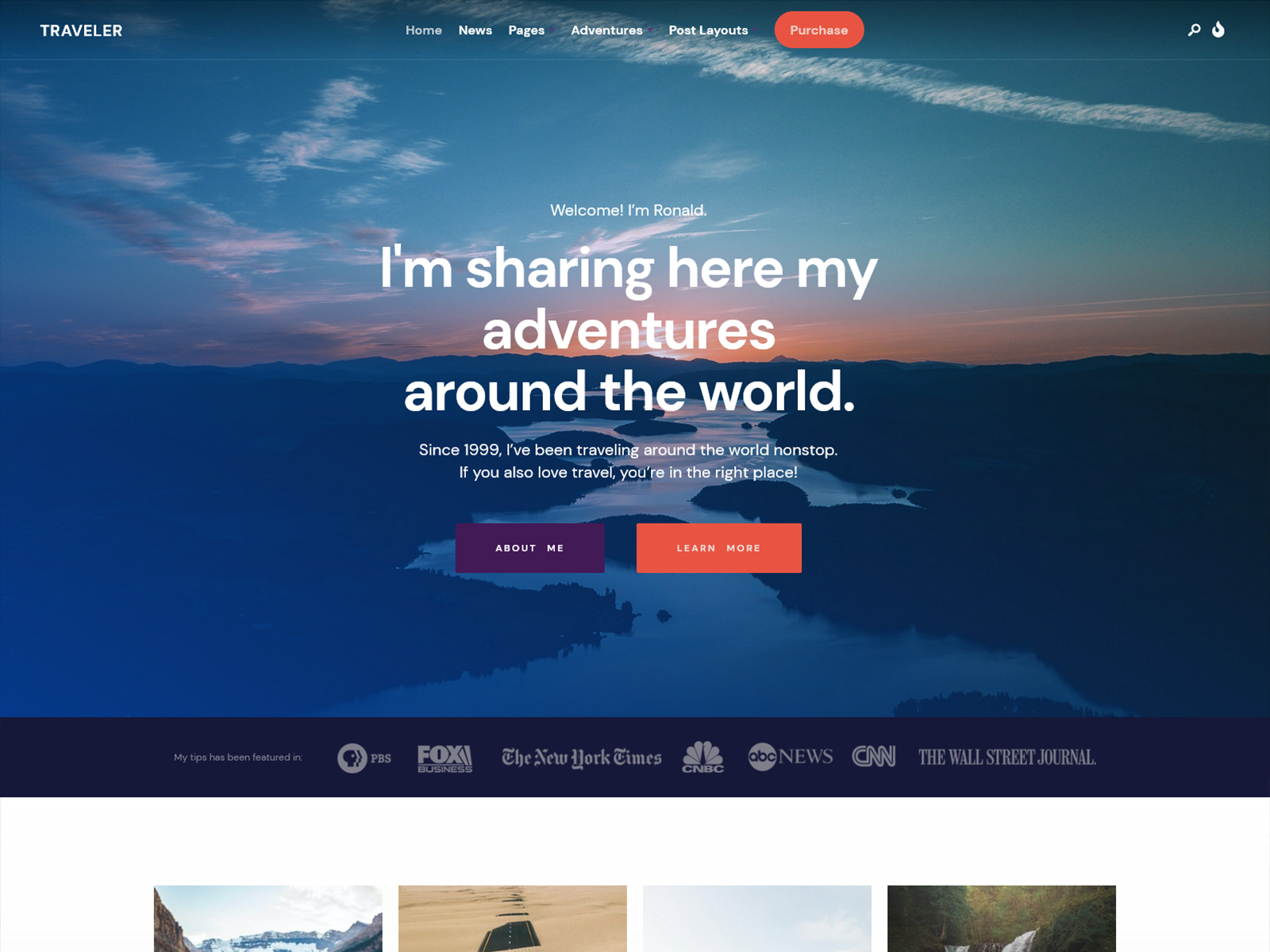
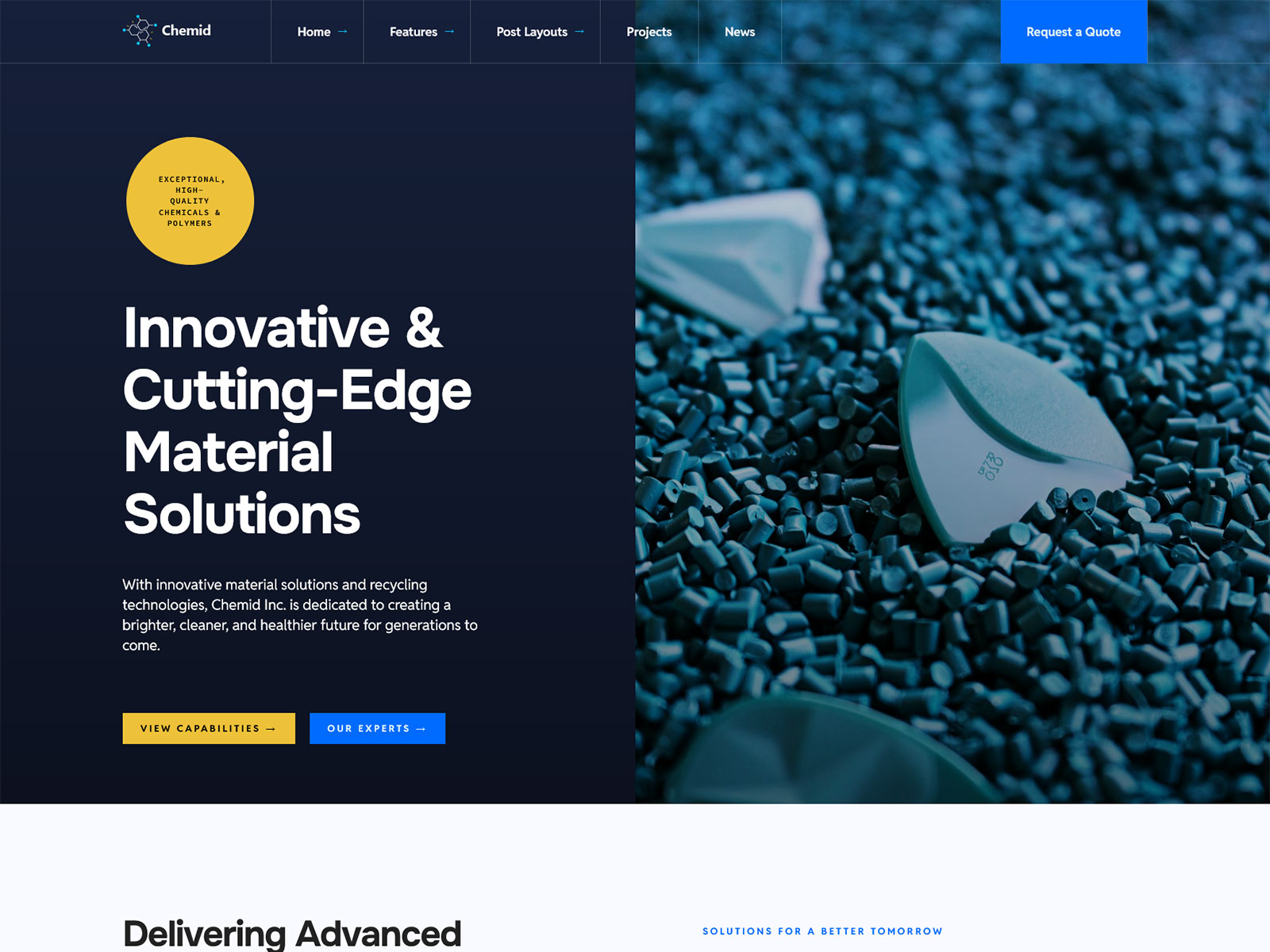
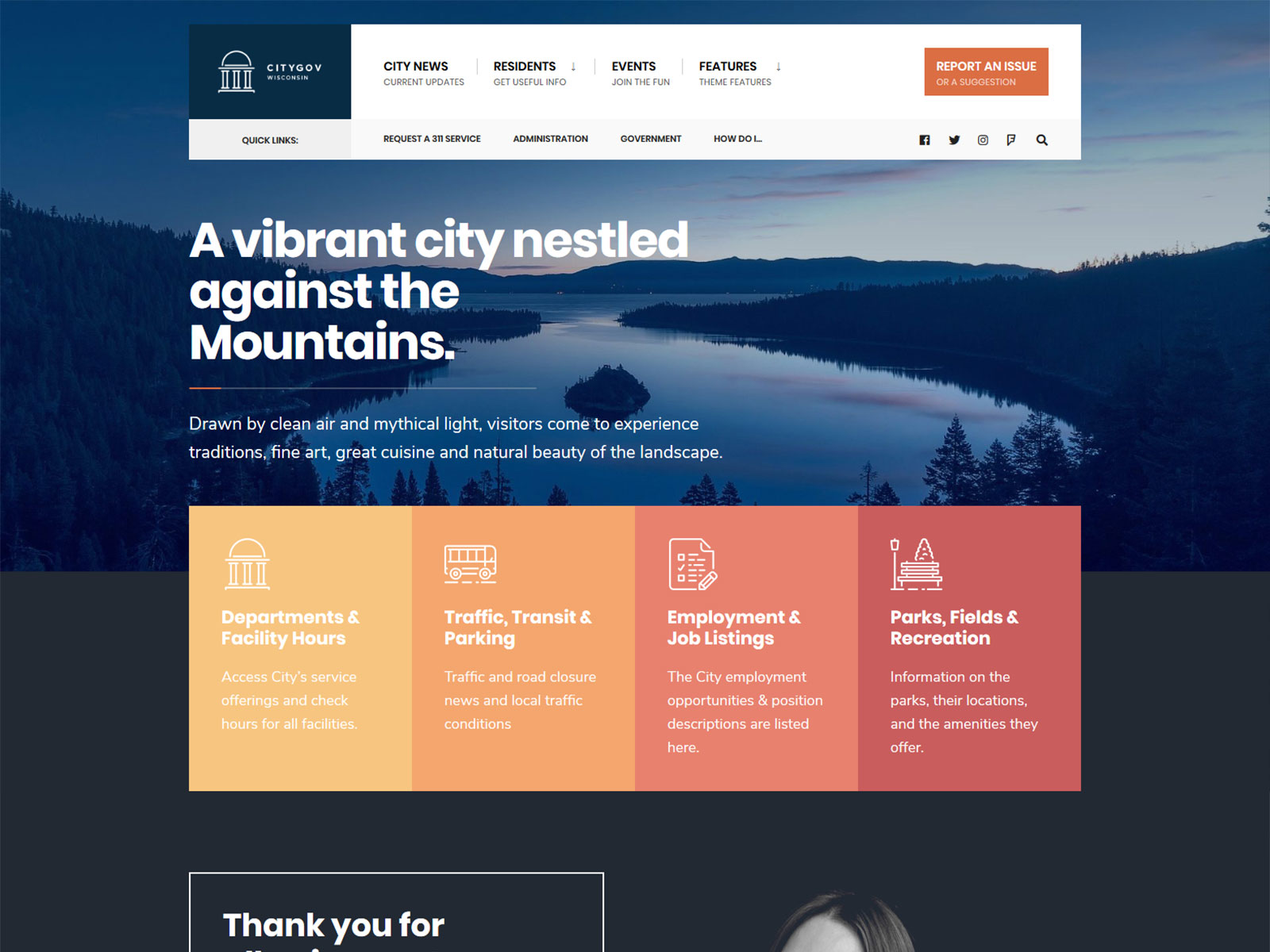
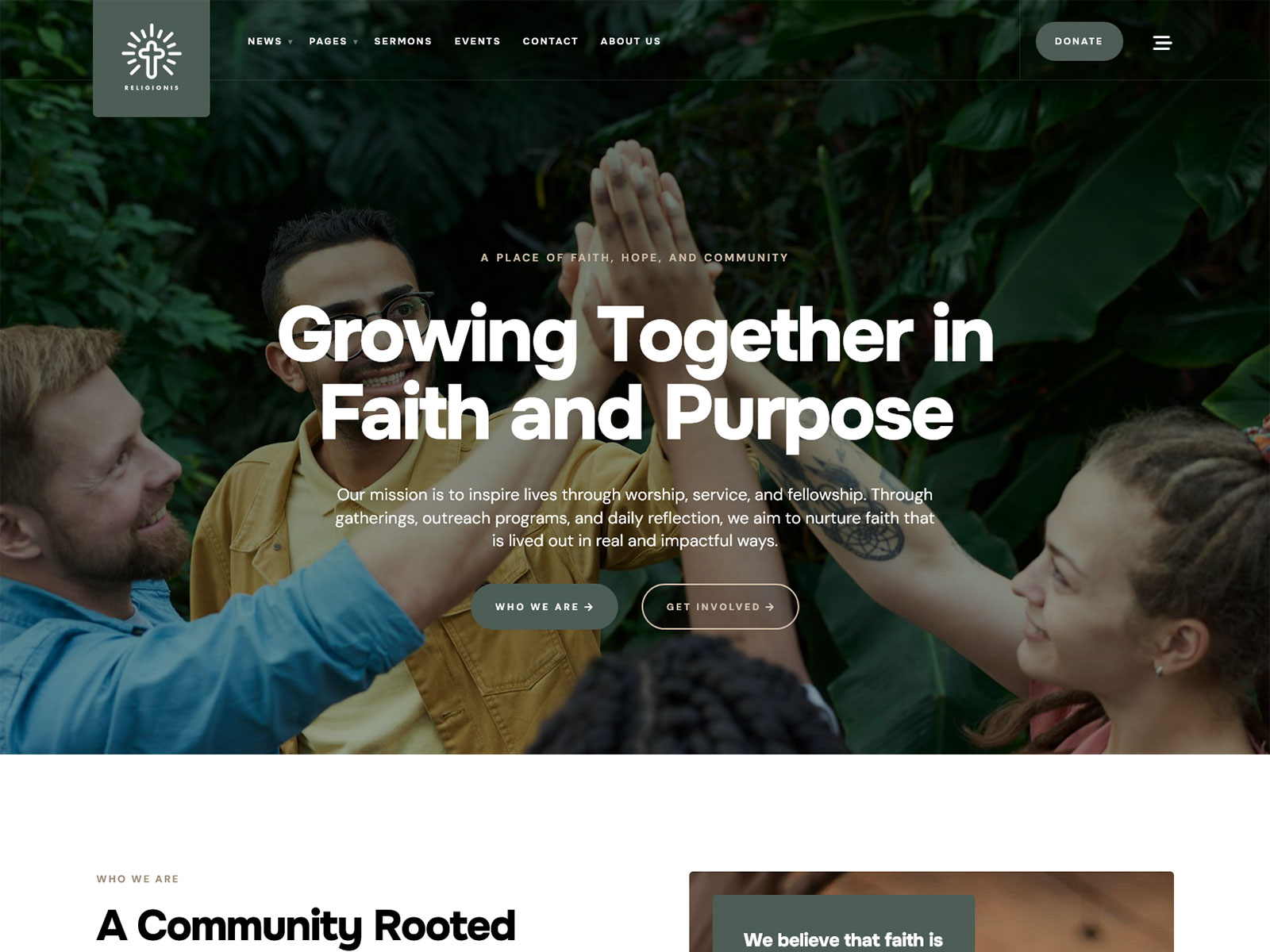
Themes control the structure and appearance of a WordPress site: layout, typography, colors, and how content is arranged on the page. Plugins add functionality that core doesn’t include on its own, like contact forms, SEO tools, or e-commerce features. The same WordPress core installation can become a restaurant site, a portfolio, or a municipal government site, depending entirely on which theme and plugins are installed on top of it.
This is also where things go wrong most often for non-technical owners. A theme built with outdated coding practices, or a plugin that hasn’t been updated in years, can conflict with WordPress core updates and break parts of the site. Because themes and plugins come from many different sources with varying maintenance standards, this layer carries more ongoing risk than hosting, the domain, or core itself.
How the Four Pieces Connect
Once each piece is understood on its own, the relationship between them is straightforward:
Domain → points to → Hosting → runs → WordPress core → customized by → Theme + Plugins
The domain is a label that tells a visitor’s browser which hosting account to request. The hosting account is where WordPress core is actually installed and running. WordPress core generates the pages, and the theme and plugins determine what those pages look like and what they can do. Nothing above this chain works if a lower link is missing: a domain with no hosting behind it goes nowhere, hosting with no WordPress core installed is an empty server, and WordPress core with no theme still displays a default, unbranded layout.
Most competing explainers either skip this connection entirely or bury it under unrelated setup instructions. It’s the one part of the process that isn’t optional to understand, because it explains why a WordPress site can go down or malfunction for reasons that have nothing to do with the theme, the content, or anything the site owner touched directly.
What You Actually Need to Get Started
- A domain registrar account, to purchase and manage your domain name.
- A hosting provider, to store your site’s files and run the software.
- A WordPress core installation, usually available as a one-click option through the host.
- One theme, to define your site’s structure and design.
- A minimum set of plugins for functionality core doesn’t include, such as contact forms or SEO basics.
Costs vary widely depending on the provider and the size of the site, so exact prices aren’t useful here. Domains typically run in the tens of dollars per year. Hosting ranges from a few dollars a month for basic shared plans to significantly more for managed or higher-traffic hosting. Themes range from free to a one-time or recurring fee depending on the source. Plugin costs range from free to subscription-based, depending on what functionality you need.
Common Beginner Misconceptions
WordPress.com and WordPress.org are not the same thing. WordPress.com is a hosted service where the company manages hosting for you, with more limitations on customization. WordPress.org refers to the free, self-hosted software described above as “WordPress core,” which requires you to arrange your own hosting and domain separately.
A theme is not the same as a website builder. A theme changes the structure and design of a WordPress site, but it runs on top of WordPress core and depends on it. A website builder is usually a separate, all-in-one platform that doesn’t use WordPress core at all.
You don’t need to know code to run a WordPress site. Installing hosting, a domain, WordPress core, and a theme through a host’s one-click tools requires no coding. Coding knowledge becomes useful only if you want to customize beyond what your theme and plugins already offer.
Where a Theme Fits Into This Decision
Once hosting, the domain, and WordPress core are in place, the theme is the piece that determines how much manual setup work remains. A theme with clear documentation, an accessible codebase, and a regular update schedule generally means less ongoing troubleshooting for a non-technical owner. A theme without those things can mean more manual fixes down the line, regardless of how the demo looked when you first chose it. Accessibility, security posture, and update frequency are worth checking before you commit to a theme, not as a hard sales pitch, but as practical filters, the same way you’d check a hosting provider’s uptime record before signing up.
I build and sell WordPress themes, including through Themnific, so I have a direct interest in this part. That doesn’t change the underlying mechanics described above: the theme layer sits on top of the same domain, hosting, and WordPress core chain no matter which theme you choose or where you buy it.
Next Steps
If theme choice affects how much maintenance work lands on you, two related questions are worth reading next: what actually makes a WordPress theme secure for a non-technical owner, and what accessibility standards mean for how usable and future-proof your site is. Both build directly on the four-piece structure covered here.
Dannci builds and sells WordPress themes through Themnific, where he works on the theme code, documentation, and site architecture directly rather than delegating it. He also maintains Dannci, a free-theme project, and has published theme profiles on ThemeForest. He writes about WordPress theme security, accessibility, and maintenance based on the code he ships, not general industry commentary.
Last modified: