The WordPress Knowledge Base Theme with bbPress Forum Integration
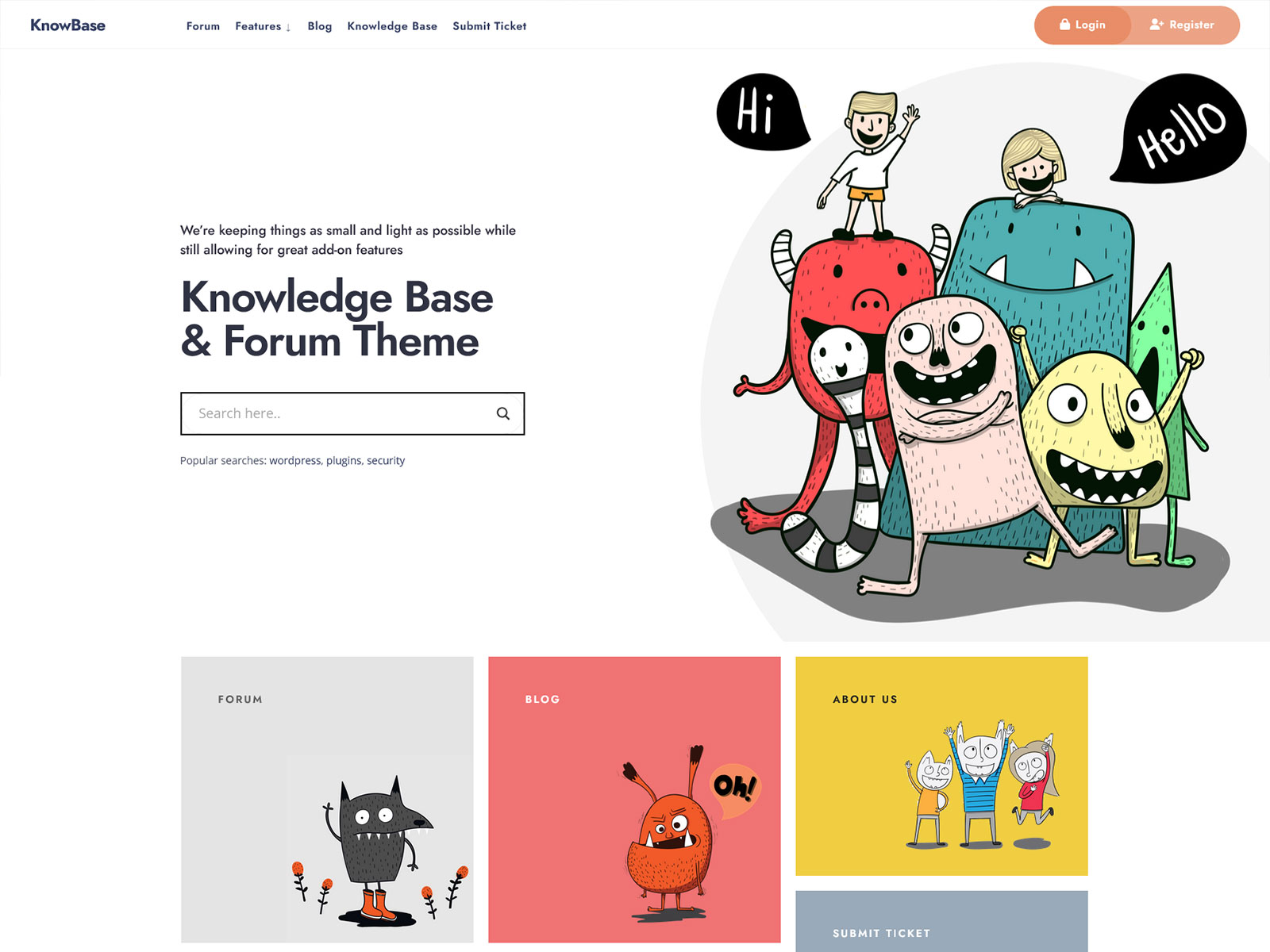
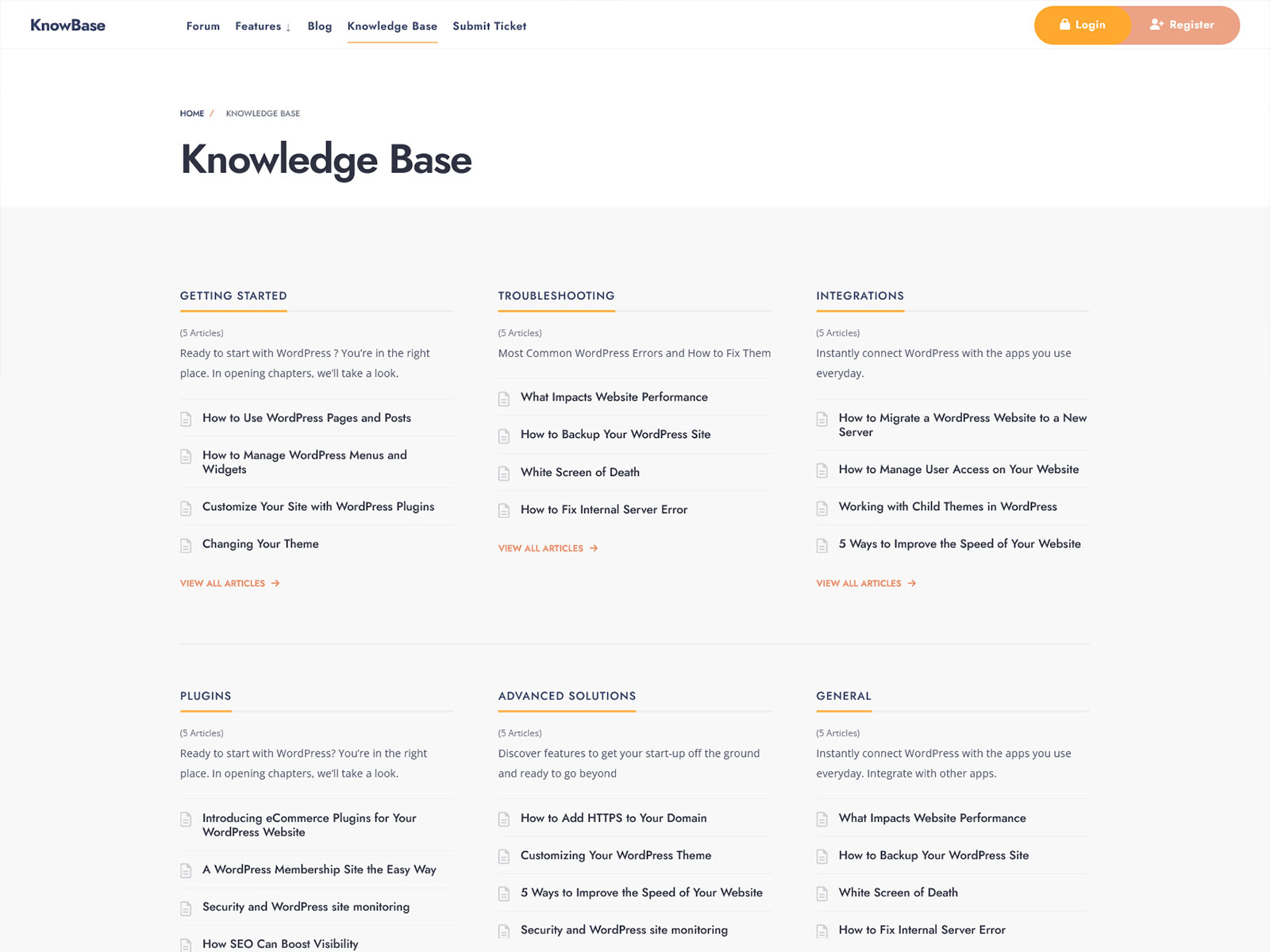
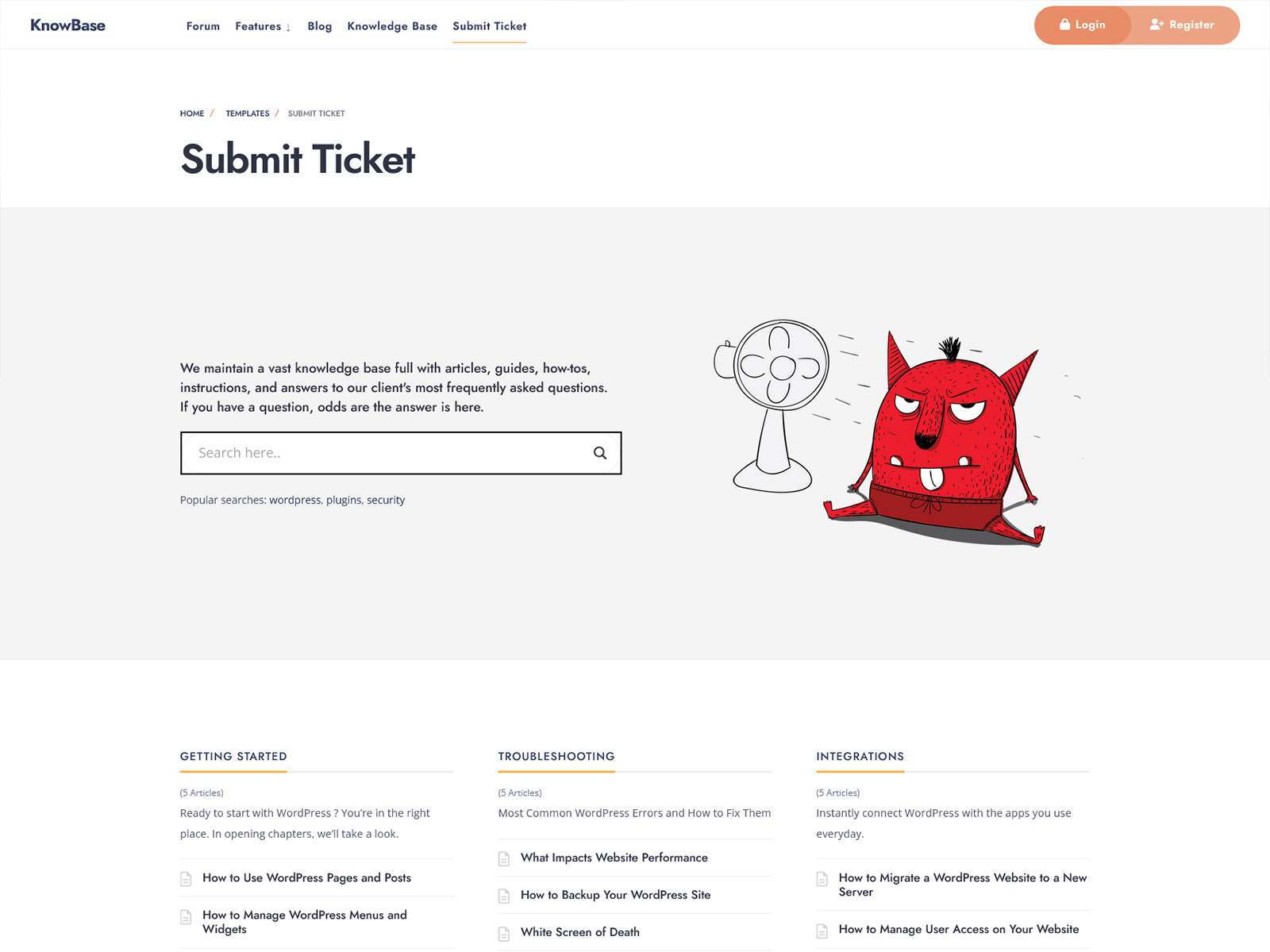
KnowBase is a WordPress theme developed specifically for knowledge base websites and bbPress-powered community forums. It uses standard WordPress posts instead of custom post types, so your content stays portable and your site lean. Most knowledge base themes either force a plugin-heavy setup or a generic blog layout onto FAQ content. KnowBase skips both: the template system is designed from the ground up for categorized documentation and threaded forum discussion.
Who Is This For?
Support Teams Running Self-Service Help Desks
You need a structured place where users can get information before they contact you. KnowBase sorts your knowledge base articles by categories and offers a front-end focused on searching and navigation rather than blog reading.
Documentation Writers for SaaS or Developer Tools
You are building a public-facing docs site and want clean article templates without coding a theme from scratch. Standard post architecture means your content works in any future theme without a migration headache.
Community Managers Adding a bbPress Forum
You want a forum that fits visually with your documentation, not a bolt-on that looks mismatched. KnowBase styles bbPress natively so the forum and knowledge base read as one cohesive site.
WordPress Developers Building for a Client
Your client needs a support hub with a forum and a knowledge base on a tight timeline. The one-click demo import and child theme give you a working starting point in under an hour.
Key Features
Standard Posts as Knowledge Base Articles: Because articles use native WordPress post types instead of custom ones, you can switch themes later without losing content or rebuilding your archive structure from scratch.
Native bbPress Forum Integration: Because the theme is built specifically for bbPress, you won’t need to spend time fixing CSS conflicts or matching forum styles to the rest of your website.
Ajax Live Search: Visitors can find answers without leaving the page or waiting for a full reload. This helps visitors find answers faster and may reduce the number of support tickets they submit.
One-Click Demo Import: The demo content feature will replicate the whole demo layout including forum structure and knowledge base categories, giving developers and site owners a concrete reference point to build from.
Elementor Page Builder Support: Homepage, contact, and other static pages can be easily created using Elementor visual drag-and-drop editor, while core templates are not dependent on this tool at all.
ADA and WCAG Accessibility Compliance: If your knowledge base serves a public institution, healthcare organization, or any audience with legal accessibility requirements, the theme meets those standards without third-party plugins.
Core Architecture and Theme Specs
| Category | Plugin(s) |
|---|---|
| Page Builder | Elementor, Elementor Pro |
| Forum | bbPress |
| eCommerce | WooCommerce |
| Forms | Contact Form 7 |
| Email Marketing | Mailchimp for WP |
| Performance | Autoptimize |
| Widgets | Classic Widgets |
| Translation | Translation ready (WPML) |
| SEO | Optimized markup (plugin choice is yours) |
Use Cases
Public Product Documentation Site: Create a structured knowledge base where the categories will be created according to products and posts within those categories will serve as articles. Use Elementor to build a custom website and add categories to its homepage along with a search box at the top of the page.
Community Support Forum with Searchable Archive: Enable bbPress to create a forum next to your knowledge base. Visitors to your site who cannot find an answer to their question in your documentation section can use the forum immediately. The theme will ensure that the transition between sections is seamless for visitors.
Internal Company Wiki or HR Knowledge Base: Create an internal resource center by organizing articles into categories and protecting them with passwords or membership plugins. Make the forum visible only to those who have logged in, thus allowing Q&A sessions within the company.
Why It Is Better Than Generic Themes
Multipurpose WordPress themes ship with sliders, WooCommerce styles, portfolio post types, mega menus, and animation libraries whether you use them or not. Every unused feature still loads scripts and stylesheets on every page request. That extra weight directly affects your Core Web Vitals scores, particularly Largest Contentful Paint and Total Blocking Time.
KnowBase loads only what a knowledge base and forum site actually needs. There are no portfolio templates pulling in Isotope.js. There are no slider scripts sitting idle in the footer. The result is a leaner initial HTML payload and fewer render-blocking resources for visitors using a slow mobile connection.
For a WordPress knowledge base site specifically, this matters more than on most sites. Users arriving with a support question are already frustrated. A slow page that takes three seconds to become interactive makes that worse. A focused theme removes that risk without requiring you to manually dequeue scripts from a multipurpose theme you never fully needed.
FAQs
Does this theme require Elementor?
Elementor is not required for the knowledge base or forum to work. The core templates, including article pages, category archives, and bbPress forum pages, function without it. Elementor is used for building custom static pages like the homepage. The free version of Elementor is sufficient for most setups.
Can I build a private knowledge base that only logged-in users can access?
Yes, using the standard WordPress membership system. You can either block specific posts and categories using Plugins like Members or Password Protected Category. The theme itself has no access control feature; however, it is compatible with all plugins used for content restrictions in WordPress.
What support is included with the purchase?
You get access to the Themnific support portal and the theme documentation. Support covers theme-specific issues: layout problems, template bugs, and feature questions related to KnowBase. It does not cover plugin configuration, custom development, or third-party integrations. Response times are typically within one to two business days.
Will this theme keep working after future WordPress updates?
KnowBase is regularly updated so that it remains compatible with current versions of WordPress. The coding structure conforms to WordPress coding standards, thus minimizing problems due to WordPress core updates. In case there are updates to WordPress that affect the theme, the theme is updated.