The WordPress Magazine Theme Built for Publishers, Bloggers & Editorial Sites
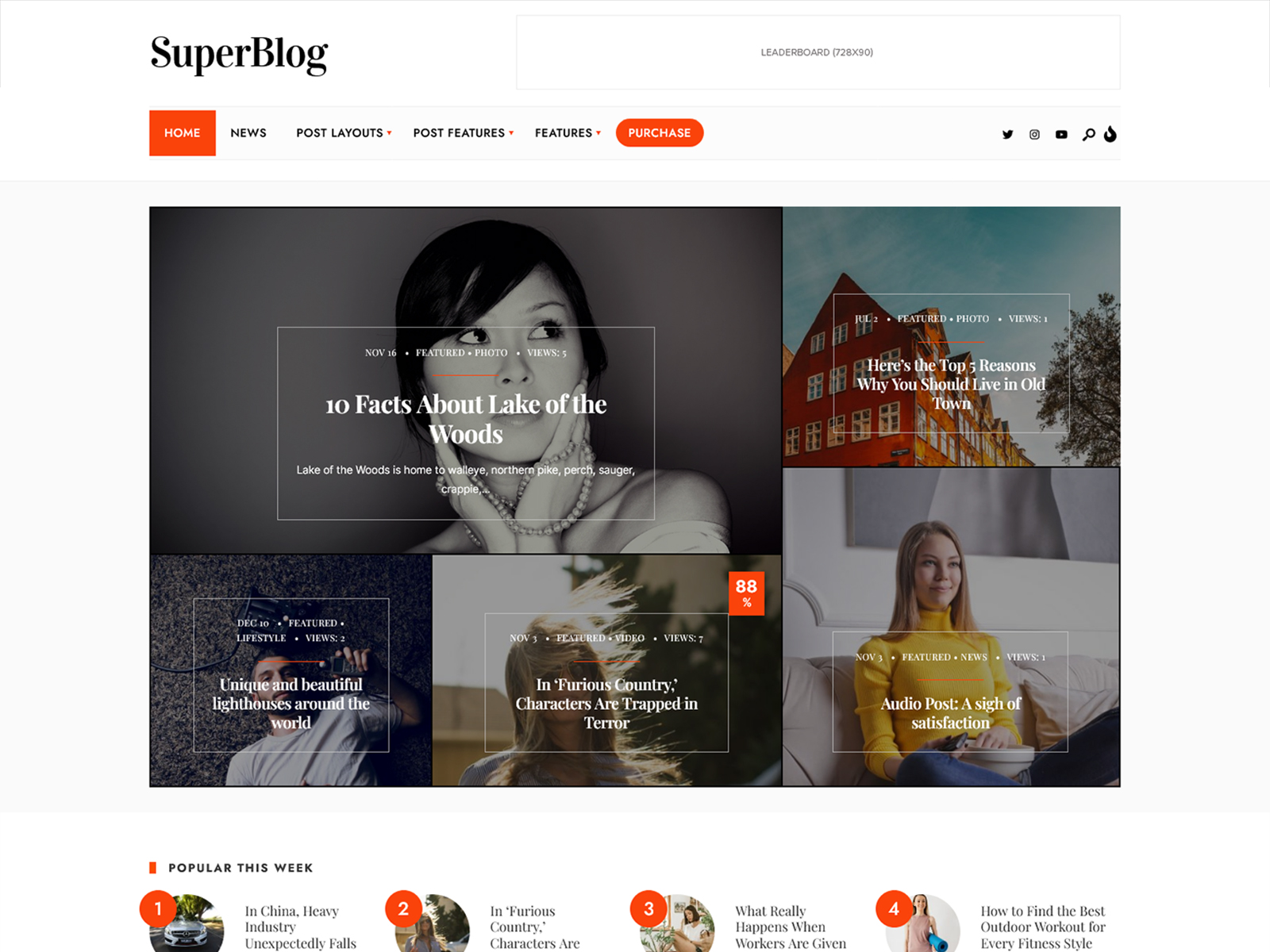
SuperBlog is an editorial WordPress theme for bloggers, online magazines, and digital publishers who need flexible layouts without the complexity of multipurpose themes. This product comes with five pre-designed demo styles, Elementor integration that works fully with the free version, and exclusive magazine widgets through the add-on called SuperBlog Addons from Themnific. This theme differs from the generic all-in-one themes in that it is not packed with numerous features that you probably won’t even need; instead, it is made for content publishers and focuses only on their needs.
Who Is This For?
Independent Blogger Launching a Niche Site
You need to go from zero to published without hiring a developer or spending hours in settings. SuperBlog’s one-click demo import gets you a working editorial layout in under ten minutes, with Gutenberg-compatible post editing from day one.
Editor Running an Online News Journal
You need multiple archive layouts and post header options to handle varied content types across one publication. SuperBlog’s nine post layout combinations and three archive templates let you differentiate sections without custom development.
Digital Nomad Building a Personal Brand Site
You want a minimal, legible design that travels well across devices and loads fast on slower connections. The Seoul demo targets this exact use case, and the lightweight code means Core Web Vitals scores stay high without manual optimization.
Developer Building a Client’s Magazine Site
Your client wants editorial features but you need a maintainable codebase you can hand off cleanly. SuperBlog includes a child theme, a Redux-based options panel, valid HTML5 and CSS3, and docs you can point the client to after delivery.
Key Features
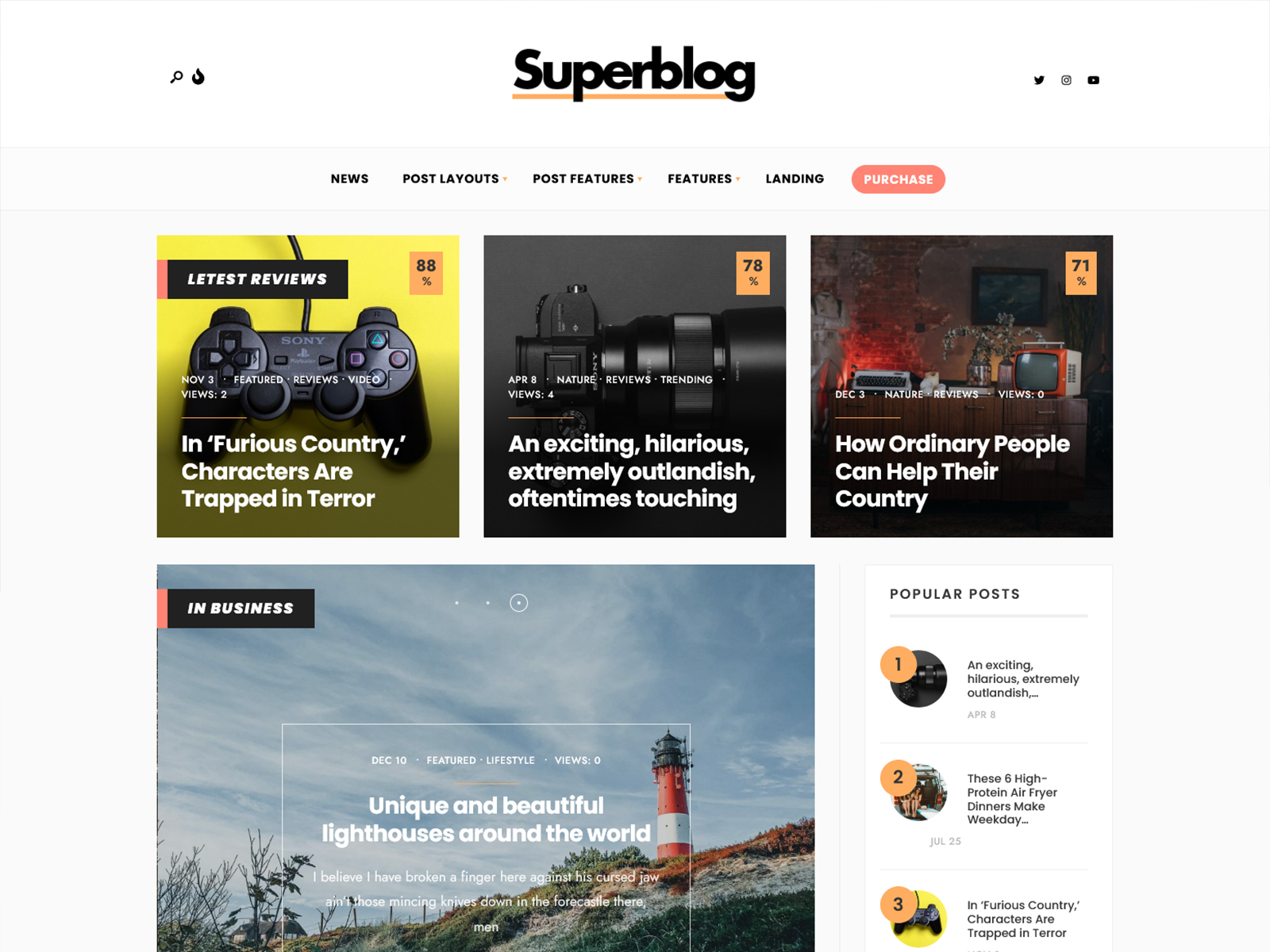
Five Pre-Built Demos: Each demo targets a specific editorial niche: digital nomad, personal blog, newspaper, lifestyle magazine, and a general default. You get a real starting point for your site type, not a blank canvas that looks nothing like the preview.
SuperBlog Addons for Elementor: Our plugin includes magazine-specific widgets to be used in Elementor like news sections and featured sections. The add-on provides you publishing elements for drag and drop functionality in Elementor without requiring the pro version of Elementor.
Nine Post Layout Combinations: Three sidebar positions (left, right, none) combined with three post header styles give you nine distinct single-post layouts inside a single theme. You can match the reading experience to the content type without installing a separate page template plugin.
Redux-Based Options Panel: The backend options panel handles Google Fonts, custom color schemes, and layout controls through a structured interface. Changes apply globally across the theme without touching code, which matters when a non-technical editor needs to update brand settings.
One-Click Demo Import: The full demo content, settings, and layout install in a single step. This matters on editorial projects where the homepage layout is complex, as it eliminates the manual reconstruction that typically adds hours to a new site setup.
Core Architecture And Theme Specs
| Category | Plugin(s) |
|---|---|
| Page Builder | Elementor (free version sufficient), Elementor Pro (optional) |
| Theme Addons | SuperBlog Addons by Themnific (magazine widgets for Elementor) |
| eCommerce | WooCommerce |
| Translation | Translation ready (WPML) |
| SEO | Built-in structured data markup; Yoast SEO / RankMath |
| Performance | Autoptimize |
| Forms and Email | Contact Form 7, Mailchimp for WP |
| Widget Support | Classic Widgets |
Use Cases
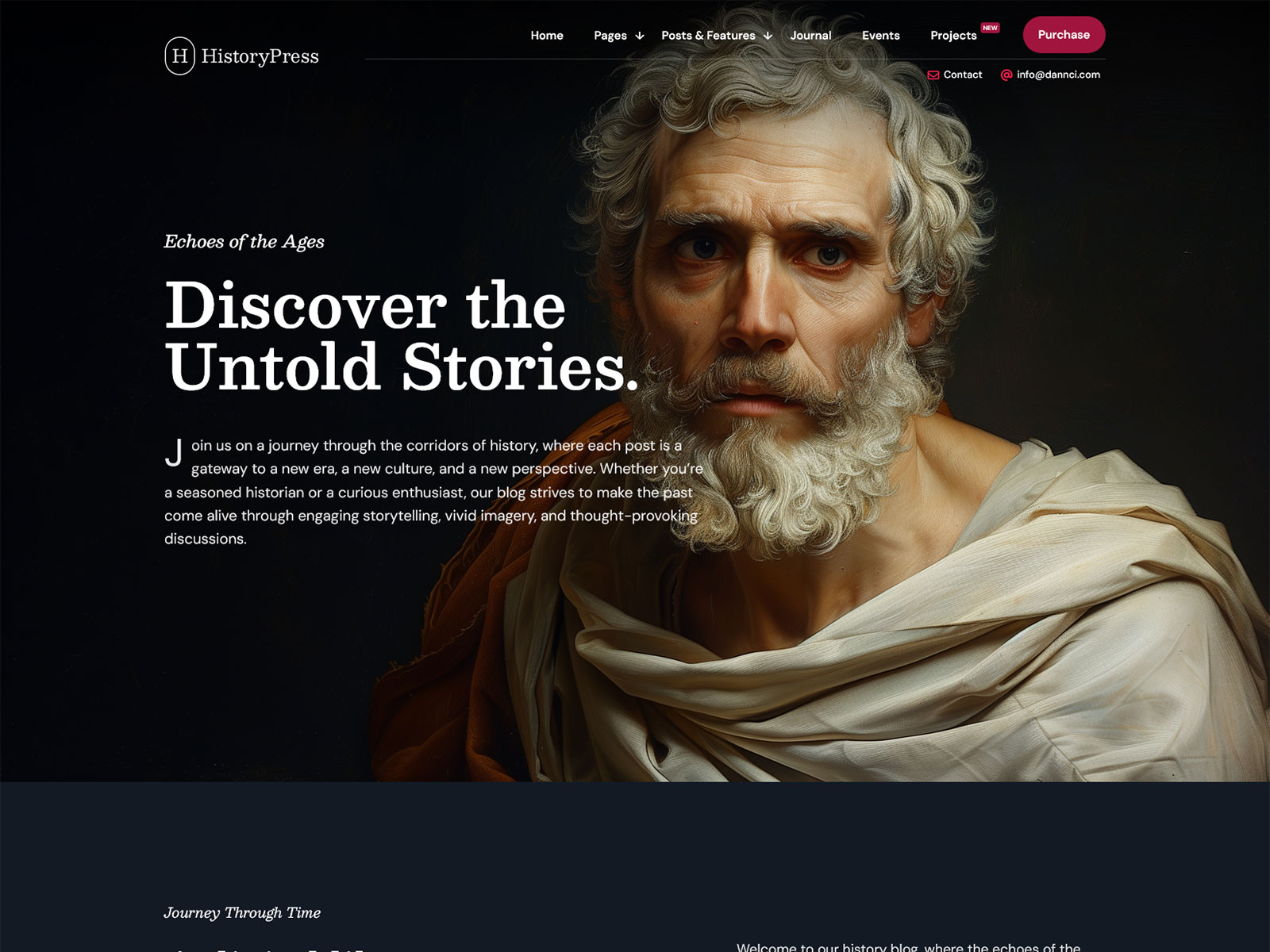
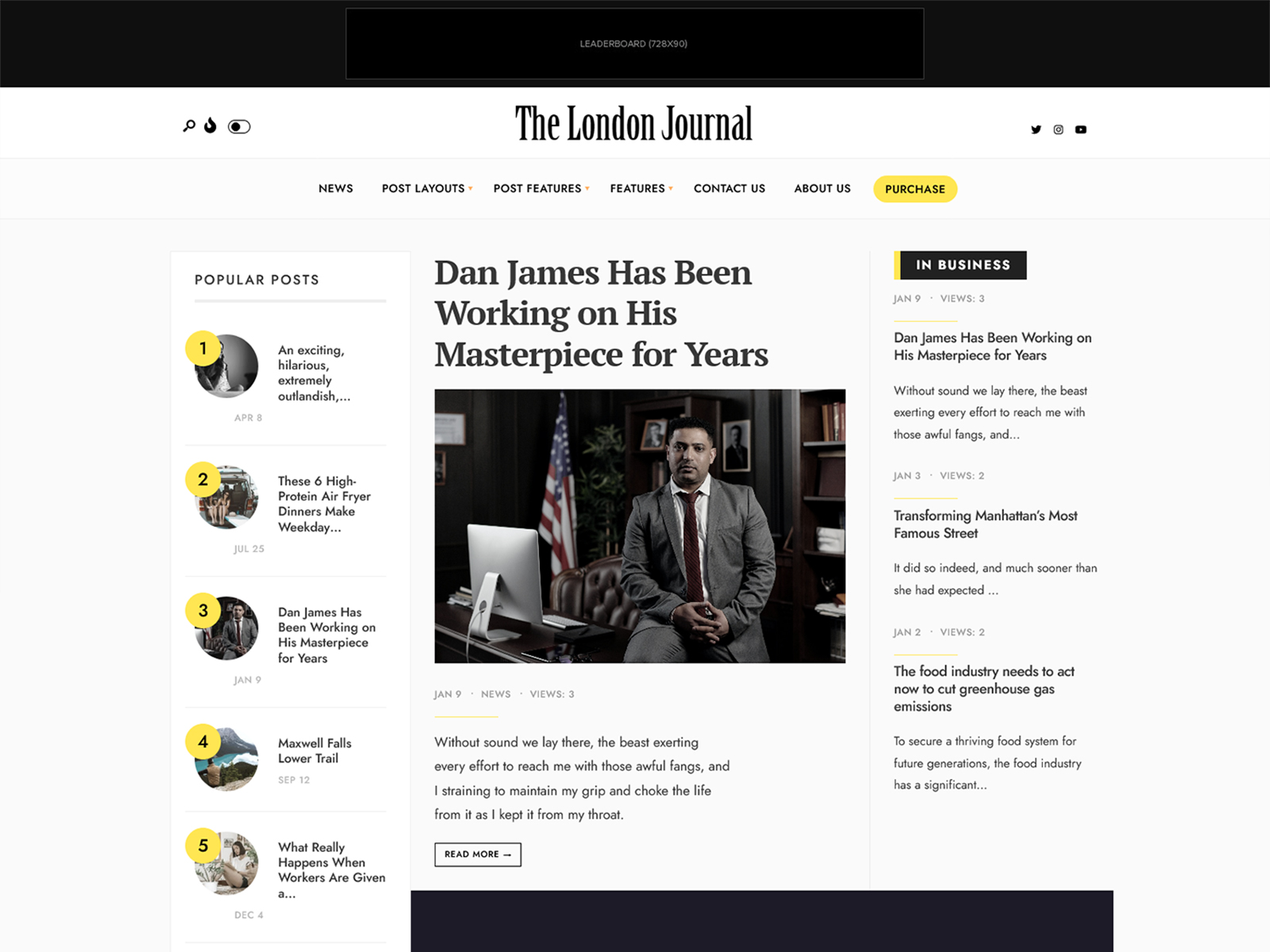
Newspaper or Politics Journal: Use the London demo as your starting point, which applies bold typography and a conservative grid suited to politics, economics, and opinion publishing. Pair it with the three-column archive layout and sidebar-left post format to give readers a broadsheet-style reading hierarchy.
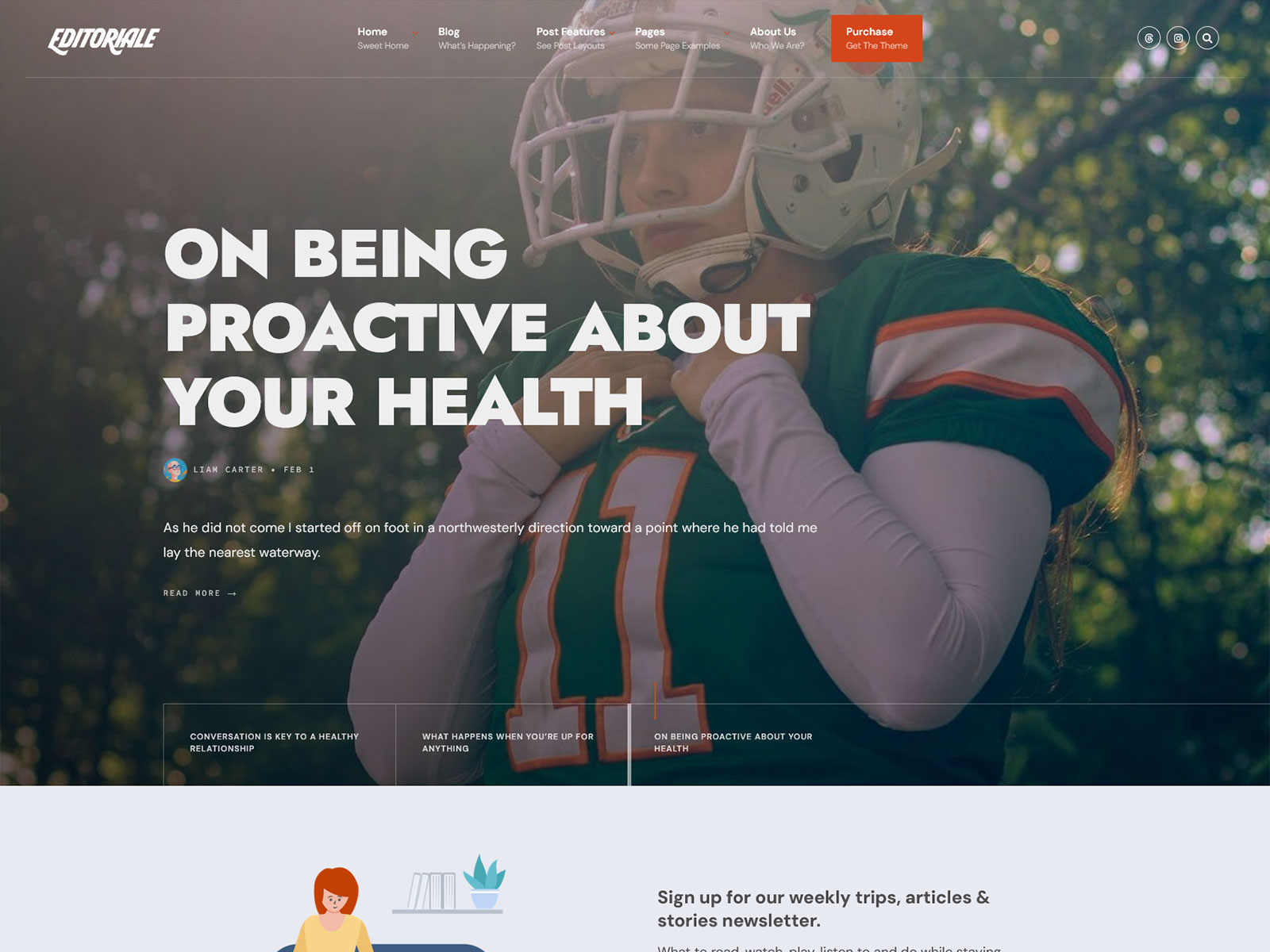
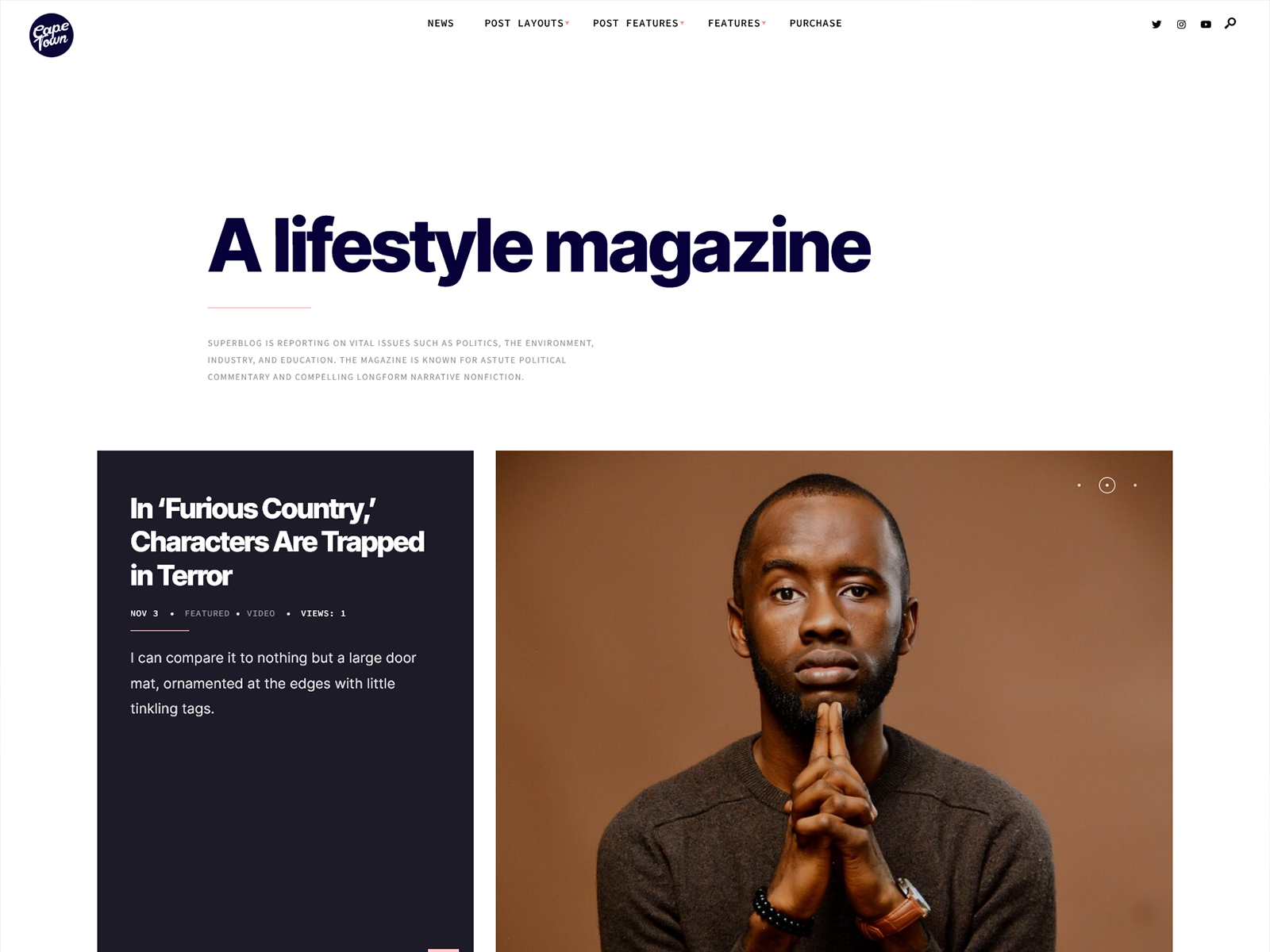
Lifestyle or Culture Magazine: The Cape Town demo applies minimal typography and a clean grid designed for culture, art, and lifestyle content. Use the full-width post layout for visual-heavy articles and the featured section blocks from SuperBlog Addons to curate editorial picks on the homepage.
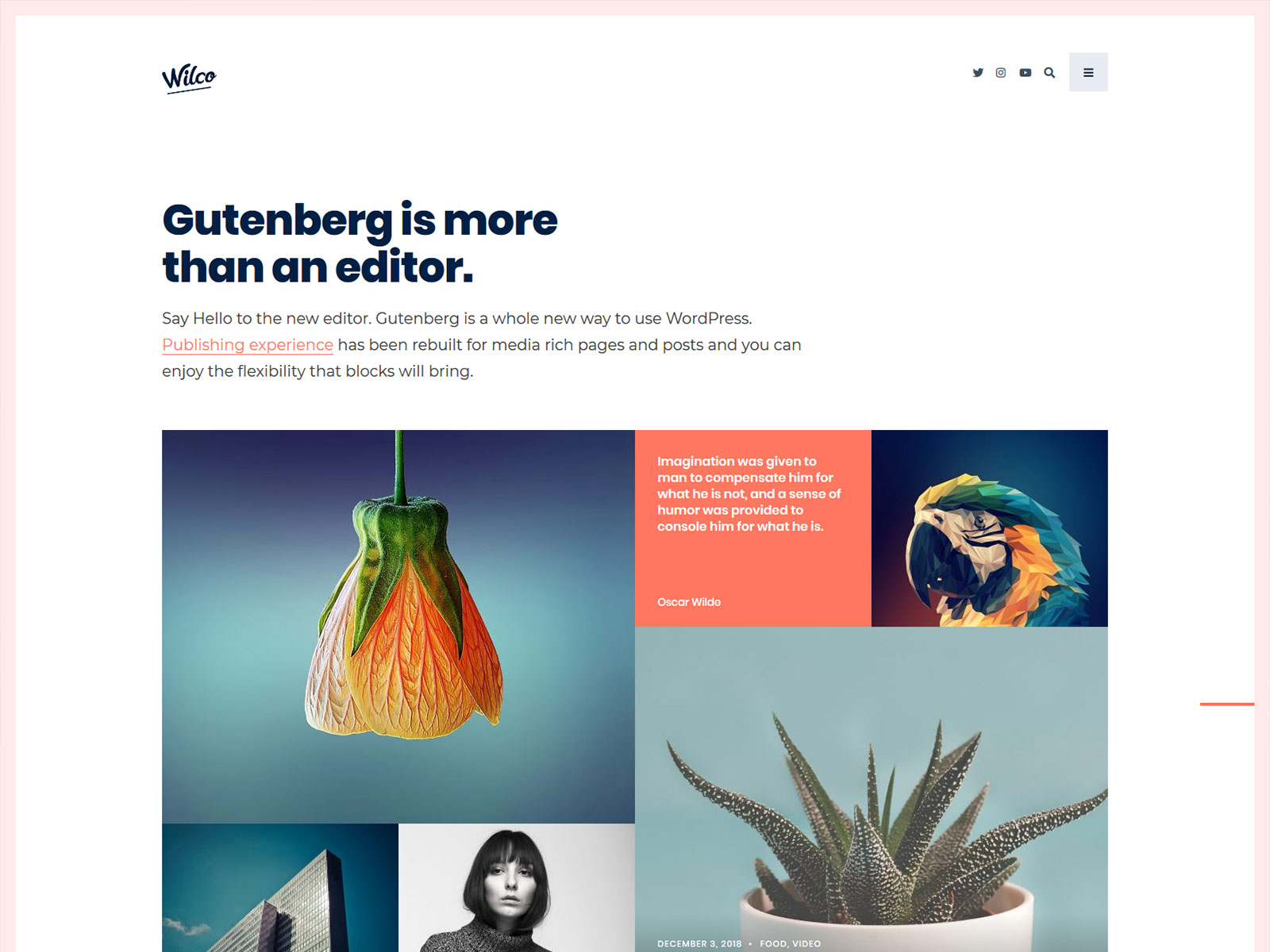
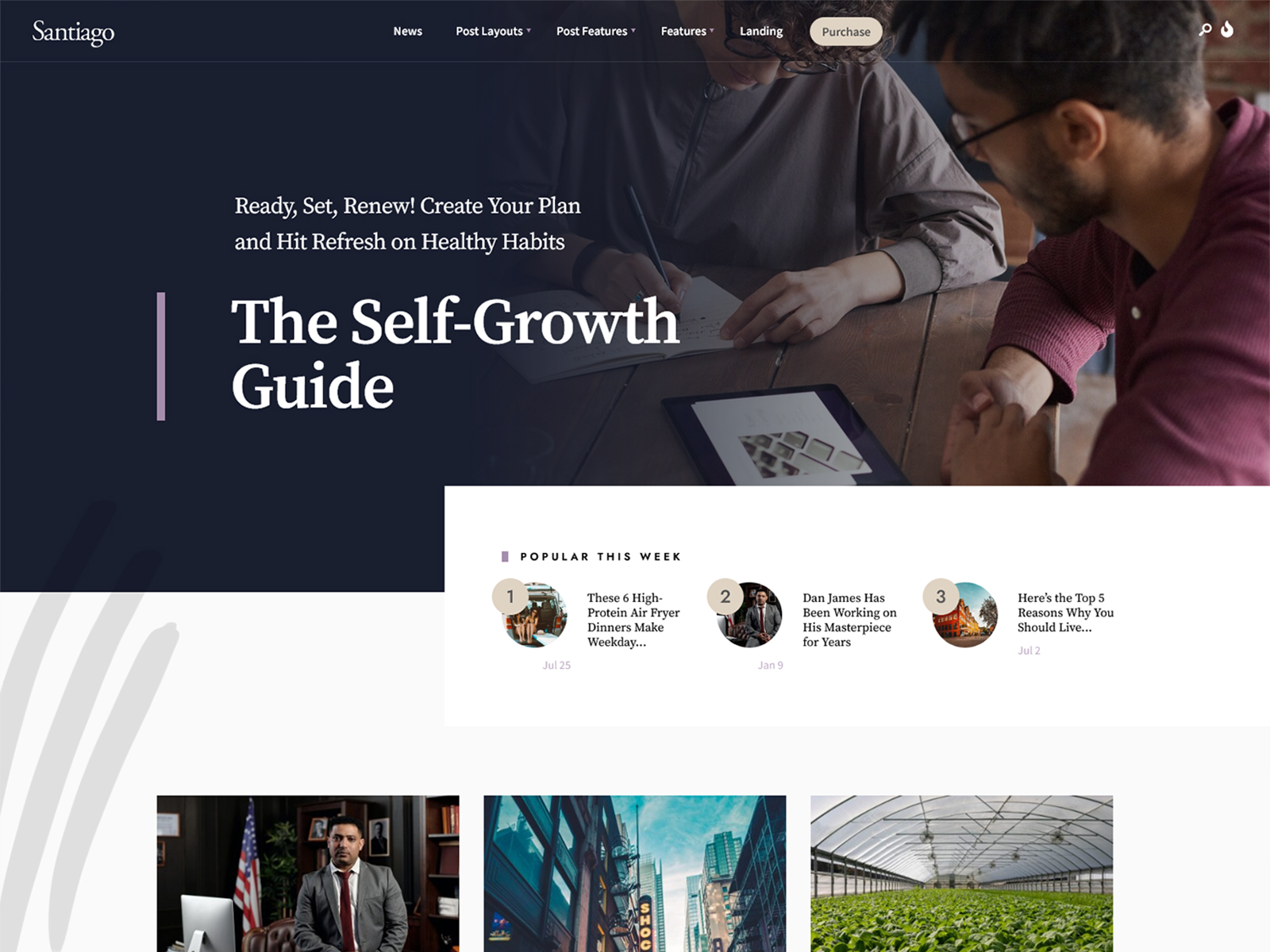
Personal Blog for a Digital Nomad or Remote Worker: The Seoul demo is specifically designed for technology-enabled remote lifestyles, with a readable sans-serif layout and clean archive pages. Use Santiago as an alternative if you want a more generalist personal blog layout built around Gutenberg block editing rather than Elementor-built pages.
Why It’s Better Than Generic Themes
Multipurpose themes are designed to cover many site types, so they include modules for shops, portfolios, events, and more even when those features are not used. SuperBlog only loads what an editorial WordPress site actually needs.
SuperBlog only loads what an editorial WordPress site actually needs. There are no WooCommerce overrides on non-shop content and no event or builder assets on pages that do not require them. This keeps the front-end lighter and improves loading speed and rendering performance, which can contribute to better page speed and user experience.
Autoptimize compatibility adds another optimization layer by reducing and combining assets on top of an already minimal codebase. For niche blogs competing on search traffic, this reduces unnecessary weight and improves consistency under real-world conditions.
The Redux options panel operates at the server-rendering level and does not inject front-end scripts, keeping the browser output clean and focused.
FAQs
Does SuperBlog require Elementor Pro?
No. The free version of Elementor from WordPress.org is enough to use SuperBlog and the SuperBlog Addons plugin. Elementor Pro adds additional widgets and popups not included in the free tier, but none of the core theme functionality or demo layouts depend on Pro features. You do not need to purchase Elementor Pro to get full use of this theme.
Can I run multiple editorial sections with different layouts on one site?
Yes. SuperBlog gives you nine post layout combinations and three archive template styles, so different categories or content types can use different layouts without installing additional plugins. You assign layouts at the post level or category level from within the theme options panel. This is a common requirement for publications that mix long-form features with shorter news items.
What support is included with the purchase?
Your purchase includes access to Themnific’s support portal and the online documentation covering installation, demo import, options panel, and common configuration tasks. Support covers theme-specific issues only, meaning problems introduced by third-party plugins or custom code modifications fall outside the scope. Response times vary but are typically within one business day during working hours.
Will this theme keep working after future WordPress updates?
SuperBlog is actively maintained by Themnific. The theme is tested against new WordPress core releases before they ship, and compatibility updates are pushed when breaking changes occur. The theme has been through multiple major WordPress versions, including the Gutenberg transition. As with any premium theme, you should keep the theme updated and test updates on a staging environment before applying them to a live site.