The WordPress Theme for Historical Societies, Archives & History Magazine Publishers
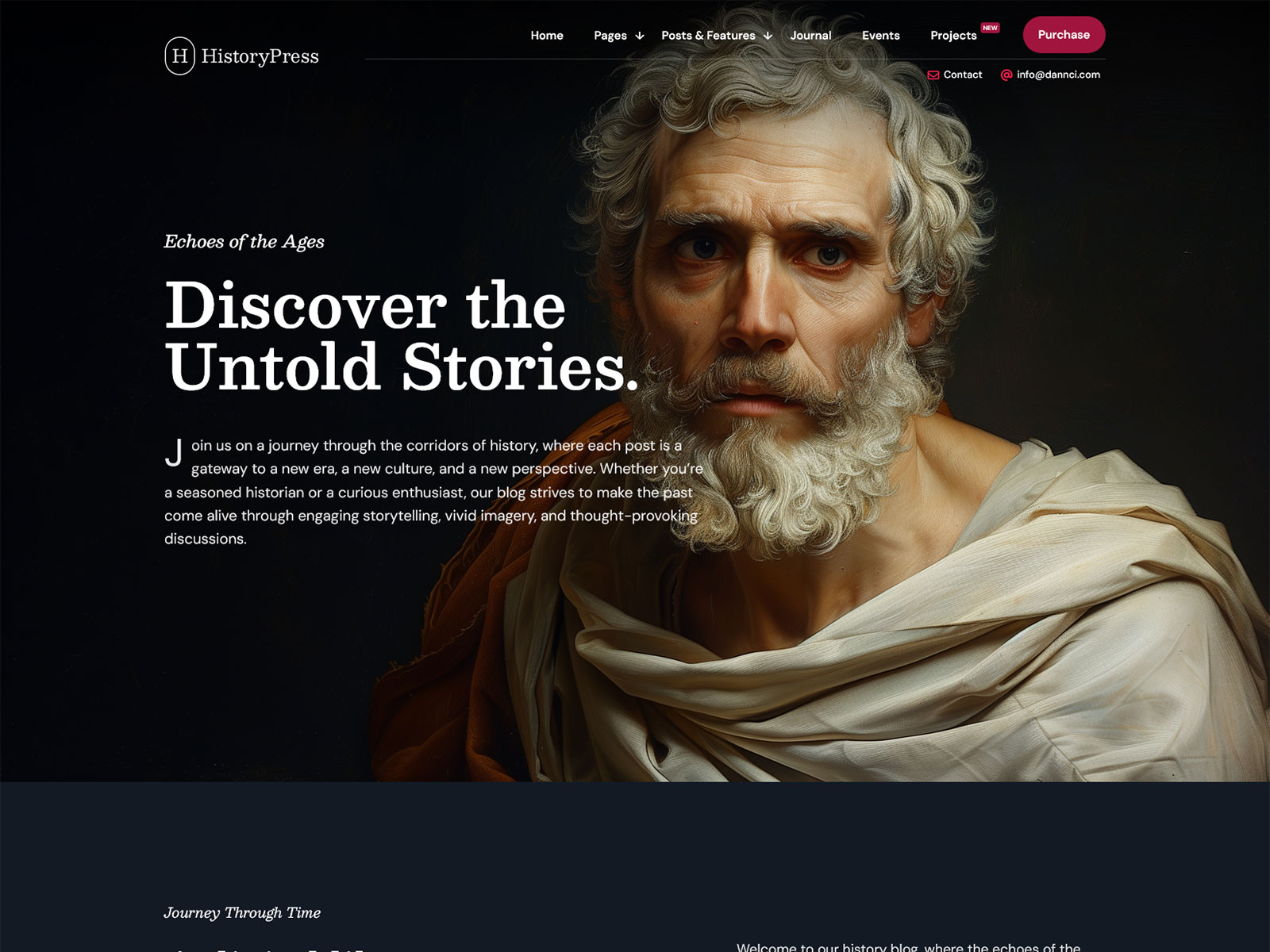
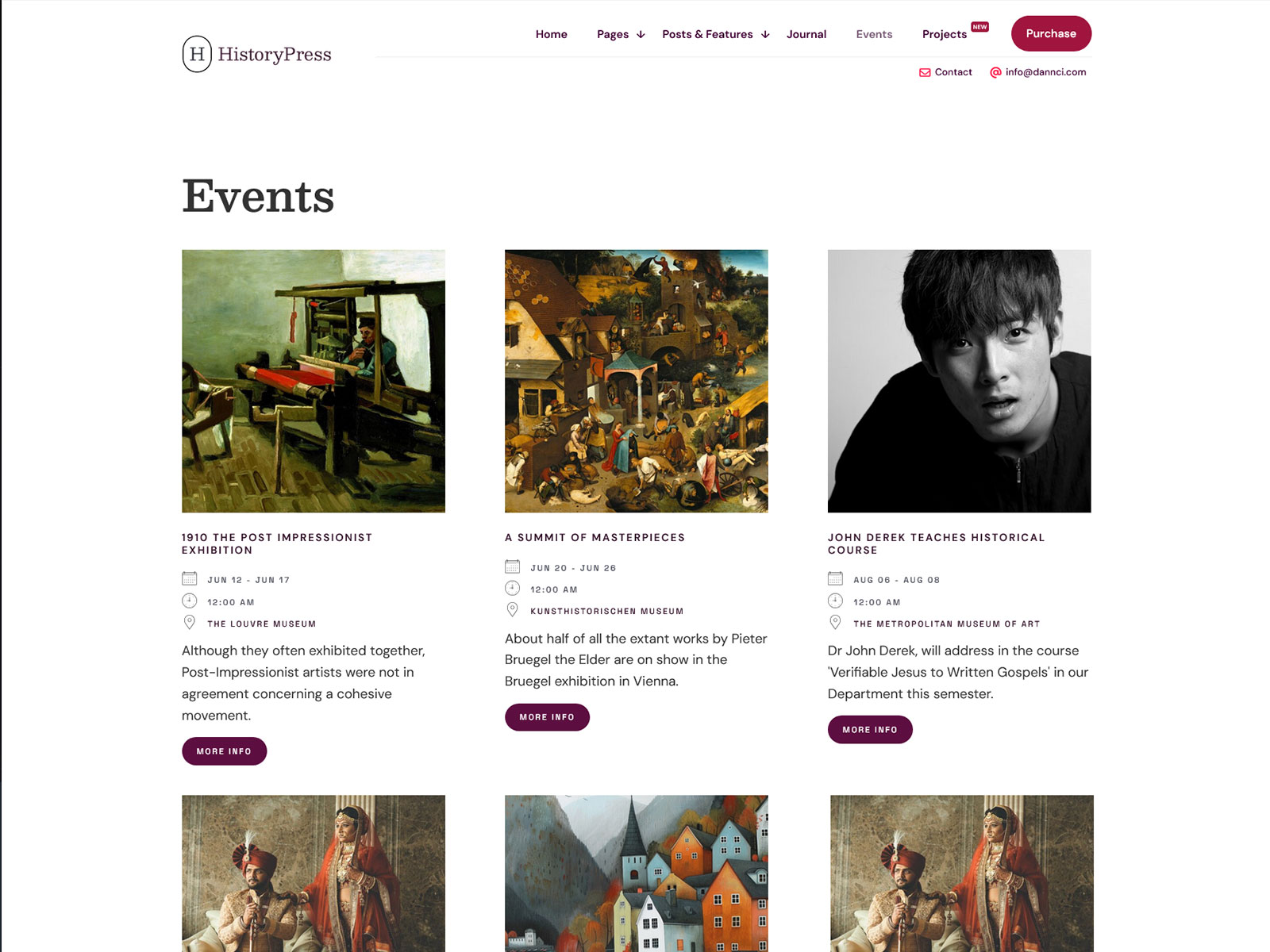
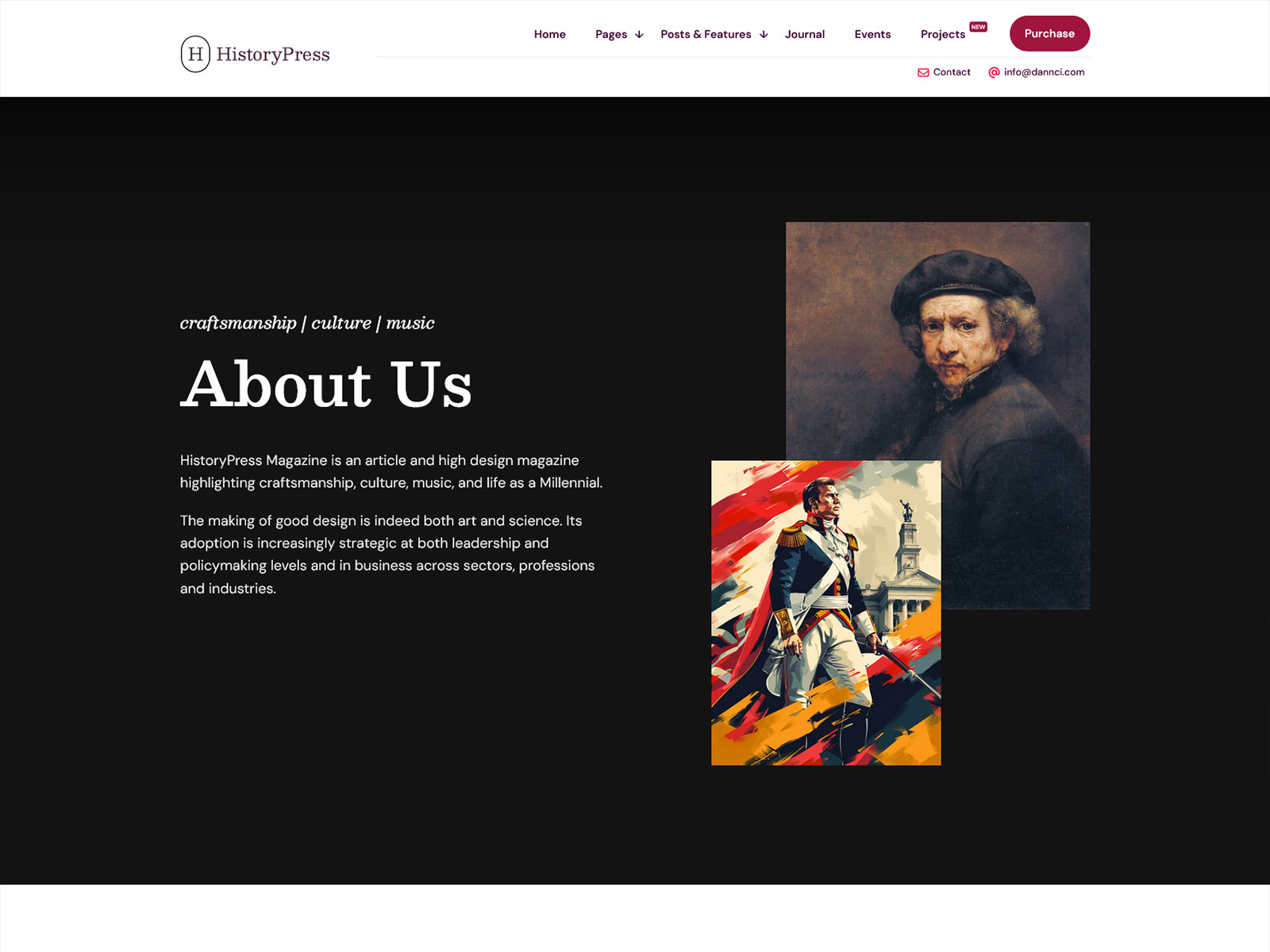
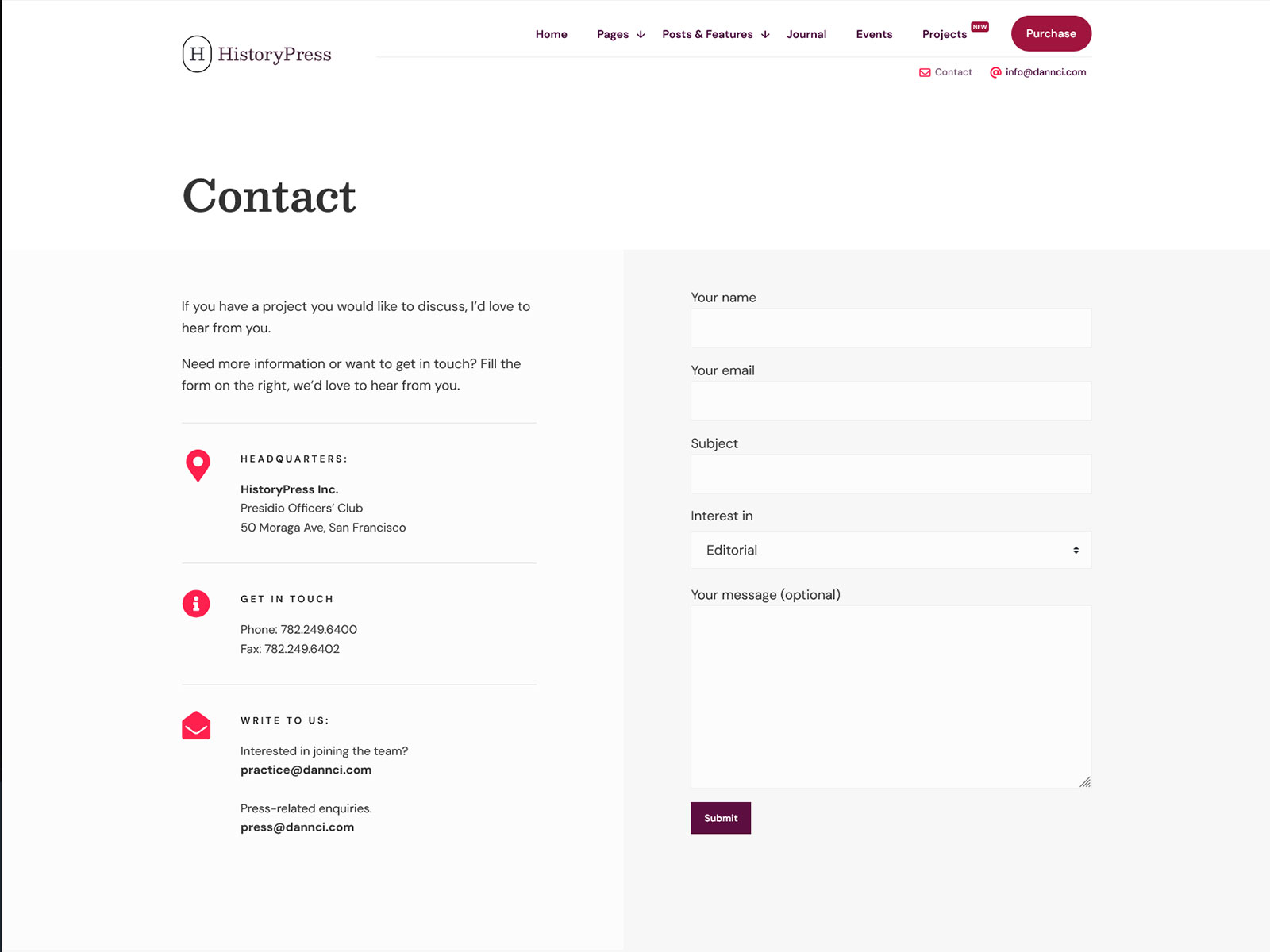
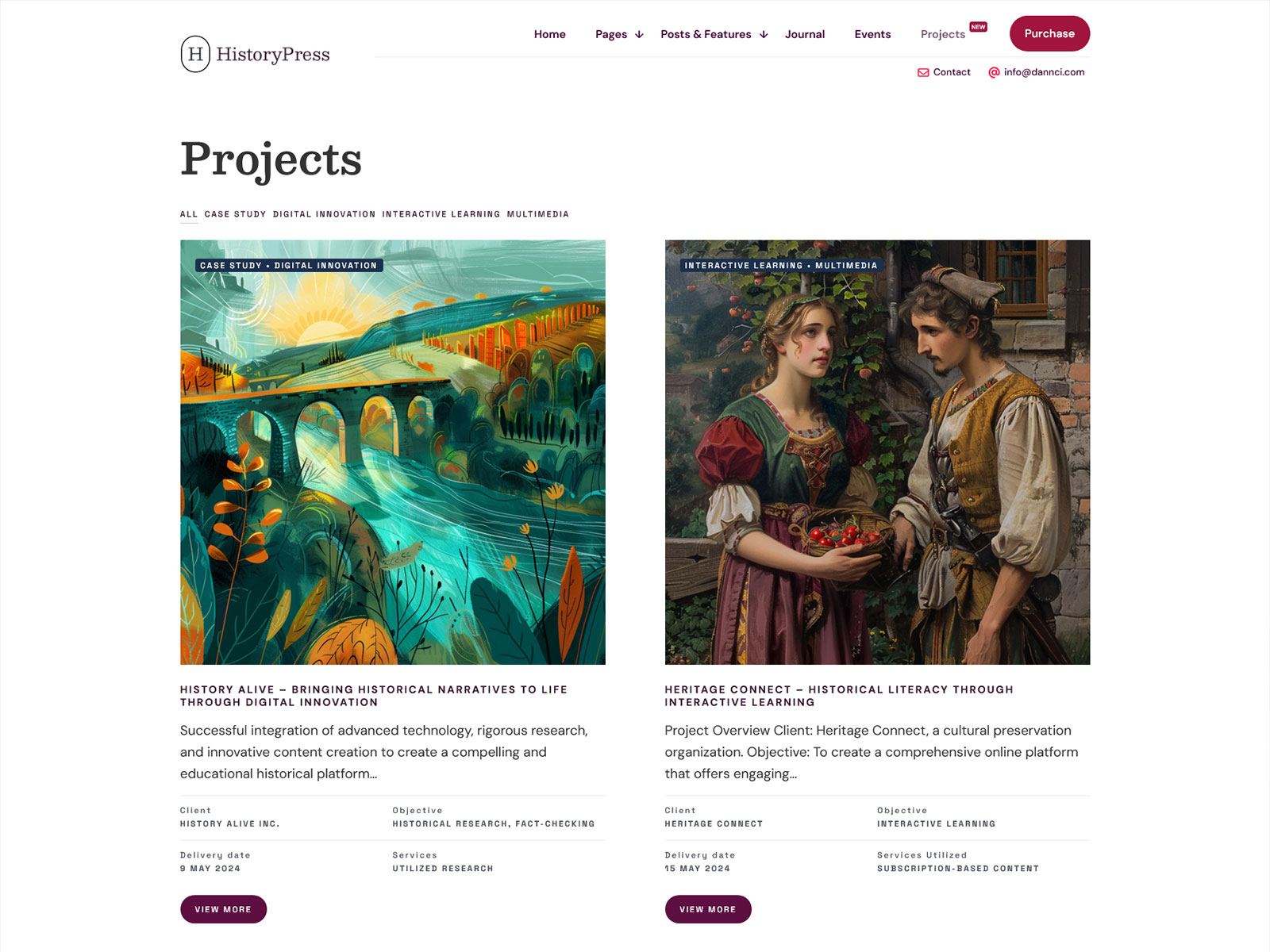
HistoryPress is a WordPress theme built for history societies, historical publishers, and editorial history sites. It ships with Elementor compatibility, a Projects custom post type for case studies or archive features, and pre-built Elementor blocks from the Crafted Addons set. Unlike multipurpose themes that cover every niche with generic layouts, HistoryPress is structured around editorial content workflows common to history magazines and archival publications. The result is a WordPress setup that does not require stripping out irrelevant features before you start. Create an online archive of historical collections, research projects, exhibits, oral histories, or featured historical topics quickly and easily.
Who is this for?
History Society Website Manager
You need a public-facing site that presents articles, archive content, and event information in a structured, readable layout. The Projects post type gives you a dedicated content format for featured historical topics without forcing them into standard blog posts.
History Magazine or Journal Editor
You are publishing regular editorial content and need a magazine-style archive layout that keeps older issues discoverable. The pre-built Elementor blocks let you assemble article grids and featured story sections without custom development.
Archive or Museum Communications Staff
You need to present collections, exhibitions, or research publications to a general audience without a heavy CMS. The one-click demo import gets a working layout in place so you spend time on content, not configuration of a museum publication.
WordPress Developer Building for a History Client
Your client wants a niche-specific design they can manage themselves after handoff. The child theme, Elementor compatibility, and documented codebase mean you can customize and then step back without ongoing maintenance calls.
Key Features
Elementor Page Builder with Crafted Addons: The theme ships with custom Elementor blocks specific to editorial and archival layouts, so you are not building magazine-style sections from scratch using generic widgets.
Projects Custom Post Type: A separate post type for case studies or featured historical topics keeps archive content organized and off the main blog feed, which matters once your content volume grows.
One-Click Demo Import: The full demo content, including layouts and sample posts, imports in a single step. You start editing real content instead of rebuilding a layout from a blank canvas.
Compliance with ADA & WCAG for Accessibility: There are accessibility compliance laws that public and learning institutions must adhere to. The theme is built with accessibility best practices in mind, helping organizations work toward ADA and WCAG compliance requirements.
Lightweight, Performance-Focused Build: The codebase loads only what the active page needs. For content-heavy editorial sites, this directly affects Core Web Vitals scores and ad revenue where applicable.
Translation Ready with Child Theme Included: The child theme lets you make code-level changes safely across updates. Translation readiness means international history organizations or multilingual publications can localize without rebuilding.
Core Architecture & Theme Specs
| Category | Plugin(s) |
|---|---|
| Page Builder | Elementor, Elementor Pro |
| Custom Blocks | Crafted Addons by Themnific |
| eCommerce | WooCommerce |
| Forms | Contact Form 7 |
| Email Marketing | Mailchimp for WP |
| Performance | Autoptimize |
| Widgets | Classic Widgets |
| Translation | Translation Ready (WPML unconfirmed — verify) |
| SEO | SEO-optimized markup (Yoast/RankMath unconfirmed — verify) |
Use cases
Editorial History Magazine or Museum Archive: Use the magazine-style Elementor blocks to build a front page with a featured article hero, a category-filtered article grid, and a sidebar for recent issues. The Projects post type handles long-form research pieces separately from the standard news feed.
Historical Society or Archive Site: Set up the Projects post type as an online archive of collections or past exhibitions. Use the standard blog for news and announcements, keeping institutional records and current activity in separate, browsable sections.
History Blogger or Independent Journalist: Deploy the single-author blog layout with the Elementor header builder to establish a personal brand alongside the editorial content. The clean typography hierarchy makes long-form historical writing readable without custom CSS.
Why it’s better than generic themes
Multipurpose themes load feature sets for portfolios, shops, one-page sites, and landing pages regardless of which you actually use. That means unused CSS, JavaScript, and template files are present on every page load.
HistoryPress loads only the scripts and styles relevant to editorial and archival content. For a WordPress history site, that means no portfolio sliders initializing on article pages, and no shop-related JavaScript executing on archive views.
For Core Web Vitals, unused JavaScript is one of the most common causes of poor Largest Contentful Paint and Total Blocking Time scores. A focused theme removes that problem at the architecture level, not through post-install optimization plugins.
Autoptimize is listed as a compatible plugin for sites that need additional minification. But because the base theme does not include bloat, you are optimizing from a cleaner starting point than a multipurpose alternative would provide.
The child theme also matters here for long-term performance. Safe customizations stay in the child theme, so core theme updates apply cleanly without accumulating technical debt in modified parent files.
FAQs
Why buy directly from Themnific instead of ThemeForest?
Buying direct saves you $10 – $20 compared to the ThemeForest price. You get the same license, the same theme files, and the same support. Direct buyers also get early access to new themes and updates before they are published on the marketplace. The checkout runs through Lemon Squeezy, which handles VAT automatically.
Does this theme require Elementor?
Yes. The free Elementor provides all basic features. The premium version of Elementor offers extra widgets; but, themes built-in Crafted Addons blocks can be used without Elementor Pro. If you don’t use Elementor at all, this theme might not suit your needs.
Can I use this theme to display a searchable archive of historical documents or records?
HistoryPress provides the Projects custom post type and standard WordPress archive templates for organizing historical content. It is not a dedicated document management system. For searchable document libraries, you would need a compatible plugin alongside the theme. The theme handles editorial presentation well, but complex archive search functionality requires a separate solution.
What support is included with the purchase?
Purchase includes access to the Themnific support portal and the online documentation. Support covers theme-specific issues: installation, configuration, and confirmed bugs. It does not cover general WordPress questions, plugin conflicts unrelated to listed compatible plugins, or custom development. Response times vary but are typically within one business day.
Will this theme keep working after future WordPress updates?
HistoryPress updates are released to maintain compatibility with the latest versions of WordPress. Since HistoryPress theme complies with the coding standards of WordPress, chances of incompatibility with updates are less likely.