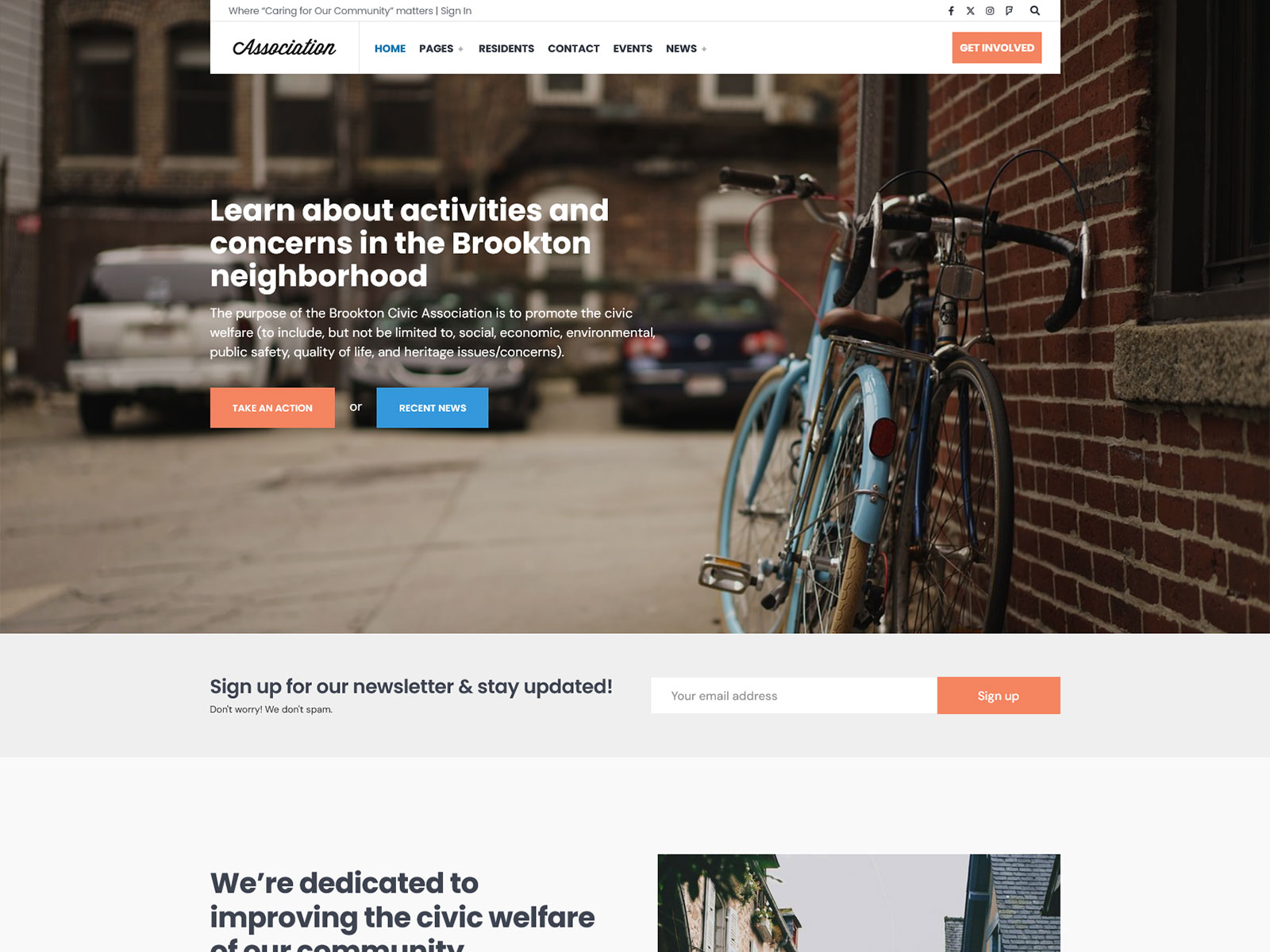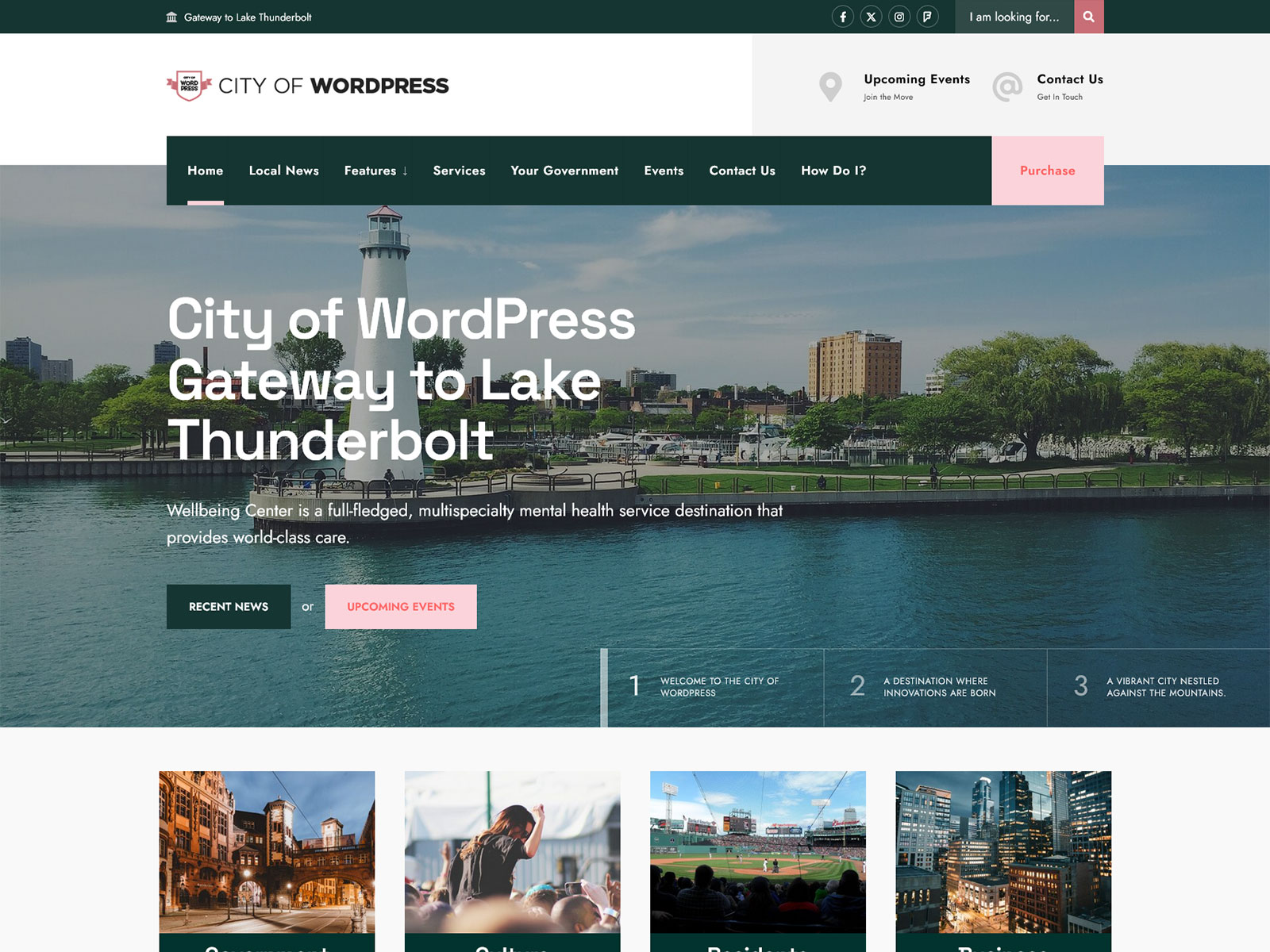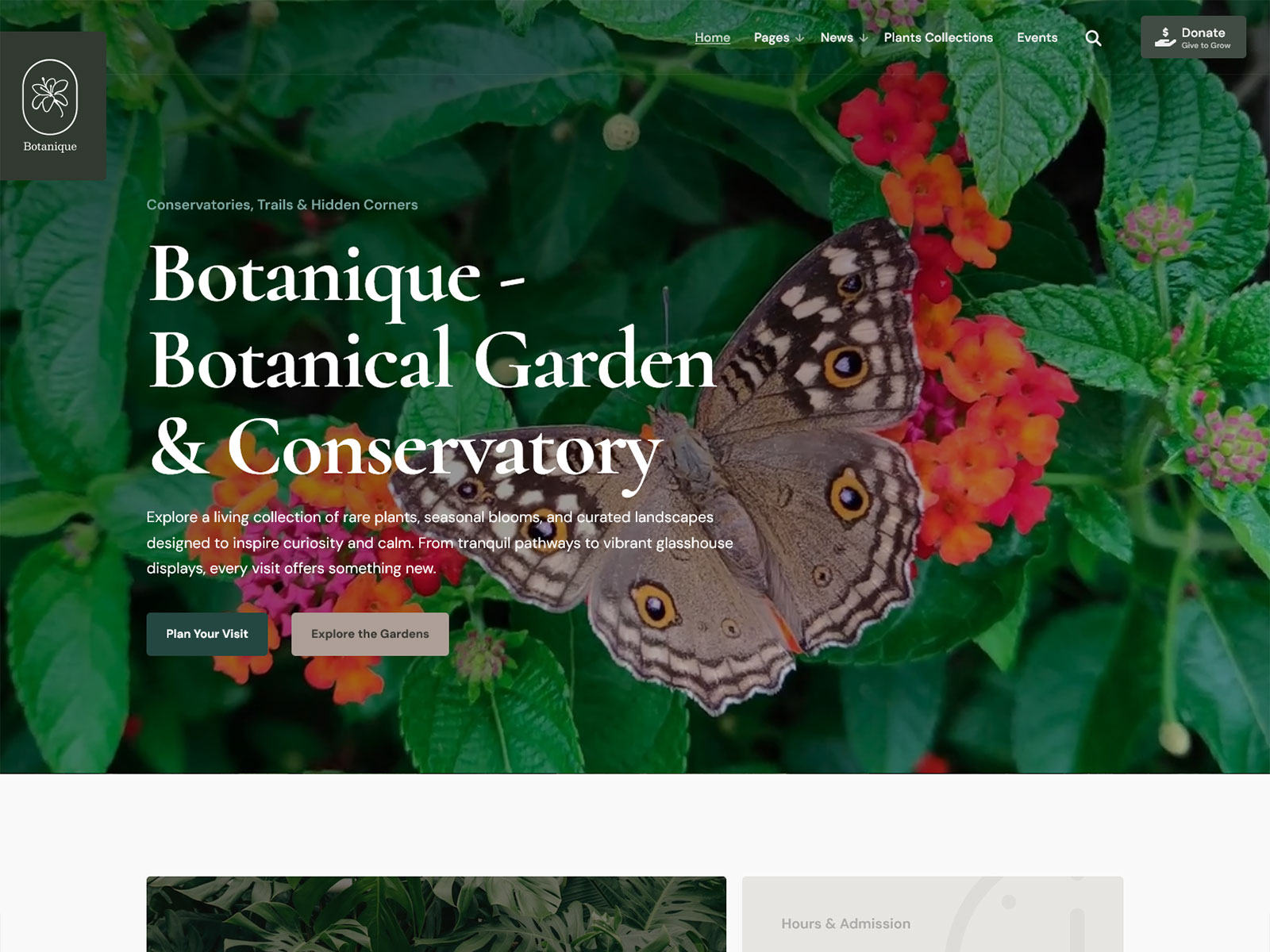
The WordPress Theme for Municipalities, Villages & Small Towns With Citizen-Focused Features
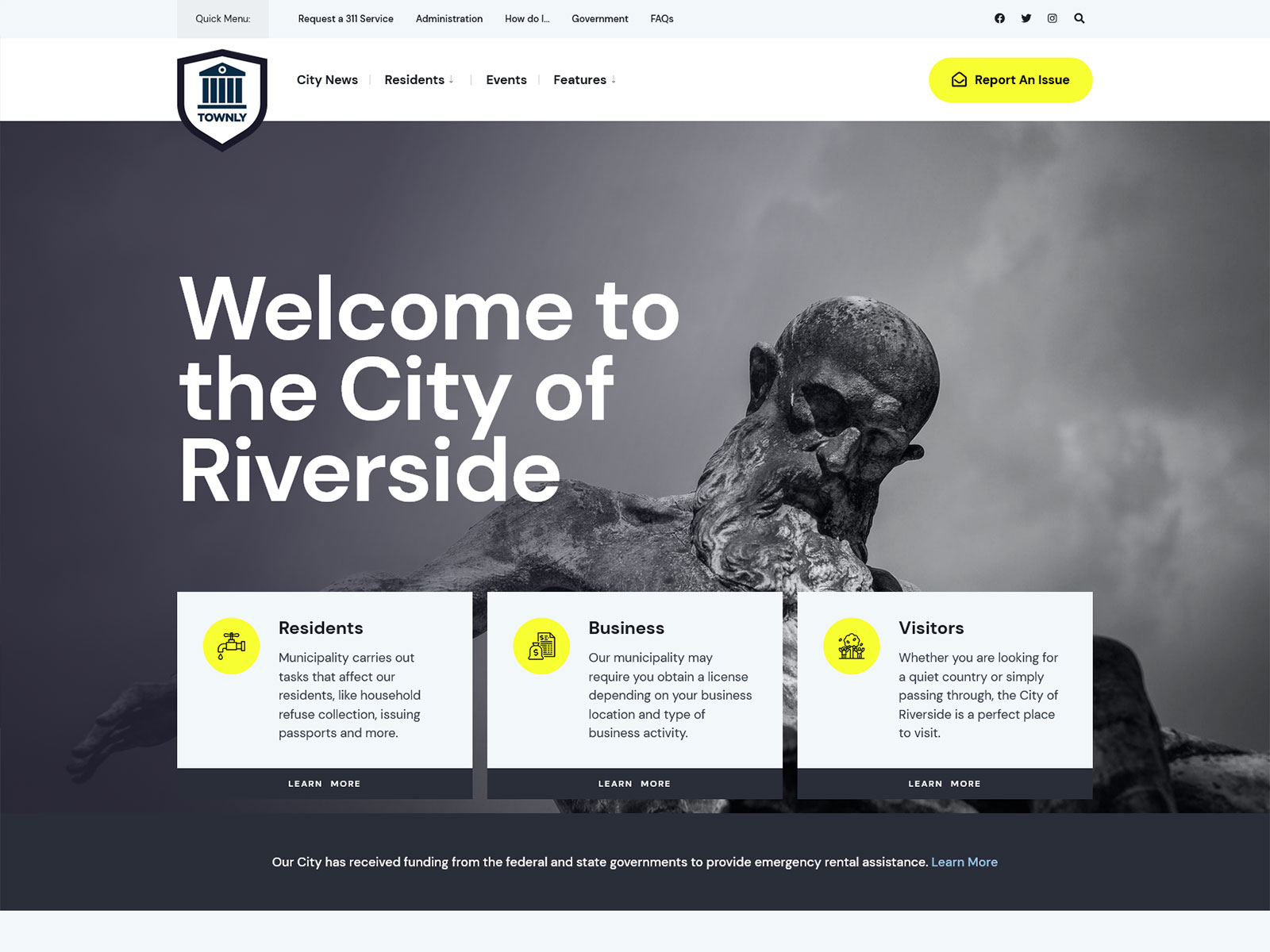
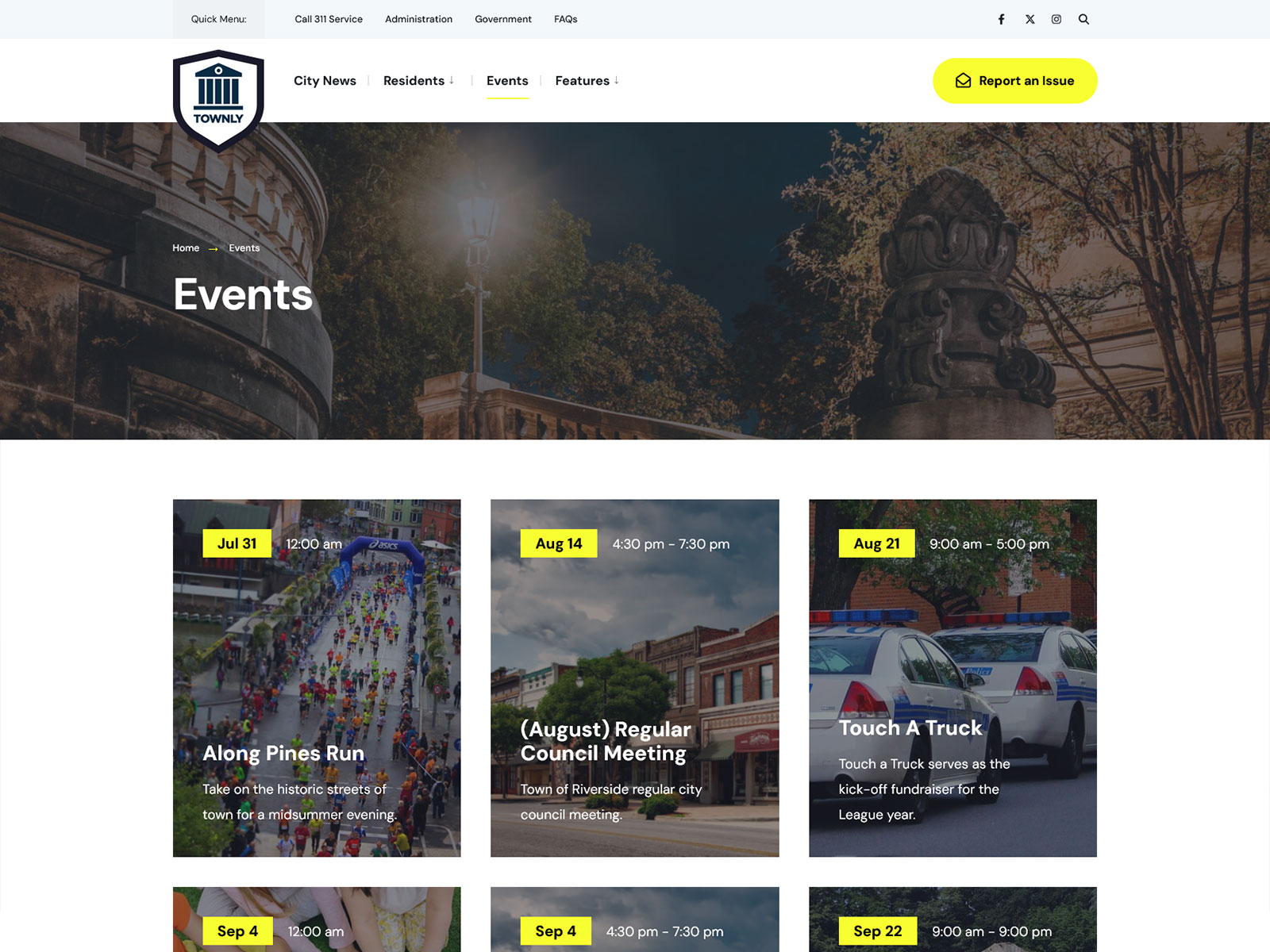
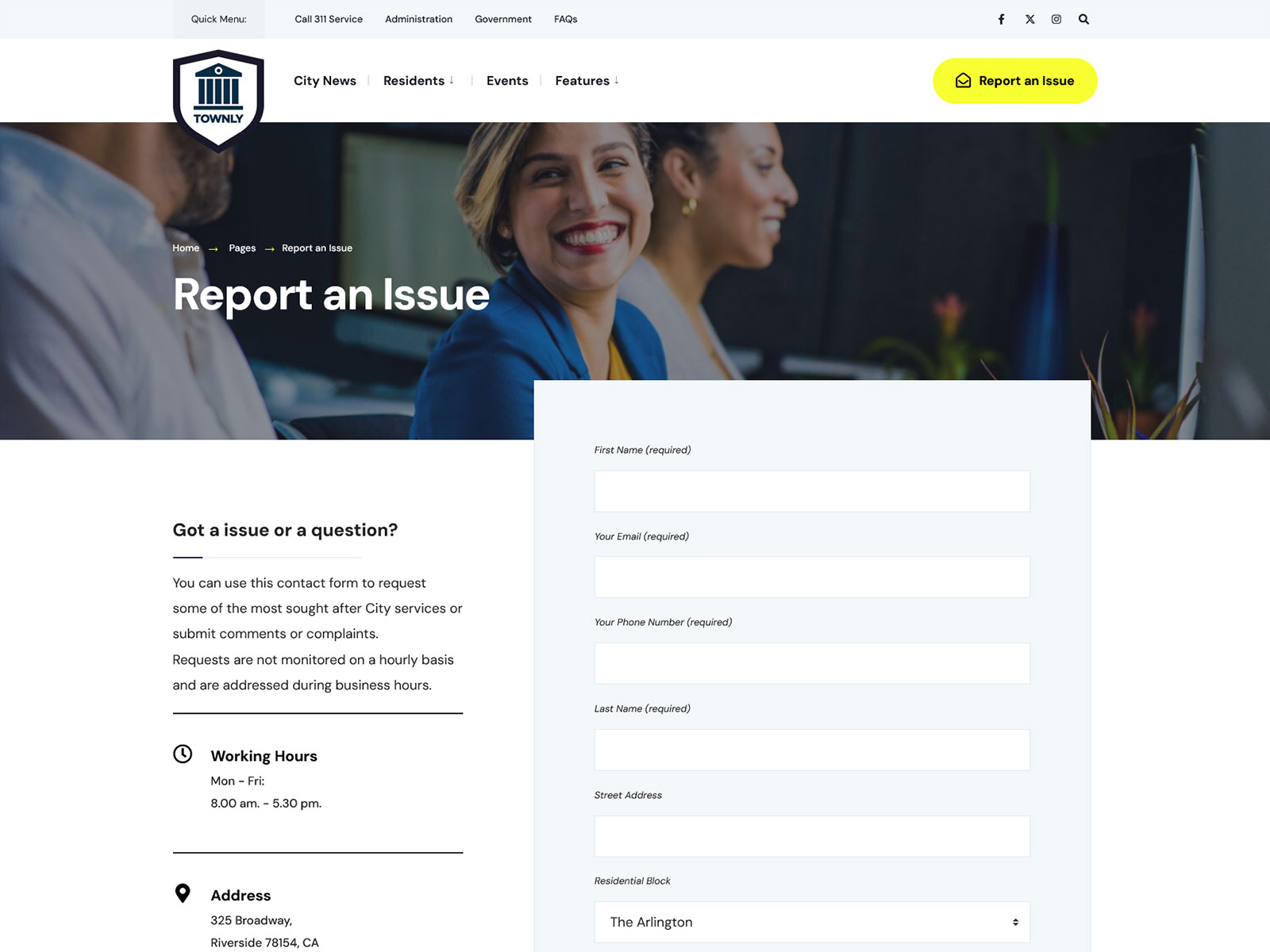
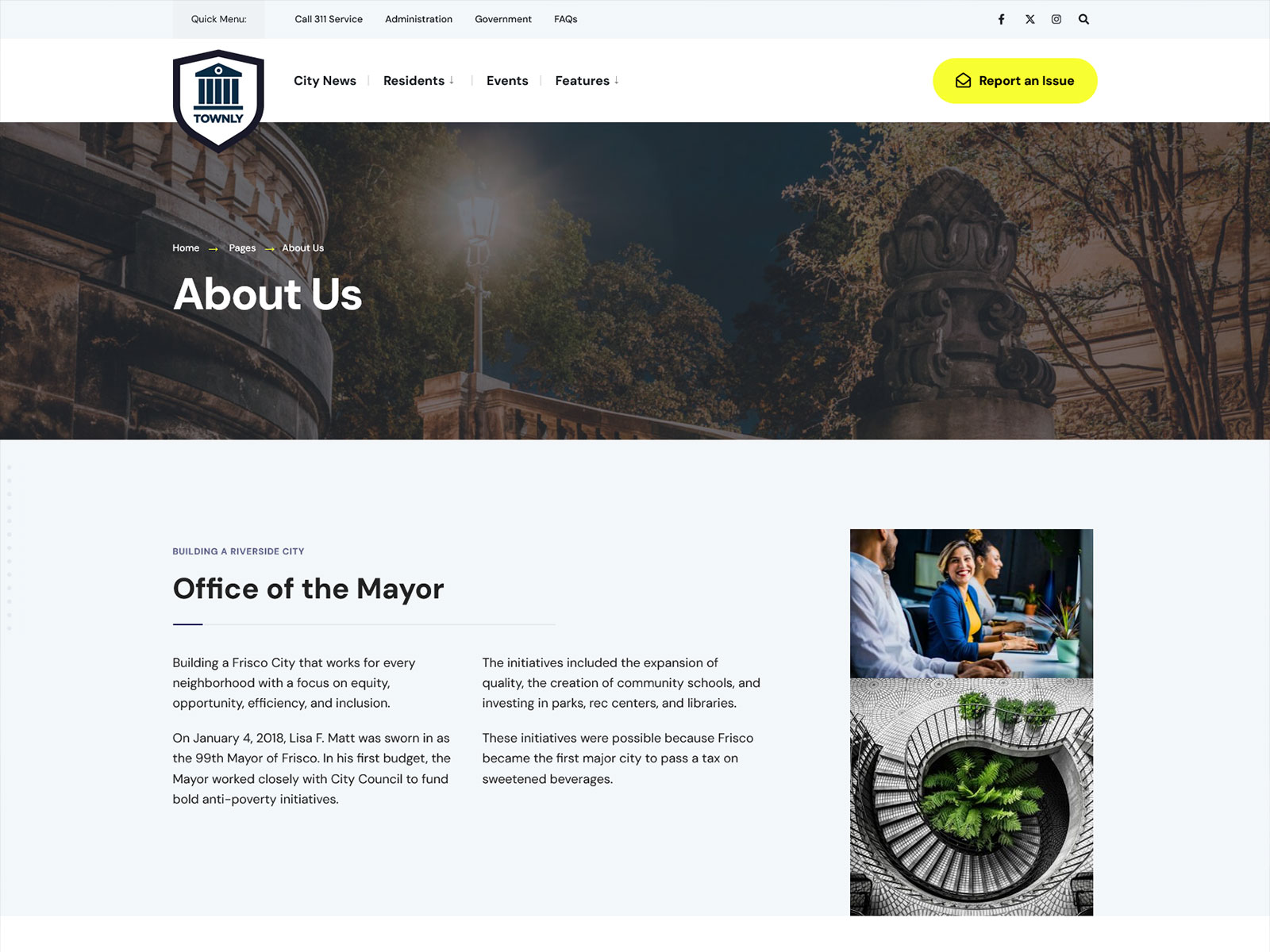
Townly is an accessible WordPress theme dedicated to municipalities, villages, and any other government website you may be managing. The theme comes with one-click demo import, custom Elementor layouts, and WCAG accessibility support, all features commonly needed by small-town web teams. What makes Townly different from a typical multi-purpose theme is that it was designed to match the content and style of your government WordPress website.
Who uses Townly?
Municipal Clerk or Town Administrator
You need a public-facing site that meets basic accessibility standards and is easy for non-technical staff to update. With Townly, anyone can use the Elementor page builder to edit any pages without writing code, and the site will always have ADA-friendly markup.
Village or Small Town Web Committee
You are building a new site on a tight budget and cannot afford a custom theme. With the one-click demo import, you will be able to launch your website in less than an hour, and the child theme provided will enable customisation without losing update capabilities.
NGO or Civic Organization Manager
You need event listings, contact forms, and a news section that local residents can browse on mobile. This municipality template comes with integration with Events Manager and Contact Form 7 so that these sections function without any issue.
WordPress Developer Building for a Client
Your client is a local government or community organization with no dedicated developer. Townly theme includes a child theme, HTML5 & CSS3 validity, and Elementor compatibility.
What Townly includes
- ADA and WCAG Accessibility Compliance: Accessibility compliance is often a legal requirement for government websites. Townly follows WCAG standards by default, reducing the time and cost typically required to improve accessibility.
- One-Click Demo Import: The full demo layout imports in a single click, including pages, widgets, and menu structure. This comes in handy when you do not have much time for building your own unique design from scratch.
- Elementor Page Builder Integration: Every layout section is editable through Elementor’s drag-and-drop interface. Non-technical staff can update content, add event notices, or swap out images without filing a support ticket.
- Lightweight and Fast Core: The theme does not load scripts and styles it does not need. That keeps Time to First Byte low and supports good Core Web Vitals scores, which directly affect how your site ranks in search results for local queries.
- Translation Ready: If your municipality serves a bilingual community or you need to publish content in multiple languages, the theme supports translation plugins without extra configuration or code changes.
- Child Theme Included: A child theme ships in the package, so any customisations you make are safe from overwrite when a theme update releases. This is a basic requirement for any site with long-term maintenance needs.
Core Architecture and Theme Specs
| Category | Plugin(s) |
|---|---|
| Page Builder | Elementor (free), Elementor Pro |
| Events | Events Manager |
| Forms & Email | Contact Form 7, Mailchimp for WP |
| eCommerce | WooCommerce |
| Performance | Autoptimize |
| Classic Widgets | Classic Widgets |
| Translation | Translation ready (compatible with WPML, Polylang) |
| SEO | SEO-optimized markup (compatible with Yoast SEO, Rank Math) |
| Code Standards | Valid HTML5, CSS3, WordPress coding standards |
| Editor | Gutenberg compatible |
How people use Townly
Municipal information portal for a small town: Use the pre-built page templates for town history, administration team, and FAQ to build a public information site residents can navigate on mobile. The archive and search templates handle news posts and council announcements without custom development.
Local government site with event listings and issue reporting: Pair Townly with the Events Manager plugin to publish a public calendar of council meetings, community events, and deadlines. Add the built-in “Report an Issue” page template and Contact Form 7 to give residents a structured way to submit requests to your office.
Village site managed by non-technical staff: Set up the layout of the site with one-time use of the Elementor (drag&drop editor), and give control over the editing to a municipal clerk or volunteer. The visual builder doesn’t require coding skills; the child theme allows custom changes made by staff to survive subsequent upgrades of the base theme.
Why a focused theme outperforms multipurpose themes for government sites
Multipurpose themes ship features for dozens of use cases: e-commerce, portfolios, landing pages, restaurants, real estate. Your municipality does not need any of that. But those features still load. Every extra JavaScript file, unused CSS rule, and unneeded plugin dependency adds weight to every page request. That weight slows your site and penalises your Core Web Vitals scores.
Townly does not include a WooCommerce storefront layout, a restaurant menu template, or a portfolio grid. It includes what a WordPress local government site actually needs. That narrower scope means fewer HTTP requests per page load, a smaller CSS footprint, and no JavaScript initialising widgets you did not ask for.
This matters more for civic and municipal sites than for commercial ones. Local government sites are often accessed on lower-end mobile devices and slower connections. A page that loads in 1.8 seconds on a modern laptop may load in 4+ seconds on a mid-range Android phone on a rural mobile network. A focused theme that avoids loading unused scripts addresses that gap directly. Combined with Autoptimize for CSS and JS minification, Townly is set up for the kind of performance that translates into real usability for your residents, not just a better score on a benchmarking tool.
Frequently asked questions
Why buy directly from Themnific instead of ThemeForest?
Buying direct saves you $10 compared to the ThemeForest listing price. The license is identical. You also get earlier access to updates and new releases before they reach the marketplace, and your purchase goes directly to the developer maintaining the theme.
Does Townly require Elementor?
Townly is an Elementor-based theme, and the demos are based on Elementor templates. The free version of Elementor will work fine with Townly’s core functionality. Elementor Pro is also recommended since it will provide additional widget functionality and dynamics, but it is not required to achieve desired results with the theme.
Does Townly work for a site that needs to publish meeting minutes and council agendas?
Yes. You can use WordPress’s standard page or events posts to publish meeting minutes, agendas, and public notices. Townly includes archive templates and a search template that make that content browsable. For structured document downloads, you would add a file management or document library plugin separately the theme does not include one natively.
What support is included with the purchase?
Every purchase includes access to Themnific’s support portal and the online documentation for Townly. Support covers theme-specific issues: installation, demo import, layout questions, and compatibility with the listed plugins. It does not cover general WordPress help, plugin configuration beyond listed integrations, or custom development work.
Will Townly keep working after future WordPress updates?
Townly is actively maintained and listed as compatible with the latest version of WordPress. The theme has been in continuous development and is tested against new WordPress releases as they arrive. Active maintenance means critical fixes and compatibility updates are applied when WordPress or Elementor release breaking changes. As with any theme, applying updates promptly on your end is also recommended.
Change Log
// 30 July 2026 //
Version 1.5
- added: automatic Elementor setup
- improved: post colors and dimensions management (theme.json)
- fixed: select dropdown arrows
- updated: translation file

Version 1.4
- updated: Townly Addons plugin

Version 1.3
- updated: Townly Addons plugin
- added: Lightbox for Gallery plugin support
- improved: Redux Framework inclusion inside the theme_setup function

Version 1.2
- updated: TGM activation
- updated:
- added: new social networks
- updated: XML file
- disabled: dev mode in the admin panel

Version 1.1
- updated: Events Manager compatibility

Version 1.0
- initial release