The WordPress Theme for Landscape Architects, Gardening Firms & Exterior Design Consultancies
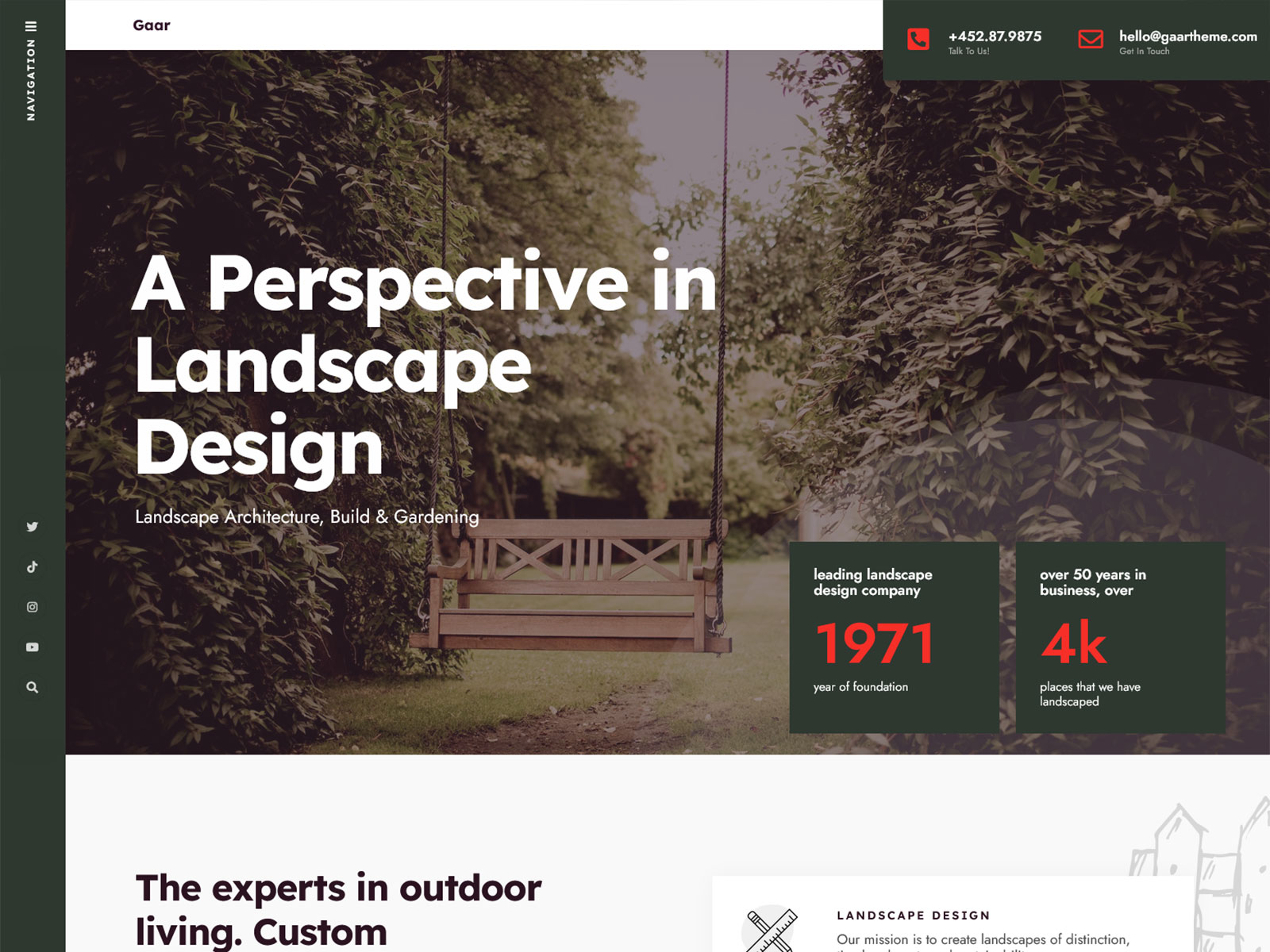
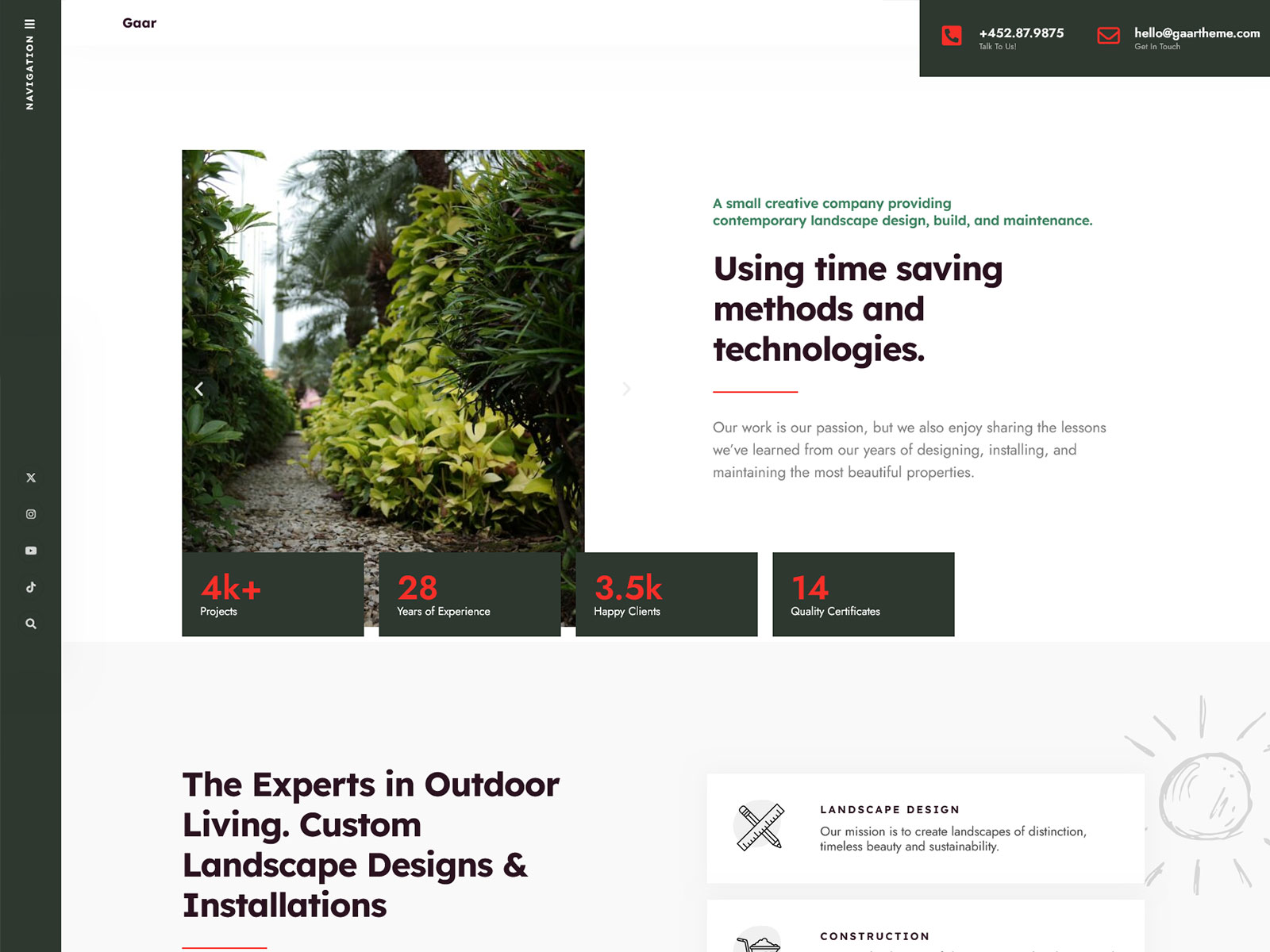
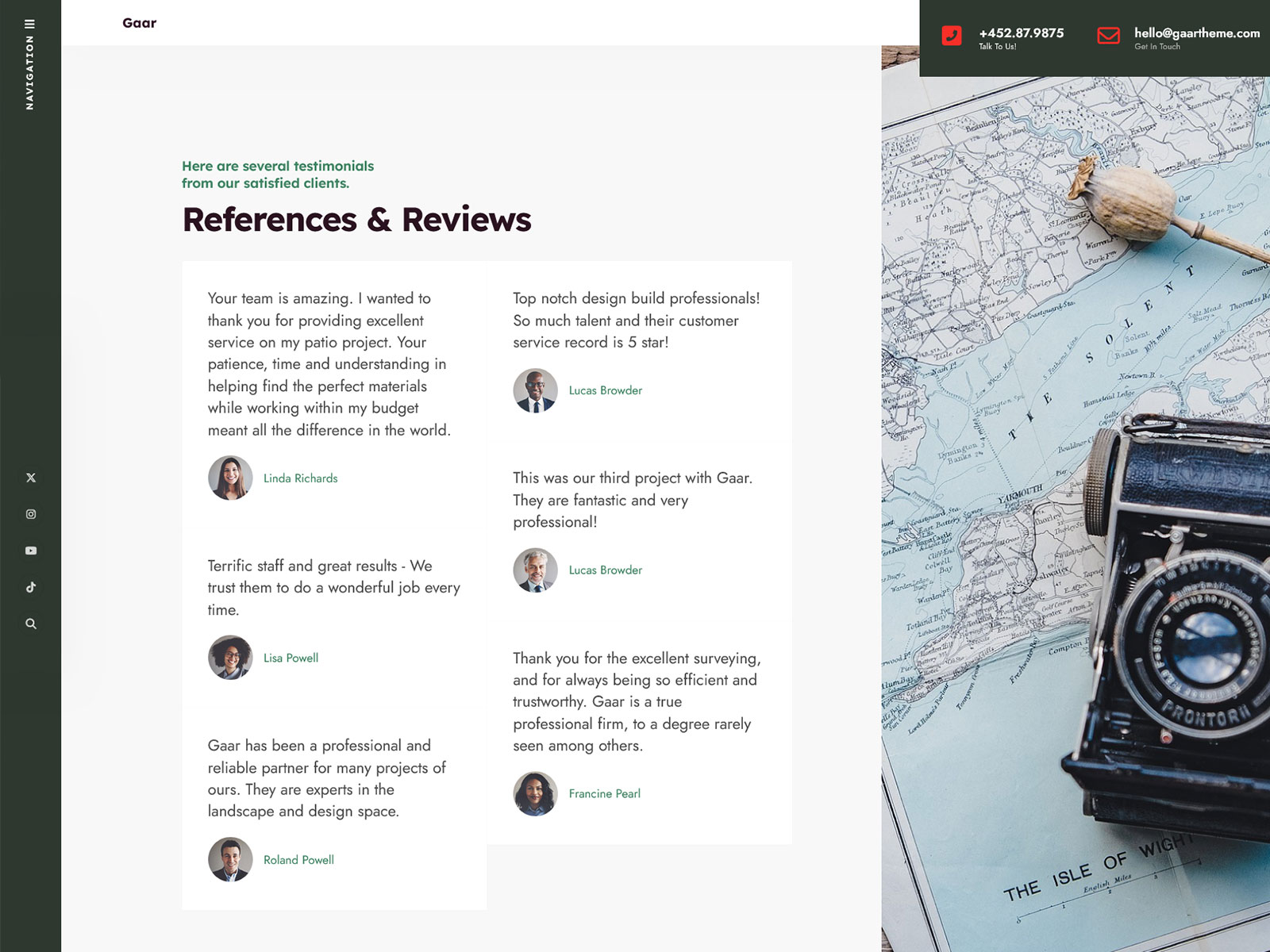
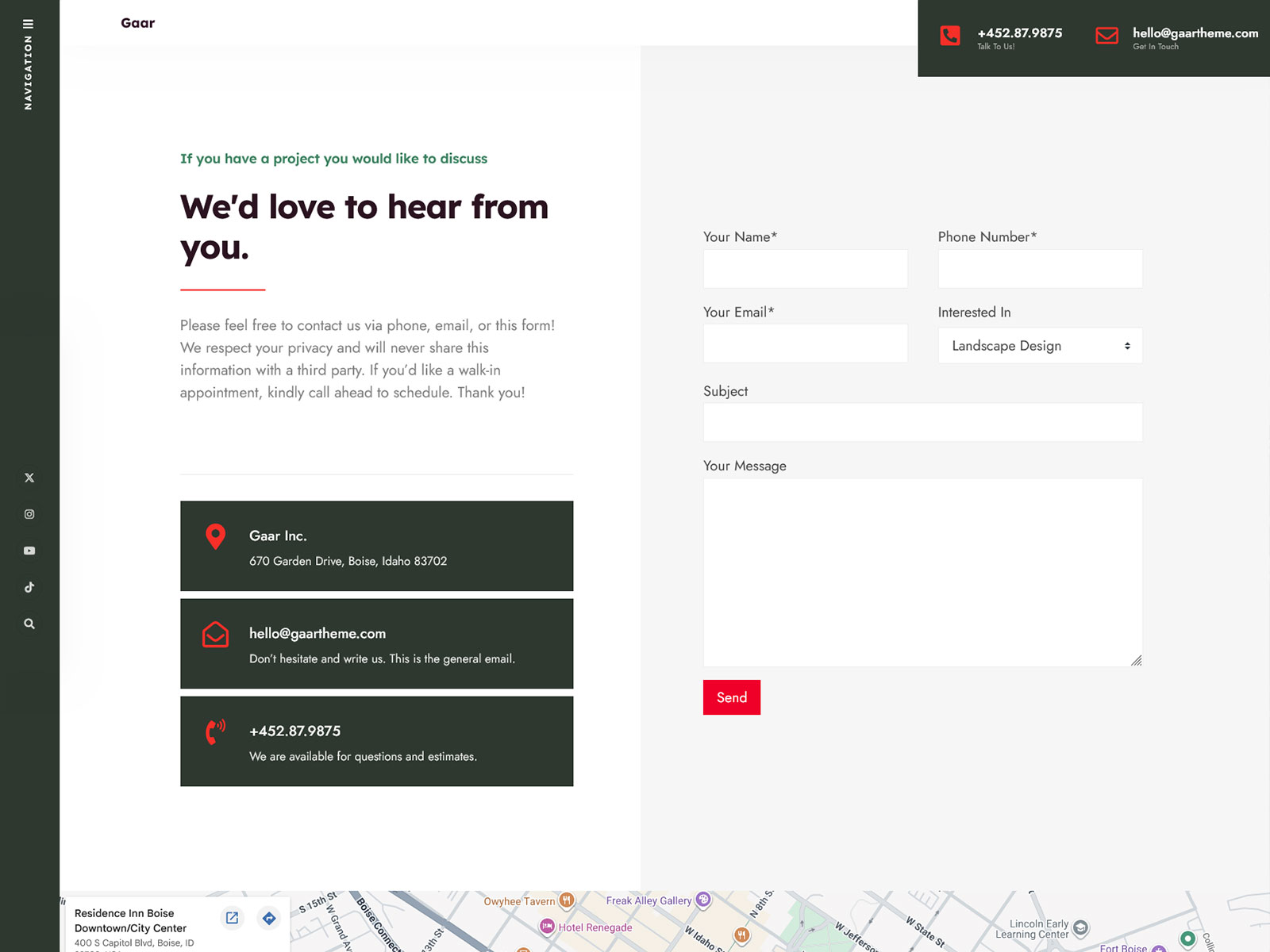
Gaar is a WordPress theme designed specifically for landscapers, gardeners, and exterior design companies, who need an industry-specific website but don’t have the time or budget to build one from the ground up. Some of its features include the Projects custom post type, Elementor integration, and one-click demo import. Unlike general business themes, Gaar ships with layout defaults and content structures that match how landscape and garden service businesses actually present their work.
Who is this for?
Landscape Architecture Studio Owner
You need a project portfolio that looks credible to commercial clients browsing on desktop. The built-in Projects custom post type lets you display completed works with proper structure, no page-builder workarounds needed.
Local Garden Design Consultancy
You want a website that ranks in local searches and converts visitors into inquiry calls. Gaar’s SEO-optimized code structure and Contact Form 7 compatibility cover both without additional plugins.
Exterior & Grounds Maintenance Company
You need service pages, a news section, and a contact form live within days, not weeks. One-click demo import gives you a working layout to edit rather than a blank canvas to fill.
WordPress Developer Building for a Client
Your client runs a small landscaping firm and expects a handoff they can manage themselves. Gaar includes a child theme and Elementor compatibility, so the client edits content without touching code.
Features
Projects & Works Custom Post Type: Landscape firms need a structured way to present completed projects. This dedicated CPT keeps portfolio content separate from standard posts and lets you display project details cleanly without custom coding.
Elementor Page Builder Integration: Drag&drop page builder allows you to make edits and see changes immediately. Since there are no specific shortcodes for your theme, you can easily reuse your content if you need to switch your builder.
One-Click Demo Import: You can import the entire demo site in just one-click. You will get a working website right away with placeholder content ready for editing, which will save you a lot of time.
SEO-Optimized Code Structure: The theme outputs clean HTML5 with proper heading hierarchy and structured markup, giving search engines a clear page structure. This matters for landscape architecture firms competing in local search results.
Child Theme Included: Customizations live in the child theme, not the parent. WordPress core updates and theme updates do not overwrite your changes, reducing maintenance risk for long-running client sites.
Translation Ready: The theme uses standard WordPress localization functions throughout. Any string in the theme is translatable via .po/.mo files or WPML, which matters for garden design firms operating in multilingual regions.
Core Architecture & Theme Specs
| Category | Plugin(s) |
|---|---|
| Page Builder | Elementor (free), Elementor Pro (optional) |
| Custom Post Types | Local Business Addons by Themnific (Projects & Works CPT) |
| Forms & Email | Contact Form 7, Mailchimp for WP |
| Performance | Autoptimize |
| Widgets | Classic Widgets |
| eCommerce | WooCommerce |
| Translation | Translation Ready (.po/.mo), WPML |
| SEO | Compatible with major SEO plugins |
Use cases
Portfolio Site for a Landscape Architecture Firm: Use the Projects & Works CPT to create a categorized project library with individual project pages including project scope, location, and photos. Set the Elementor homepage template to lead with a featured projects grid and a single call-to-action linking to your contact form.
Service Area Website for a Local Garden Design Company: Build dedicated service pages (planting design, lawn care, seasonal maintenance) using Elementor layouts, and add a news section to publish seasonal content targeting local gardening WordPress theme search queries. Contact Form 7 handles inquiry submissions without an additional plugin.
Multi-Service Exterior Consultancy Website: Use the homepage demo layout as a starting point, then extend it with separate Elementor page templates for each service vertical. The child theme lets a developer add custom CSS per section without risking theme update conflicts, keeping the site stable for a long-running client relationship.
Why it’s better than generic themes
Multi-purpose WordPress themes come equipped with scripts that cater to dozens of use cases you may never need, including WooCommerce design, event calendar actions, magazine design templates, photography portfolio designs, etc. The problem is that this code runs regardless of whether you need it on every single page. In this way, it makes your JavaScript and CSS files unnecessarily heavier, increasing your Largest Contentful Paint and Total Blocking Time scores.
Gaar loads only what a landscape architecture or garden design site actually needs. No unused WooCommerce scripts. No magazine-layout CSS. The codebase targets one niche, so the stylesheet stays lean and the JavaScript footprint stays small. For a local garden design WordPress website competing in a regional search result, page speed is often the difference between ranking in the top three and ranking on page two.
Autoptimize compatibility adds another layer. You can concatenate and minify the theme’s CSS and JS output without conflicts, because the theme follows WordPress enqueue standards throughout. There are no inline scripts or hardcoded style tags fighting the optimizer.
FAQs
Does this theme require Elementor?
Gaar is built for Elementor and the demo content is designed around it. The free version of Elementor is sufficient for most layouts. Elementor Pro adds features like form widgets and theme builder, but it is optional. Without Elementor, the theme will function, but the demo layouts will not display as intended.
Can I show before-and-after photos of landscaping projects on this theme?
Yes. The Projects custom post type gives each project its own page where you can add images, descriptions, and project details. Before-and-after photos are standard image content. You would upload them as a gallery or side-by-side using Elementor’s built-in image widgets. No separate gallery plugin is required for basic use.
What support is included with the purchase?
Issues relating to the installation process, demo import difficulties, and bugs in the theme code are covered by support. Support does not cover issues related to third-party plugins that are not listed as officially compatible.
Will this theme keep working after future WordPress updates?
Gaar is actively maintained. The theme follows WordPress coding standards and is tested against new WordPress releases. Active maintenance means known compatibility issues are patched as the WordPress core evolves. Themes that are not maintained tend to break quietly over time. Check the changelog on the product page for the most recent update date before purchasing.